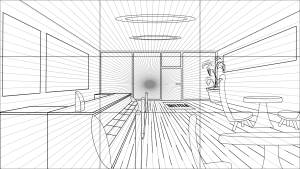
For this week’s challenge, we were tasked with creating a perspective drawing. I began the process on Adobe Photoshop then switched to Clip Studio Paint. To start with, I added a 3×3 grid and a one-point-perspective guideline. I altered the opacity of the lines to a lower opacity so I was able carefully draw over the lines where necessary.
My inspiration for this drawing is an ice cream shop.
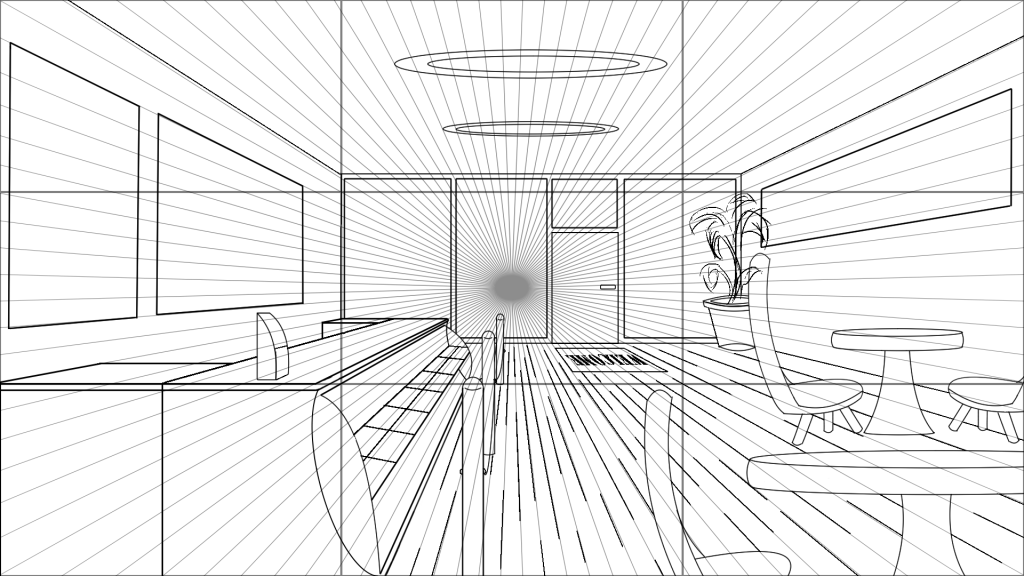
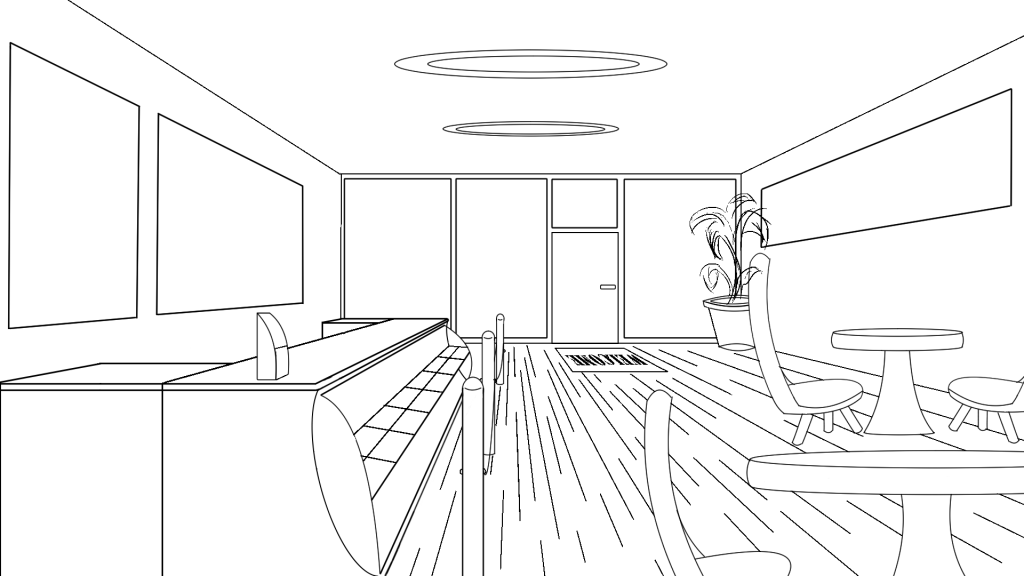
During the process of creating this drawing, I experimented with the different tools that are available to me on the software. To begin with, I used the “straight line” tool and to mark the outline of the room and later began to slowly add in detail. Throughout creating this drawing the tool that I used is the shape tool.
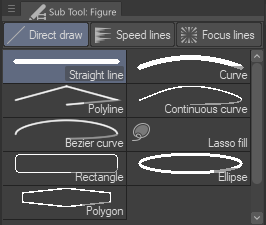
By experimenting with the shapes tool, I was able to create the posters and menu shown in the final outcome. By selecting the “Rectangle” option, I could alter the angle of the corners so they weren’t too sharp or too rounded.
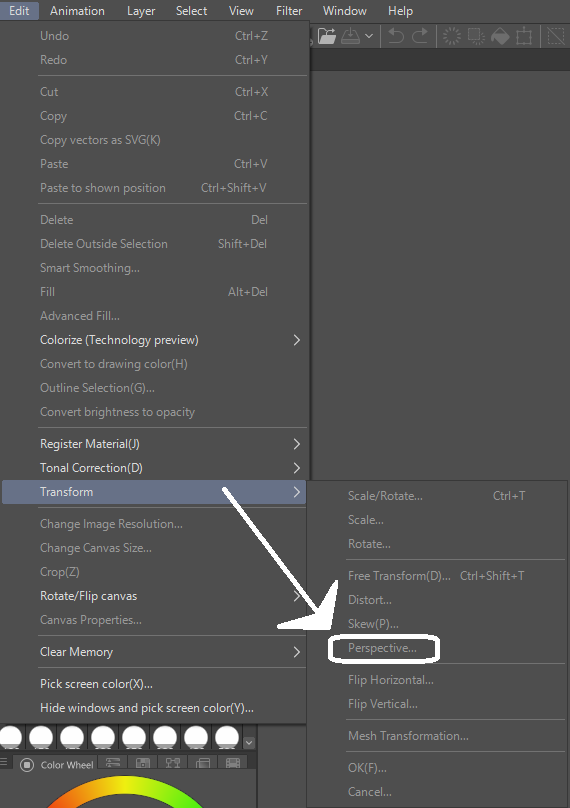
In order to create the poster, I imported an image from the movie “Howl’s Moving Castle” (STUDIO GHIBLI INC, 2022) and used the perspective tool to warp the image so that it would fit the initial shape that I had created prior. The perspective tool allows me to alter an image/shape to a perspective that you prefer.
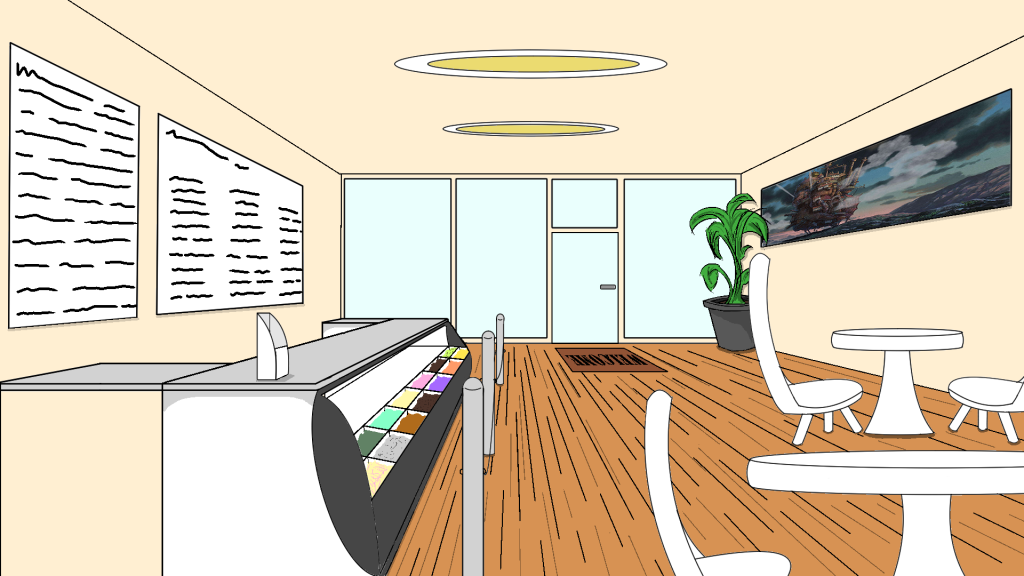
Final Thoughts
Overall, I am satisifed with the outcome of the perspective drawing in terms of the accuracy of the one-point-perspective; however, in regards to what the drawing is of, I intend to improve on the things that I could have added to the overall image. Furthermore, I believe that I could alter the colours used as they seem very pale looking and not as realistic as I had intended the drawing to be.
STUDIO GHIBLI INC (2022) ハウルの動く城(2004). Available online: https://www.ghibli.jp/works/howl/#&gid=1&pid=11 [Accessed 02/12/22].