For our third prototype game, we were tasked to create a Top-Down Shooter. For its assets, I created them within Clip Studio Paint with 256 x 256 dimensions.
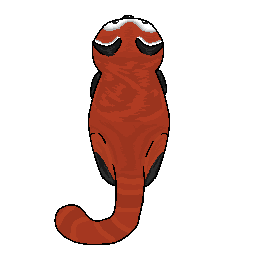
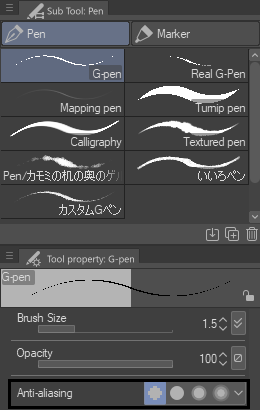
My theme for this prototype is a red panda shooter, so for its player I opted to design the player as a red panda. In order to create the player, I used the default G-Pen tool with no anti-aliasing to draw out the outline of the red panda. By selecting ‘None’ for the ‘Anti-aliasing’ option, I am able to draw freely without extra faint pixels being created with the pen as I draw. Due to having no anti-aliasing, I am able to create smoother curves for the overall shape of the red panda and the shape language of the player appears more softer.
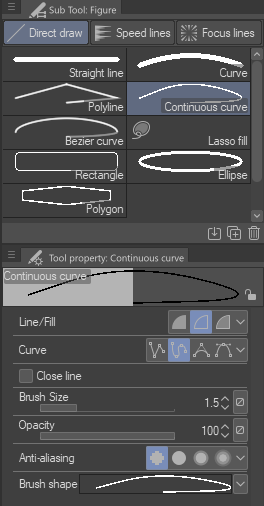
My next steps were to use the curved line tool to create the ear of the panda to ensure that the curves of the ear were accurate. Following on from this, I copied and pasted the ear that I had drawn and through the ‘Edit’ window, I selected to transform and flip the layer and move the copied layer to the appropriate position. I applied the same technique when creating the tail of the panda.
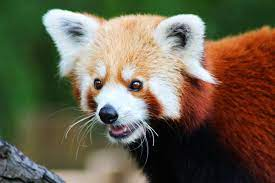
As for the colour and the general shape of the red panda, I used a reference (Magdalena Smyczek, 2019) to ensure that the colours and shape were accurate to the real thing.
Furthermore, throughout the process of designing the player, I used the copy and paste tool for the layers to ensure that the animal remained symmetrical.
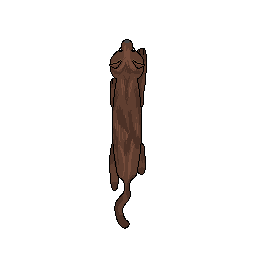
In addition to the player, I needed to create enemy sprites. My inspiration for the enemies were the natural predators (Marwell Wildlife, n.d) of the red pandas species, which are:
- martens
- snow leopards
- and humans.
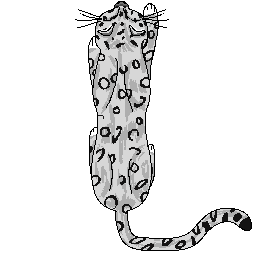
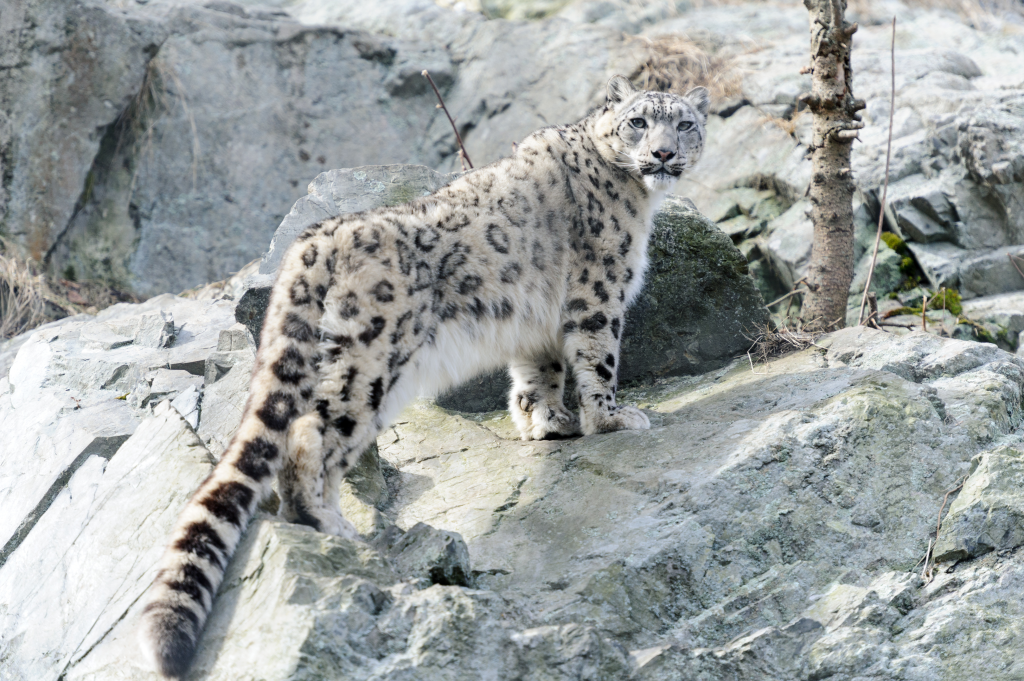
I applied the same techniques to the enemy assets as I did to create the player sprite. When designing the markings on the snow leopard, I enlarged the size of the brush and lined out simple markings around its body. Throughout the process of creating my enemy sprites, I used references of the real animals (Eric Kilby, 2014) (Bailey Parsons, 2013) to ensure that the accuracy of the colour and shape of the enemies were of suitable standard.
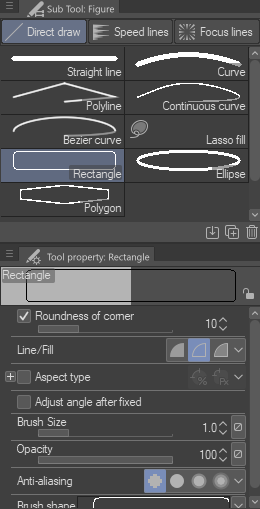
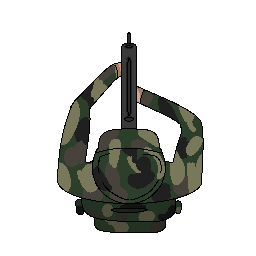
In order to create the rifle for the enemy asset, I used the rectangle shape tool and altered the roundness of the corners so it would be slightly curved. I didn’t want to create a complicated design for the enemy sprite, so I opted to produce enemy designs that were minimalistic.
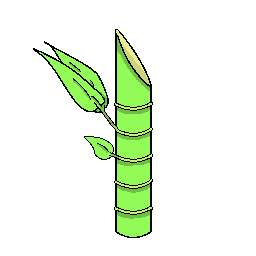
As the theme for this game surrounds the animal red panda, I believed that a bamboo projectile would be appropriate for the prototype as it links together with the player sprite being a red panda. As the bamboo is being used as a projectile, I designed it so that the bamboo was cut at an angle so there would be a sharp edge to emphasise the danger of the projectile.
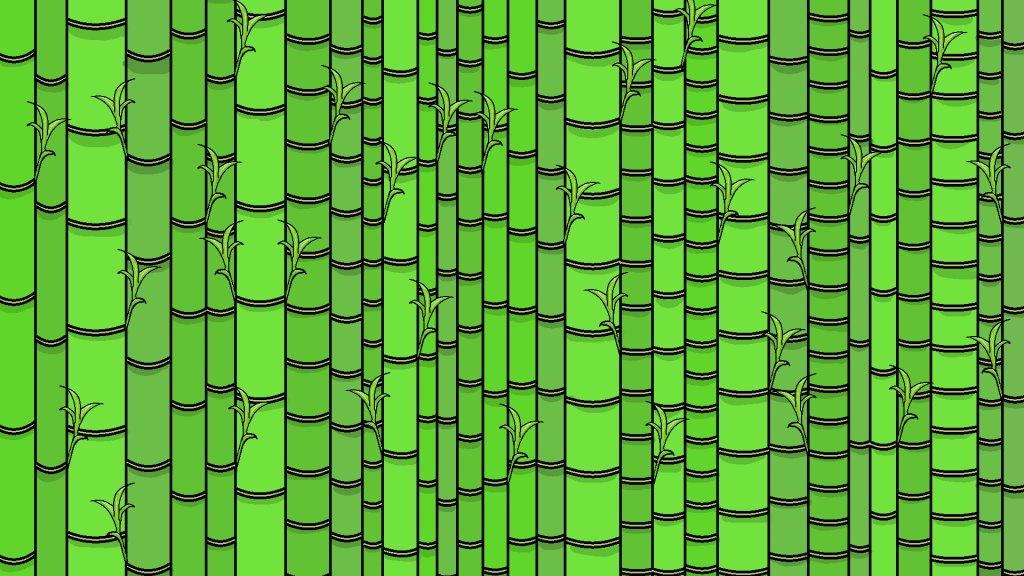
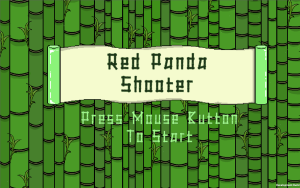
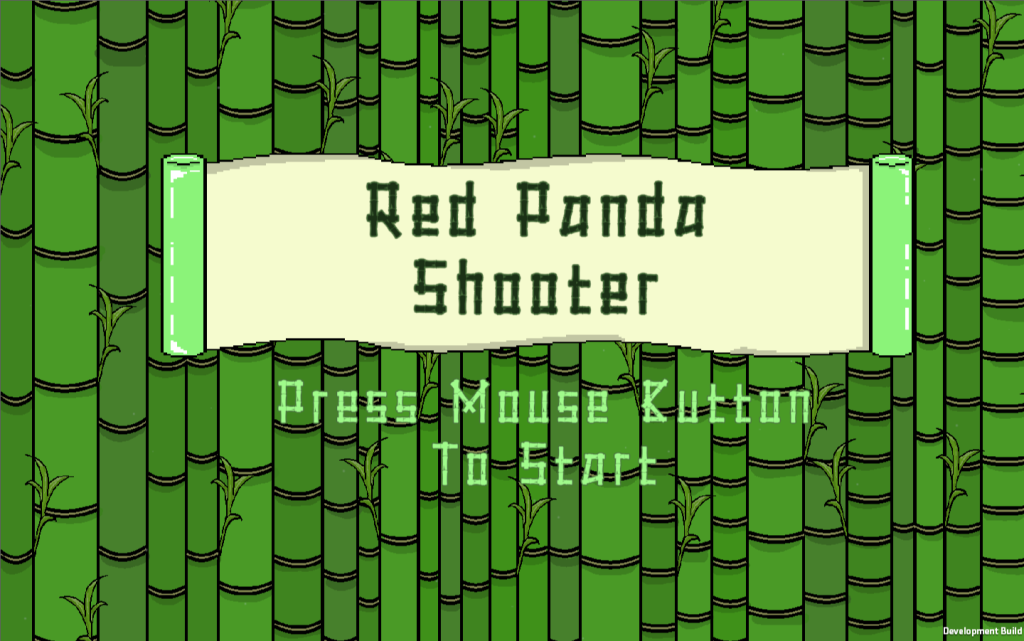
The image above is the background for the menu that I created through Clip Studio Paint. The idea behind this is that the setting of the prototype game is in a bamboo forest, with the red panda (the player) and the bamboo projectile being at the centre of it; so you, the player, are greeted with a forest of bamboo before entering into the main screen.
During the process of designing the menu background, I noticed that the use of the same green colour made it look very dull; therefore, I decided to alter the colour and use different shades to make some of the bamboo stand out. In hindsight, I think that I could have used the different shades of green better as I could have added a darker green shade for the shadows to indicate that there were bamboo located at the back, and not that they were all scattered together at the foreground.
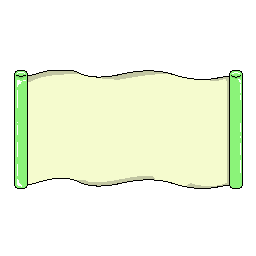
As for the image on the left, I designed a traditional scroll as a UI to be used as the title and restart button. The process behind this was to create a very pale yellow colour for the paper of the scroll with a light green for the handle of the scroll to resemble jade. Throughout the design process, I used the same techniques to ensure symmetry of the UI button.
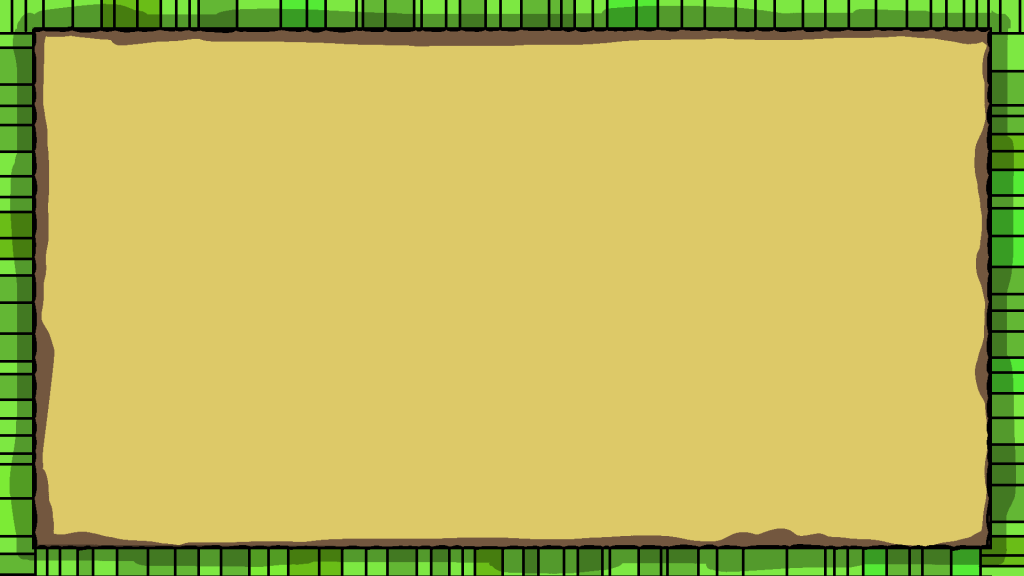
I had also designed a background for when the game starts, but I felt that it wasn’t what I had in mind. I think that I could have experimented with different colours and altered the appearance of the bamboo border that framed the prototype, but due to time restrictions I was unable to.
Improvements
After creating the assets for my top-down shooter, I would have liked to create different sprites that had a specific style so I could design the enemies that followed shape theory. To elaborate, I think that a specific artistic style would have greatly improved my prototype game as I could have created enemies with sharper or angular designs to accentuate the danger of them. This is because the enemies that are animals have very similar shape, as they are all very rounded, much like the player; so although it is clear that they are the enemy, it could be improved.
Final Thoughts
Overall, I am satisfied with the outcome of my asset designs as I was able to experiment with using different references for the sprites. I think that the assets could use a lot of improvement if I experimented more with colour and shape theory, so I would like to try that in future art work!
Magdalena Smyczek (2019) File: red panda in Chorzów zoo.jpg. Available online: https://commons.wikimedia.org/wiki/File:Red_panda_in_Chorz%C3%B3w_ZOO.jpg [Accessed: 5/12/2022].
Marwell Wildlife (n.d) Red panda. Available online: https://www.marwell.org.uk/animal/red-panda/ [Accessed: 5/12/2022].
Eric Kilby (2014) File: Snow leopard climbing rocks (13360204225).jpg Available online: https://commons.wikimedia.org/wiki/File:Snow_Leopard_Climbing_Rocks_%2813360204225%29.jpg [Accessed: 5/12/2022].
Bailey Parsons (2013) File: Newfoundland pine marten (cropped).jpg Available online: https://commons.wikimedia.org/wiki/File:Newfoundland_Pine_Marten_%28cropped%29.jpg [Accessed 5/12/2022].