Setting the Scene
Space
To begin with, I started with the first scene that’s set in Space.
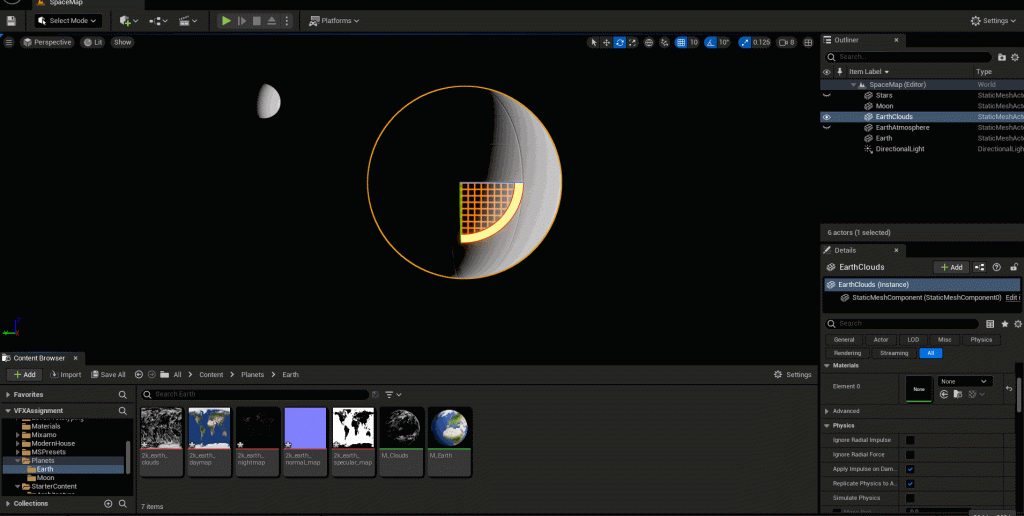
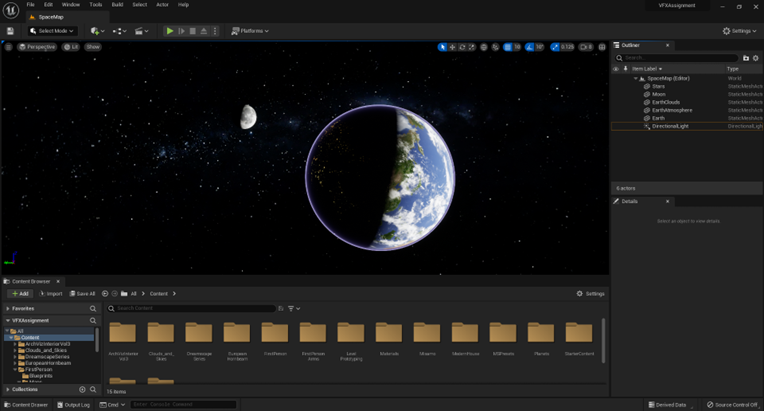
To do this, I followed a YouTube tutorial (I See 3D, 2021) and downloaded textures (SolarSystemScope, 2019) which contained Earth, Clouds, Moon and Stars.
Within Unreal Engine, I created an empty level and created a sphere within the modelling editor mode. Using the newly created spheres, I duplicated and resized as appropriate to present the Moon, Earth and Earth’s accompanying pieces.
As the spheres have no materials attached to them, according to the tutorial, my next steps are to create materials and applying the free textures that I had downloaded from the SolarSystemScope website onto the empty materials.
Once the materials are created, I drag and drop them onto the spheres within the viewport.
Sky & Field
The next scene that I need to create is the sky scene. For this level, I followed a YouTube tutorial uploaded by Buvesa Game Development, 2022.
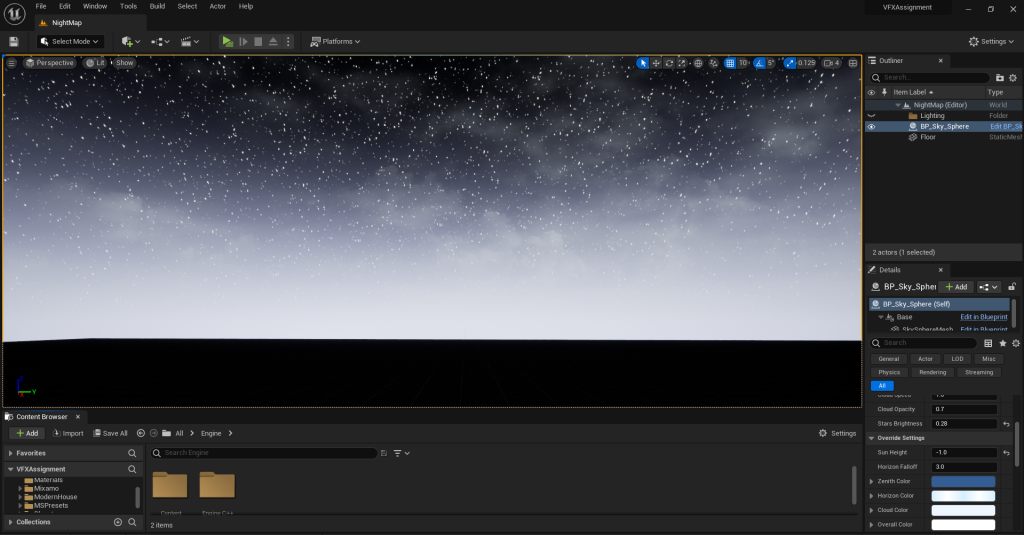
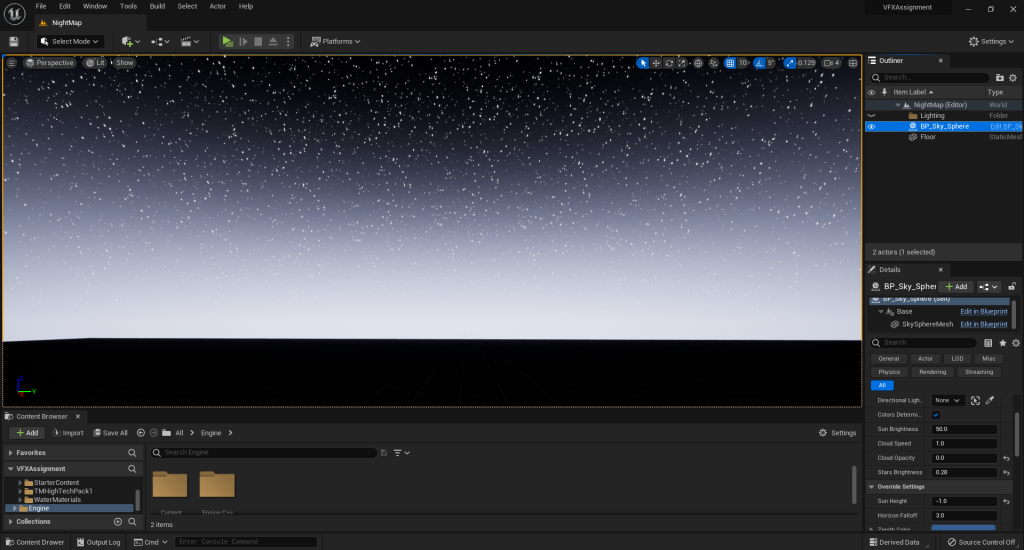
To begin with, I created a new basic level and removed all lighting within it. From here, I enabled the ‘Show Engine Contents’ from within the Contents Browser and searched for the blueprint class ‘Sky Sphere’. Once I had found it, I drag and dropped it onto the scene.
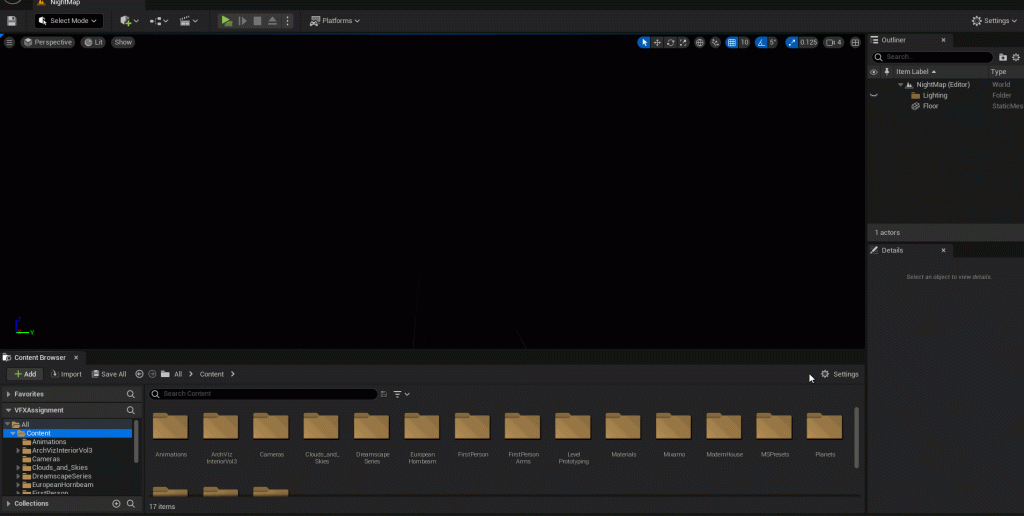
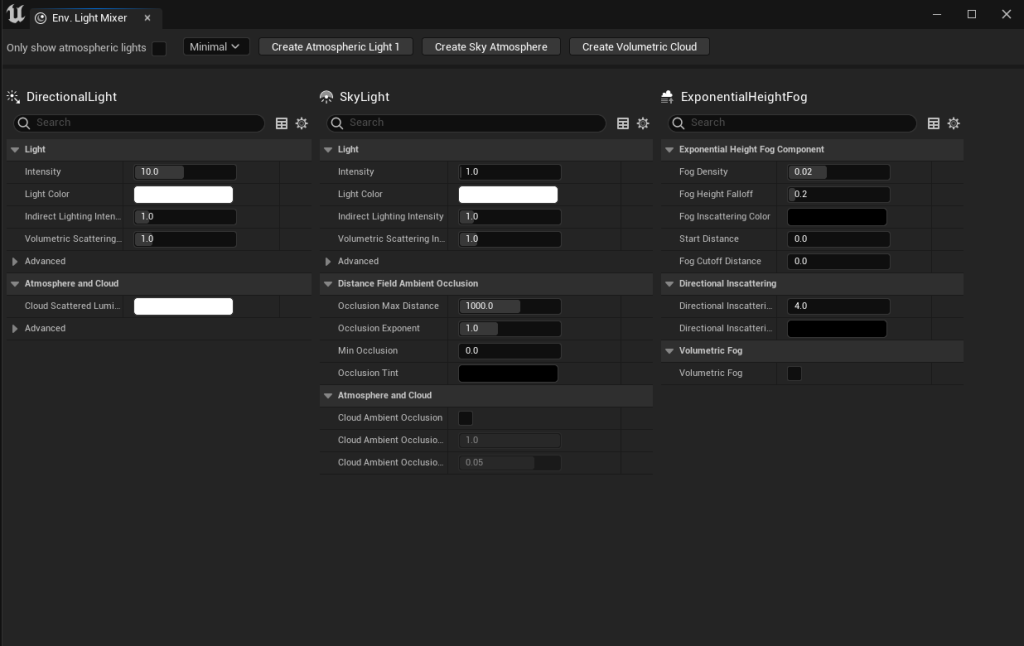
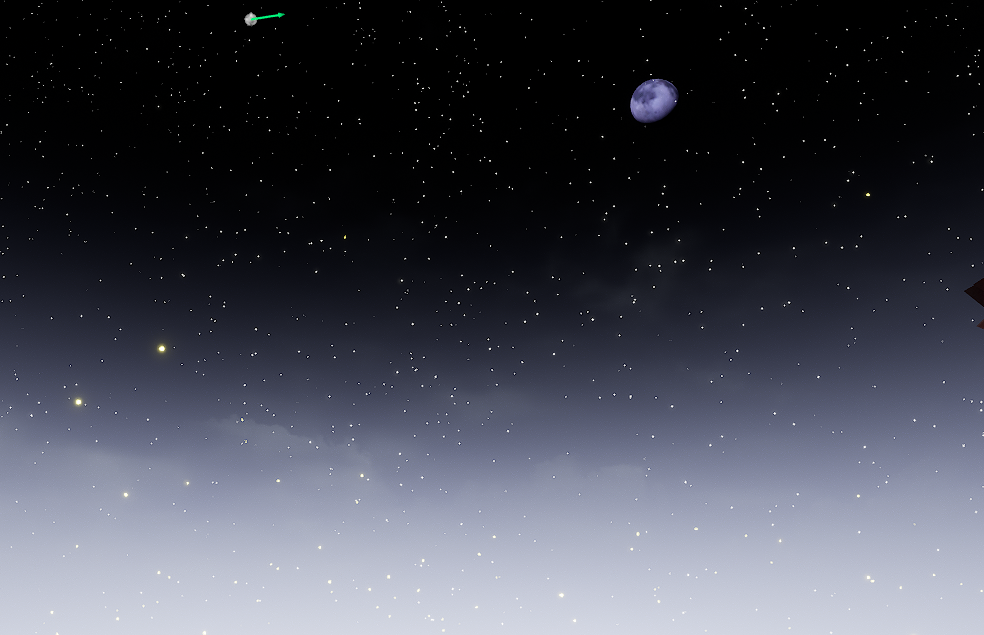
Adjusted ‘Stars Brightness’ and ‘Sun Height’ to create the night sky.
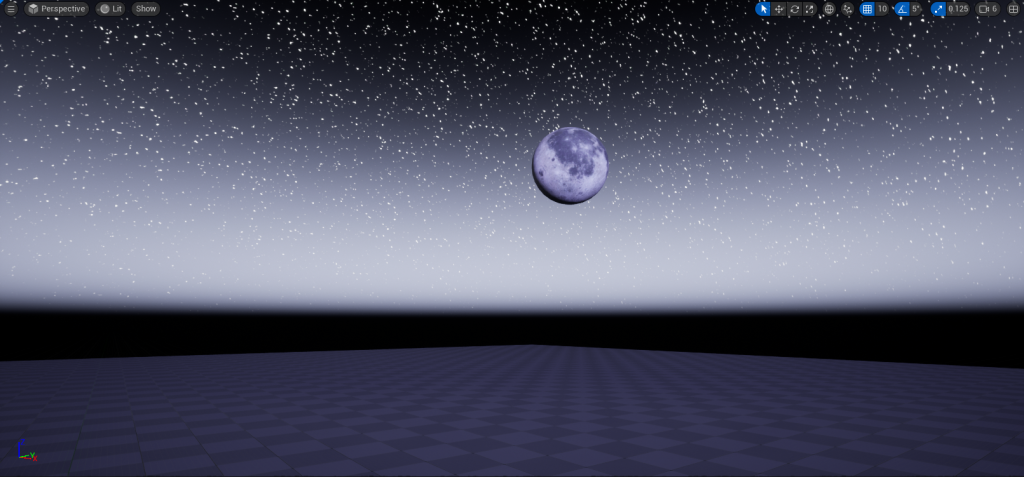
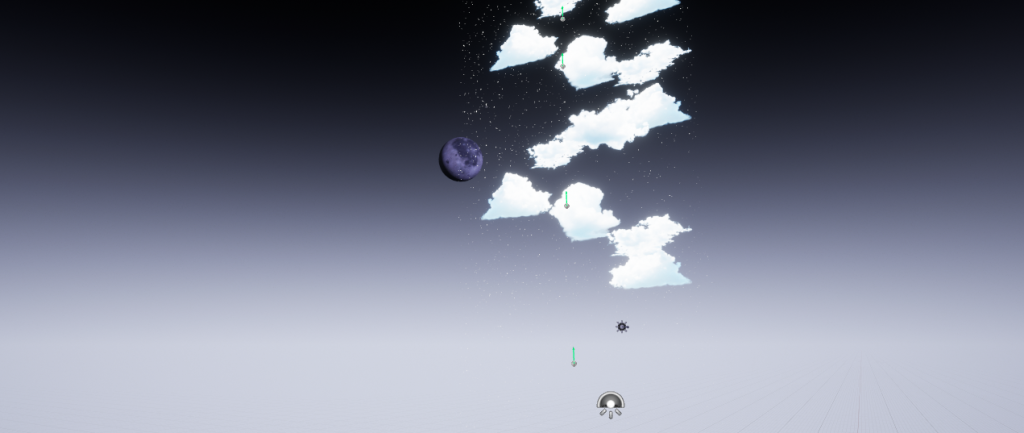
As the floor and fog are not needed for the falling through the skies sequence, I decided to duplicate the scene and remove the floor and the fog.
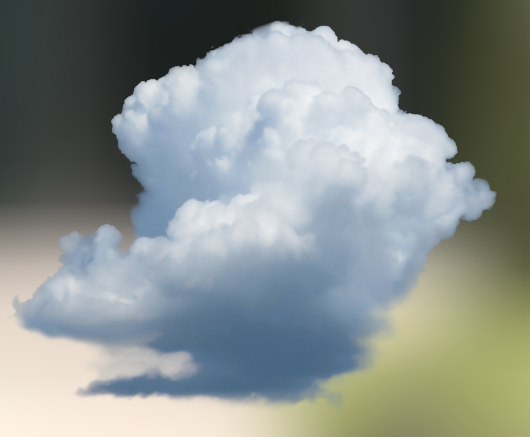
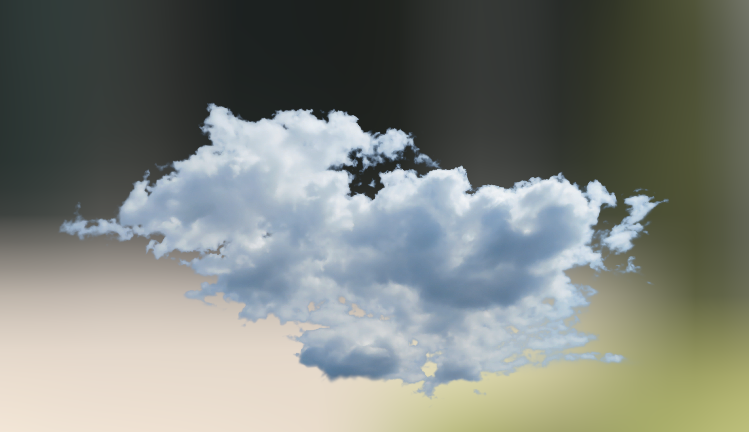
Furthermore, I thought that the stars provided by the sky sphere looked too static for the music video; therefore, I decided to add the stars VFX into the scene as well as cloud meshes that I found through the Unreal Marketplace.
Karaoke
For this scene, I needed to create an environment of a karaoke room. I tried searching on Sketchfab and couldn’t find any objects that matched my initial plans, so installed ‘Modern House’ (Next Level 3D, 2021) on the Unreal Engine Marketplace and used the demo map that comes with the pack.
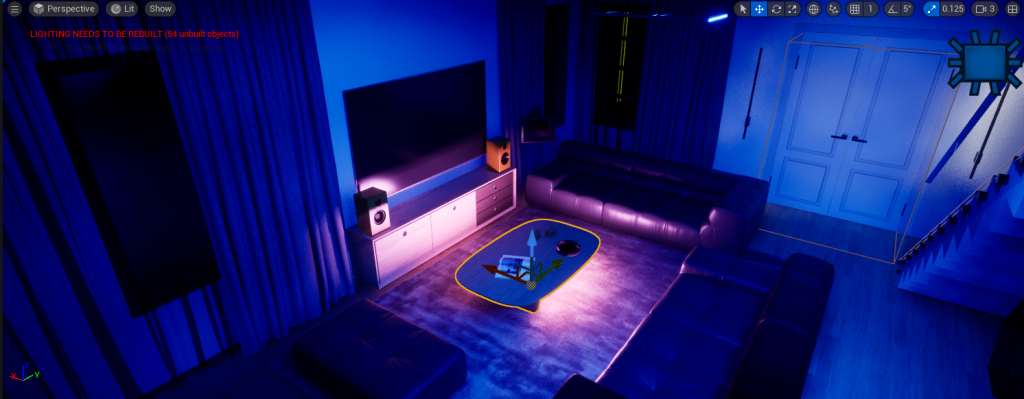
Although the demo map doesn’t exactly replicate the environment I had in mind, I decided to stick with it as the location of this scene isn’t crucial to the story that I want to tell in my music video. This particular scene is to emphasize the relationship between the two characters and how they bond with each other, so the location being in a living room doesn’t effect the outcome of the video.
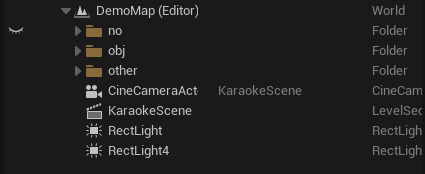
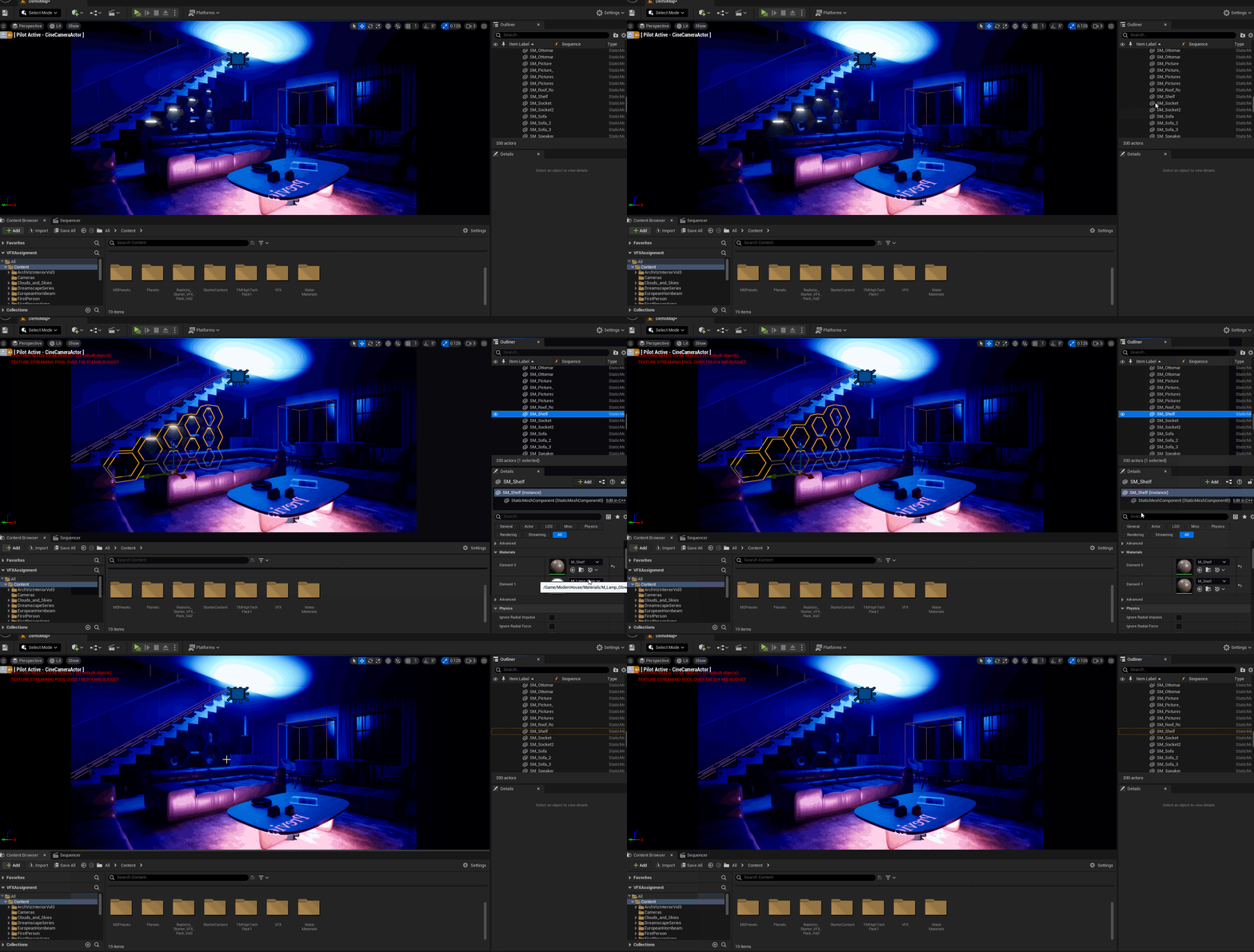
From the Cine Camera perspective, I didn’t like the lights that were attached to the shelves in the back; therefore, I decided to hide it by changing the material of the lights to match the shelf, removing the lighting and also ensuring that the adjustment doesn’t ruin the appearance of the environment.
When adding the Music Notes particle system into the level, I noticed that they had an intense glow which they didn’t have when they were tested on a different level. I quickly figured out that this was due to the ‘Post Process Volume’ component so I removed it from the level.
When disabling post process volume, the entire scene grows dark, but my initial problem is fixed; to solve the next issue with the environment being dark, I simply readjusted the intensity and attenuation radius of my rect lights until the desired state.
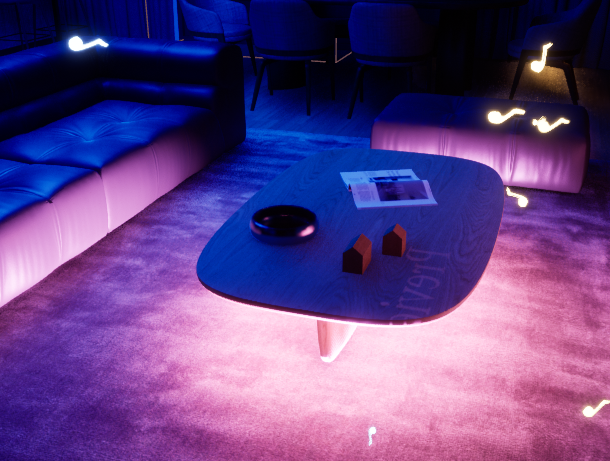
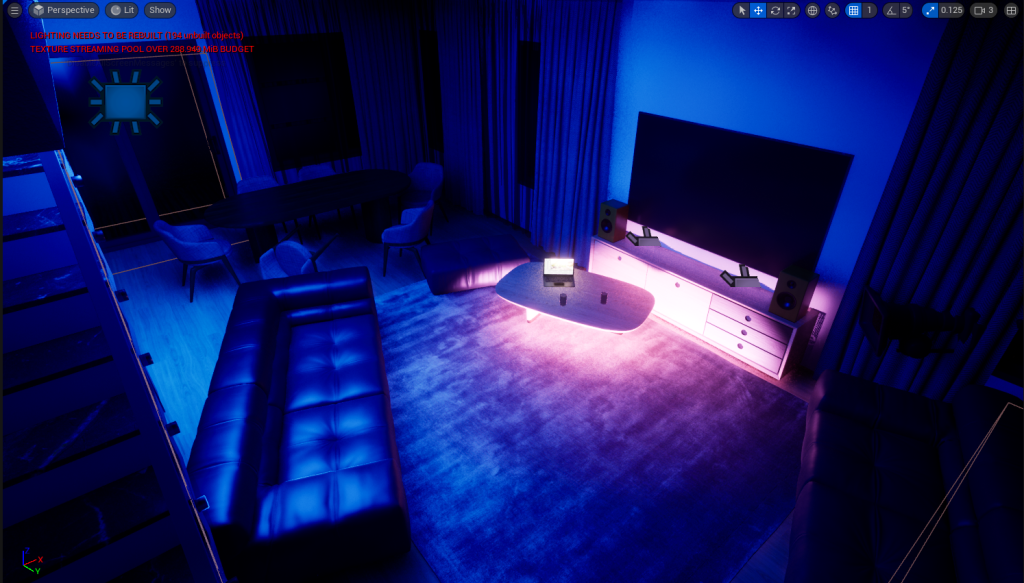
Once I was satisified with the layout of the environment, I decided to create a quick render of a 5 second sequence to ensure that everything was setup correctly.
When watching back the rendered sequences, I noticed that the hidden objects were still visible in the render, to solve this issue, I quickly went back to delete the objects from the level; this mainly includes the pre-imported lighting that was used in the demo map.
During this process, I re-organized the lighting within the level until I was satisfied with the outcome of the rendered sequence.
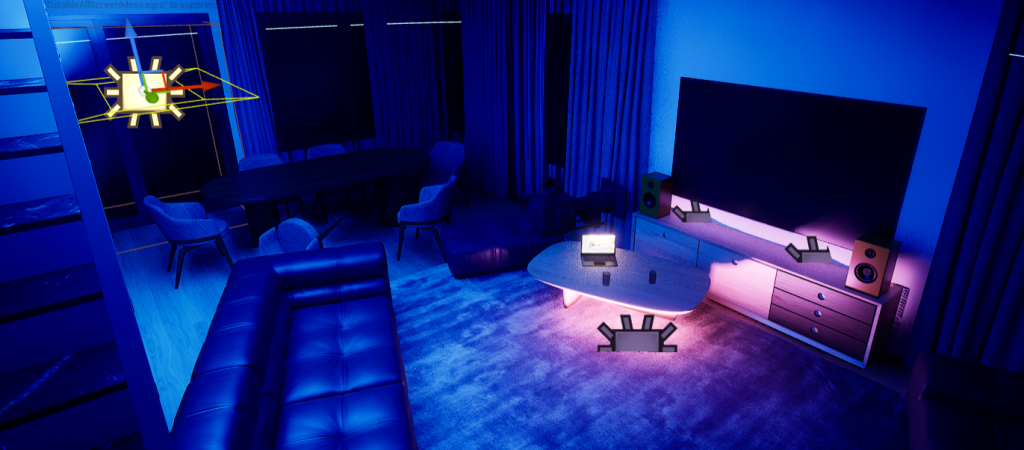
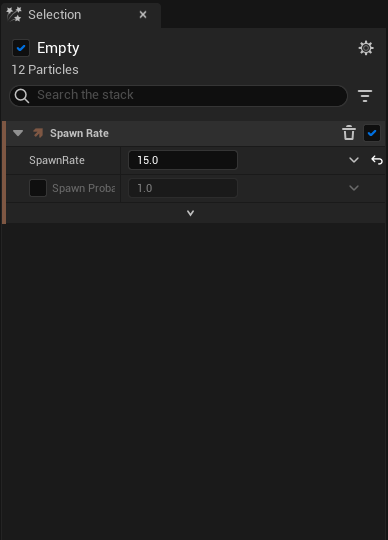
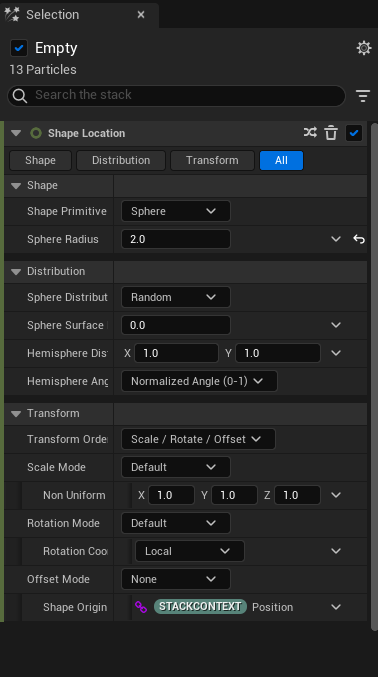
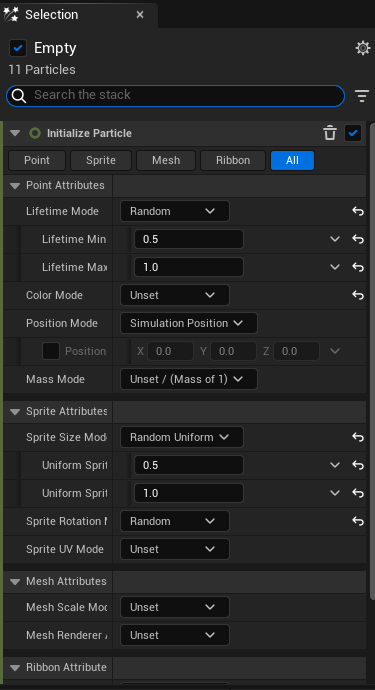
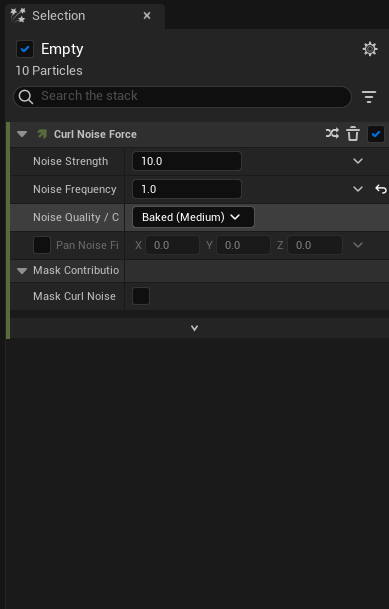
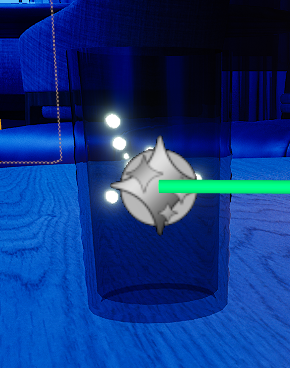
Once I was satisfied with the outcome, I moved on to add the particle system into the level. Upon adding the bubble particle system, I noticed that the sprites of the bubbles were way too large and needed to re-adjust them within the editor; this is because the bubbles are intended to be used to portray the fizziness of a drink, so they would need to be re-adjusted to fit into the size of the glass cup.
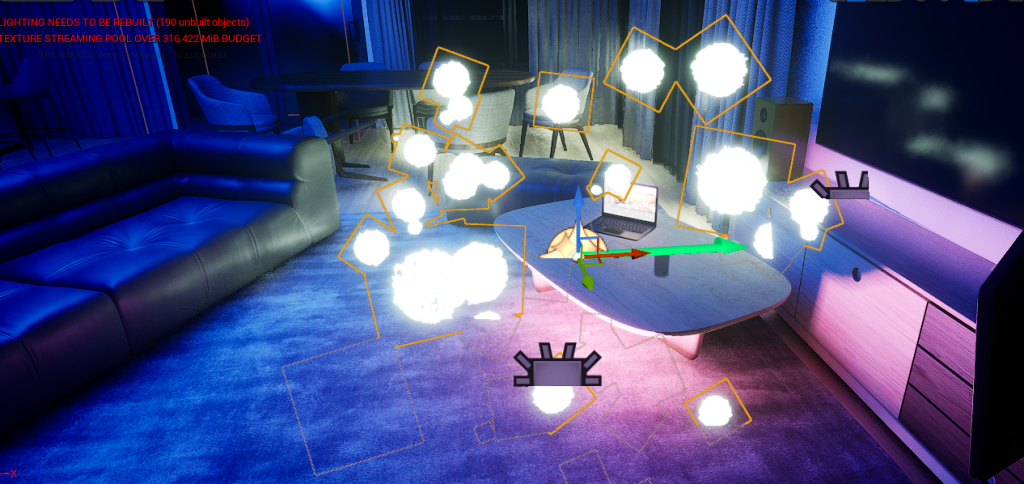
I continued to adjust the different attributes within the particle system until the bubbles fit within the glass cup. As well as the bubbles particle system, I also re-adjusted the music notes particles so that they would take up less space within the level.
End
For the final sequence, I reused the same level for the falling sequence and added a new object, a cherry blossom tree so I can incorporate my cherry blossom particle system.
Furthermore, as the duration of the previous sequence went on for too long, I decided to scrap the idea of having the two characters run through a field; I wanted to keep the previous sequence as it currently is, because cutting it down wouldn’t have portrayed the relationship between the two characters the way I wanted it to. By scrapping the sequence of the two characters running, I have a longer time to showcase the VFX in the end sequence.
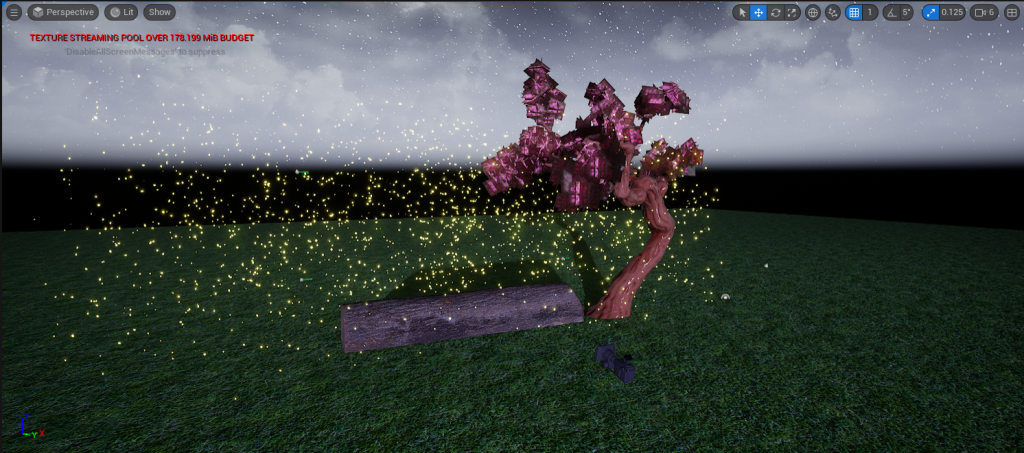
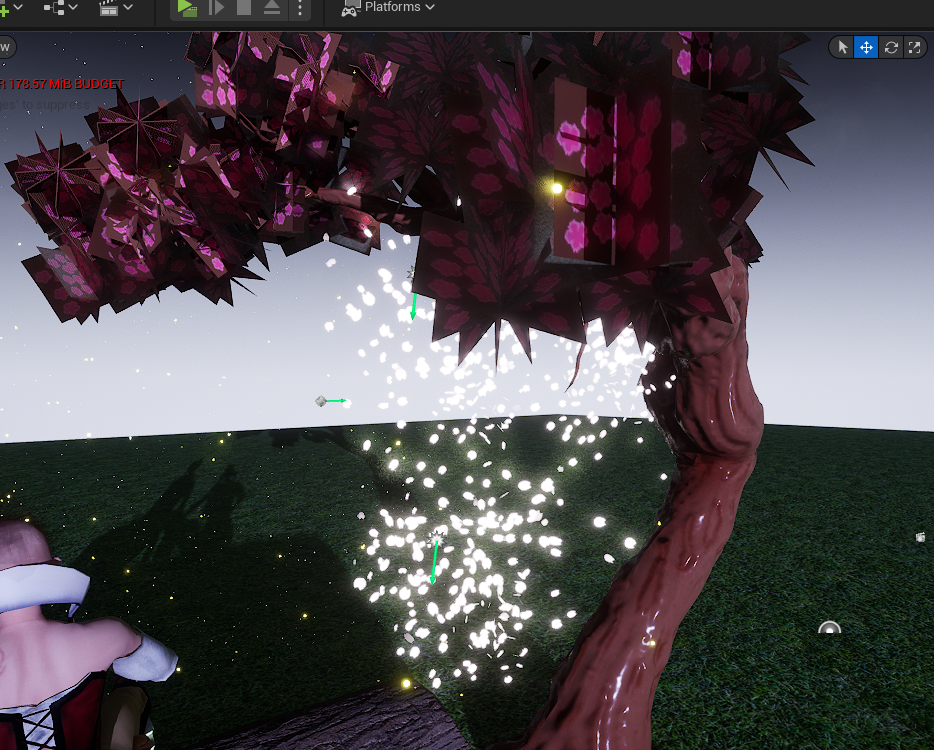
When adding the niagara systems that I created, I noticed that the sizing was a little disproportionate compared to the objects; to solve this issue, I altered the VFX within the editor and scaled them up.
Assets


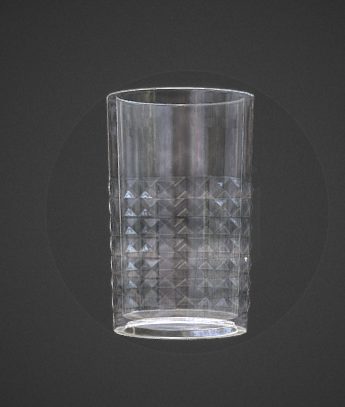
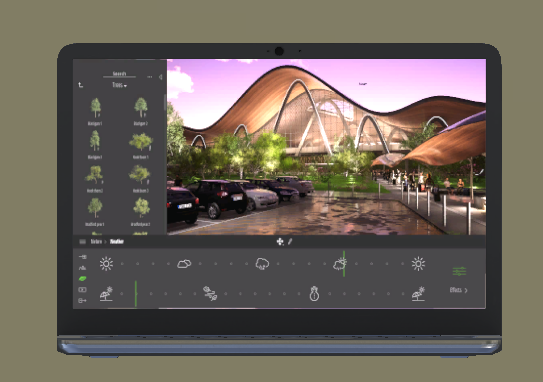
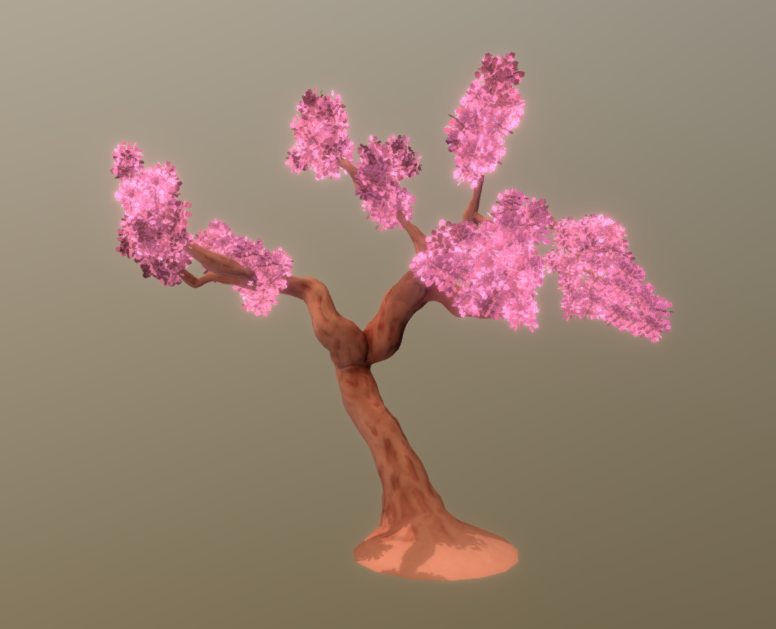
星澄 XC (2023) Glass cup. Available online: https://sketchfab.com/3d-models/glass-cup-40acfc3e537d4808b1332854f9de0355 [Accessed 03/06/2024].
Buvesa Game Development (2022) How To Create a Night Scene in UE5 (+Easy Moon). Available online: https://www.youtube.com/watch?v=3qY5p7eZ0Nk [Accessed 31/05/2024].
Epic Games (2022) High Tech Pack 1 [Unreal Engine Marketplace]. Available online: https://www.unrealengine.com/marketplace/en-US/product/twinmotion-high-tech-pack-1 [Accessed 21/05/2024].
I See 3D (2021) Unreal Engine 5 – Create Planets. Available online: https://www.youtube.com/watch?v=nxEluE1s3Xk [Accessed 29/05/2024].
Leeyo Atelier (2020) Clouds & Skies. Available online: https://www.unrealengine.com/marketplace/en-US/product/clouds-skies [Accessed 03/06/2024].
Next Level 3D (2021) Modern House [Unreal Engine Marketplace]. Available online: https://www.unrealengine.com/marketplace/en-US/product/modern-house [Accessed 04/06/2024].
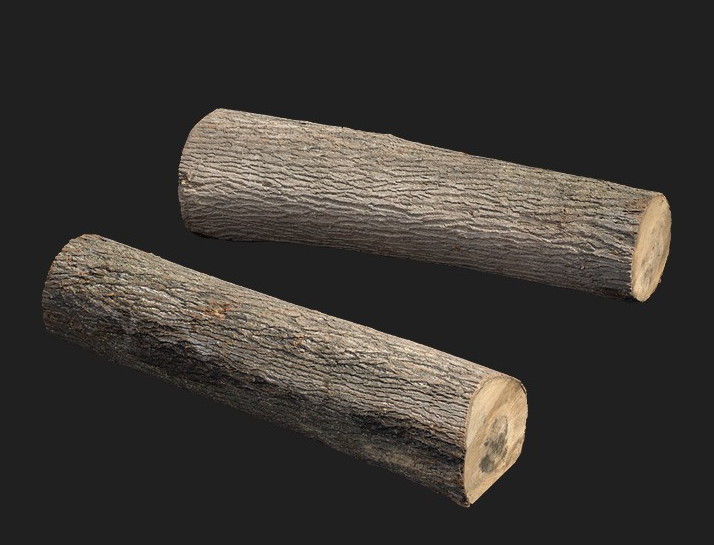
Quixel Megascans (n.d.) Old Wooden Log [3D Asset]. Available online: https://quixel.com/megascans/home?search=log&assetId=wcjgbc1 [Accessed 04/06/2024].
SolarSystemScope (2019) Solar Textures. Available online: https://www.solarsystemscope.com/textures/ [Accessed 29/05/2024].
Victor Souza (2017) DETAG – Cherry Blossom Tree. Available online: https://sketchfab.com/3d-models/detag-cherry-blossom-tree-db1b69851fd449928d36767c4f15502d [Accessed 04/06/2024].