Visual Effects
Space Dust
The first particle system that I will create is the Space Dust. To do this, I followed a YouTube tutorial published by Gono, 2022.
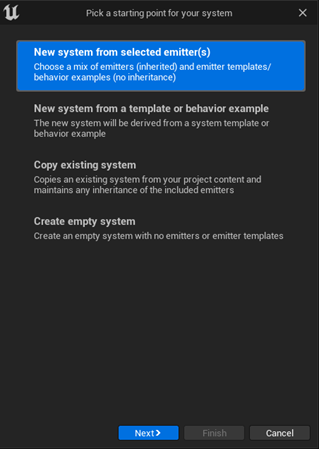
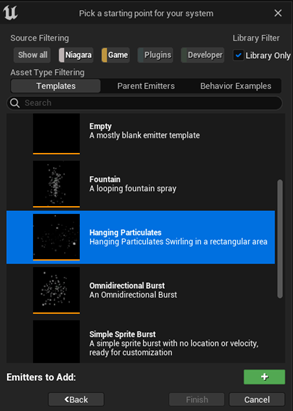
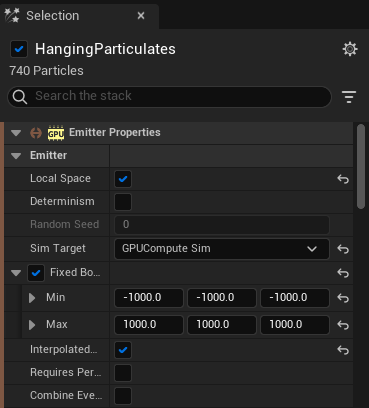
Within the Space level, I created a niagara system and selected ‘Hanging Partculates’. Within the Niagara System popup window, I selected the overview node and adjusted some of the settings.
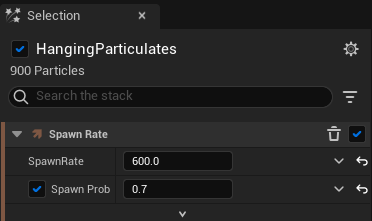
Within the overview node, there is an option to adjust the spawn rate. From here, I set the spawn rate to 600 due to the large area that the dust particles need to cover and the probability of the spawn rate to 0.7.
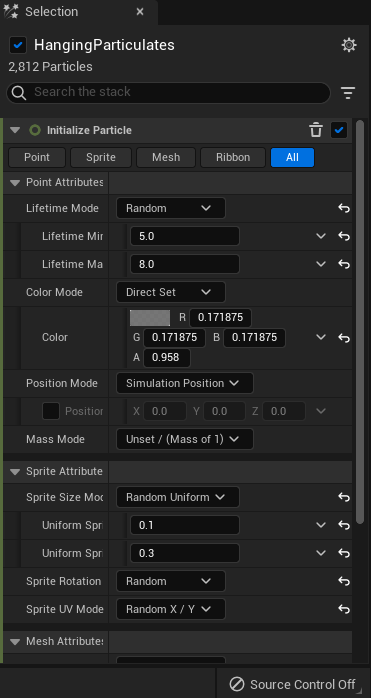
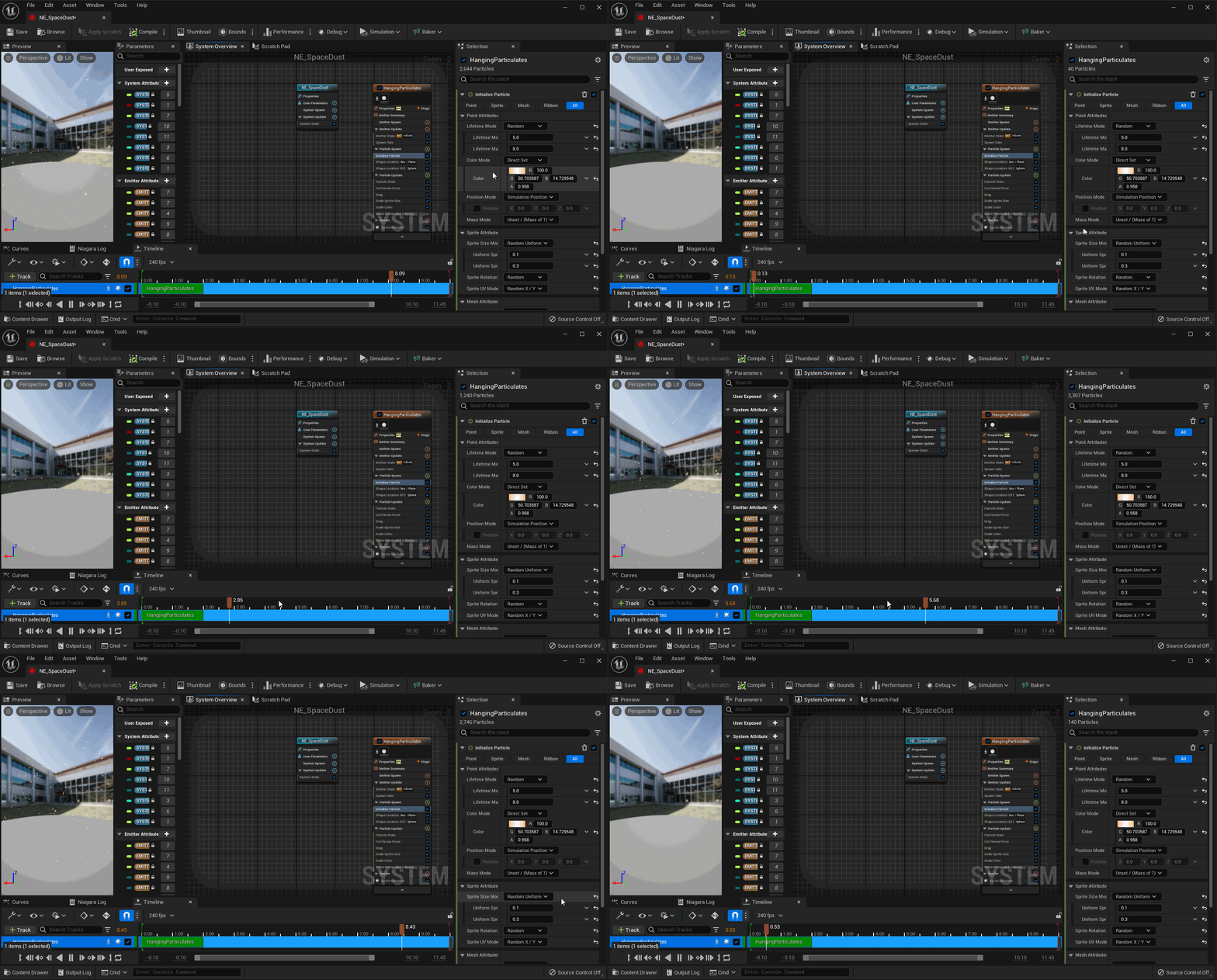
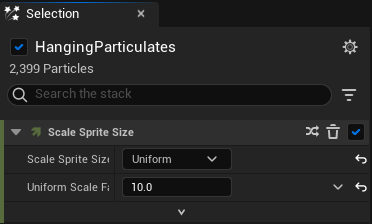
Once I had completed the tutorial, I thought that the dust particles were smaller than I originally hoped for. To solve this issue, I simply added the ‘Scale Sprite Size’ module within the overview node and experimented with the value of the size; alongside this, I also adjusted the transform scale within the Unreal Editor.
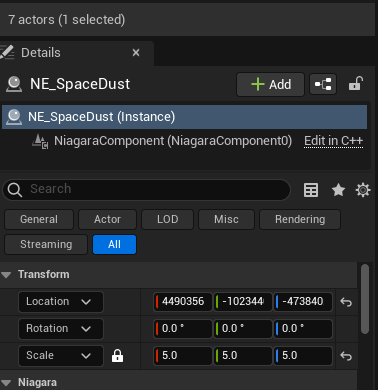
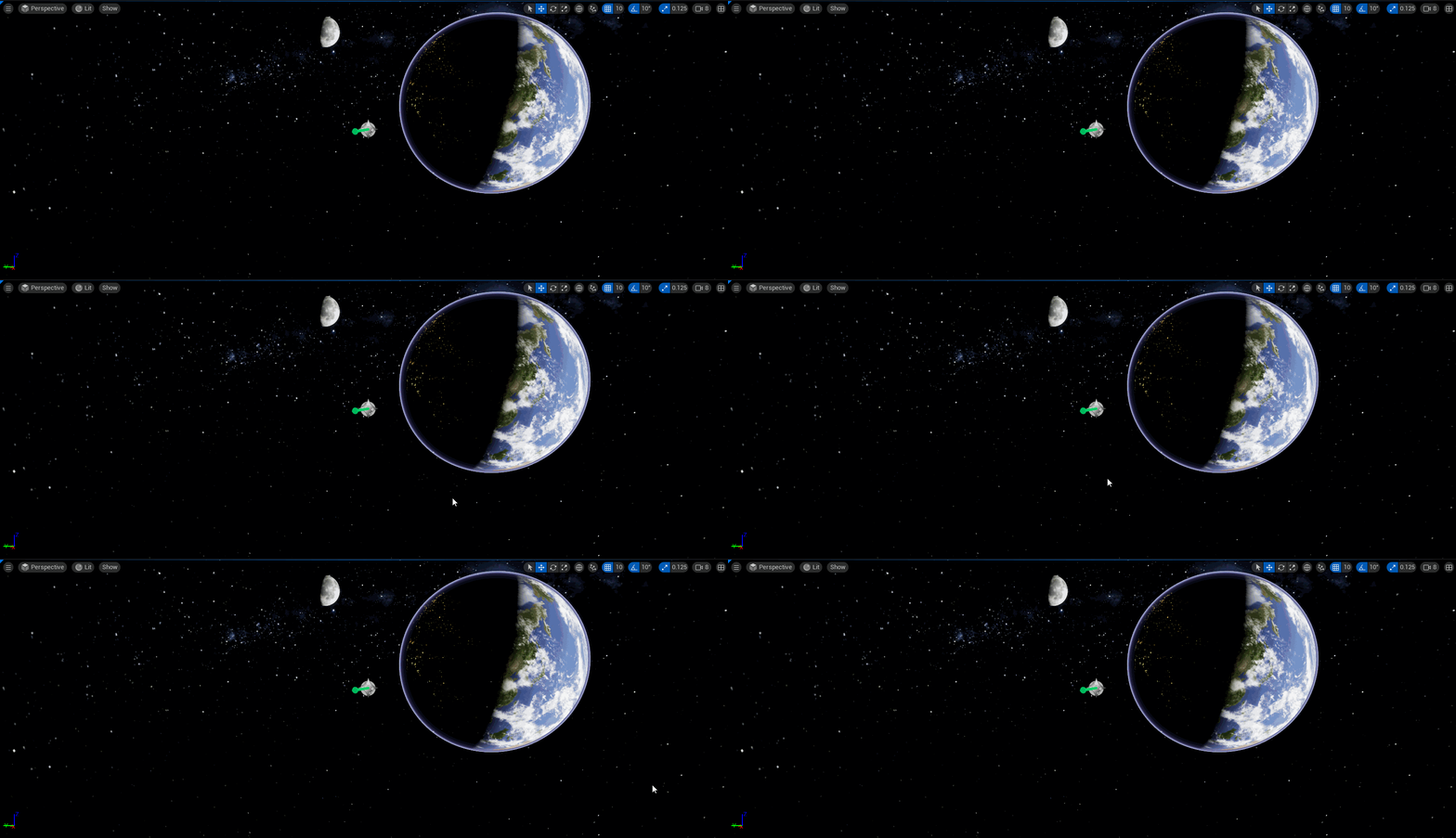
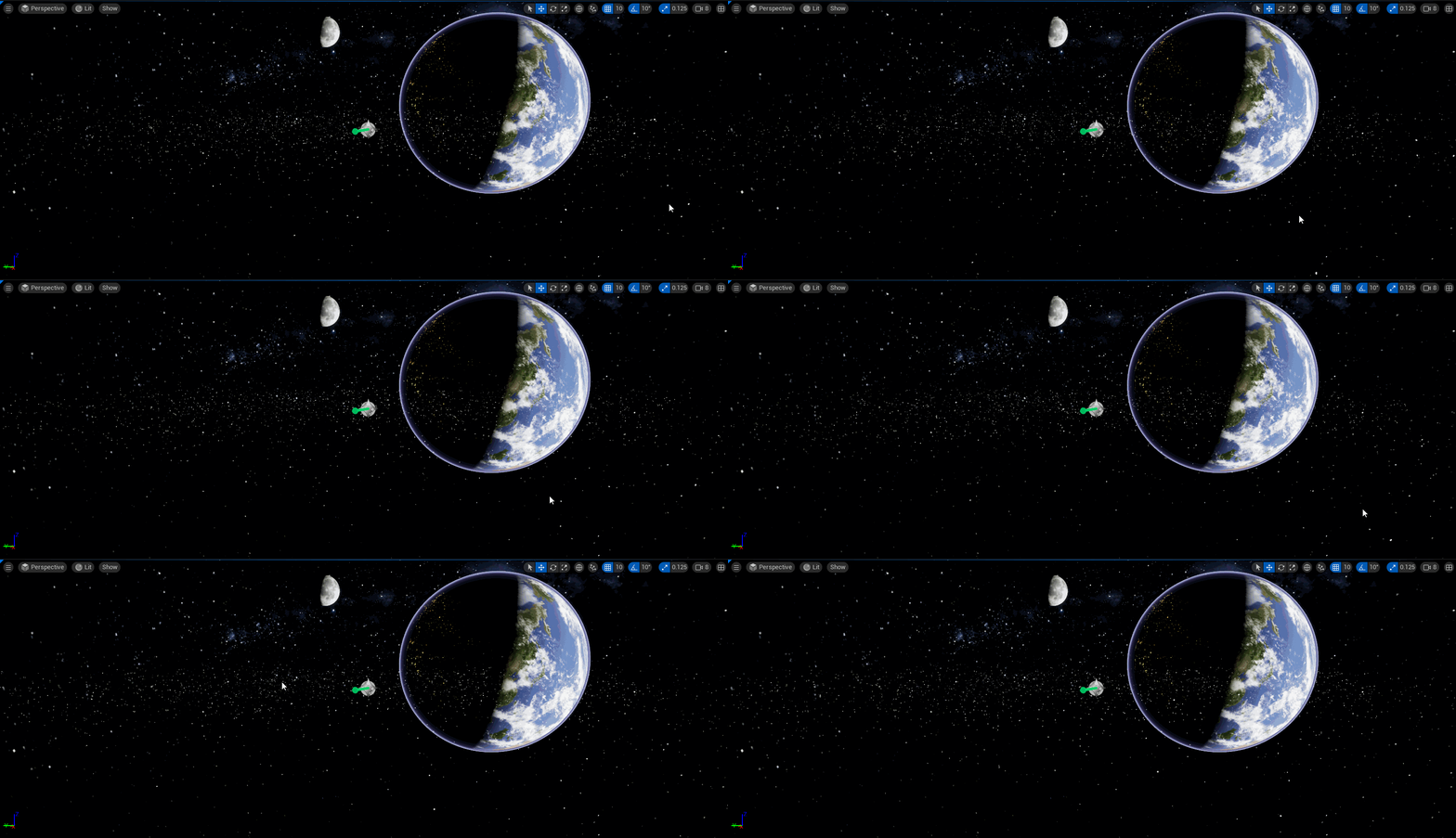
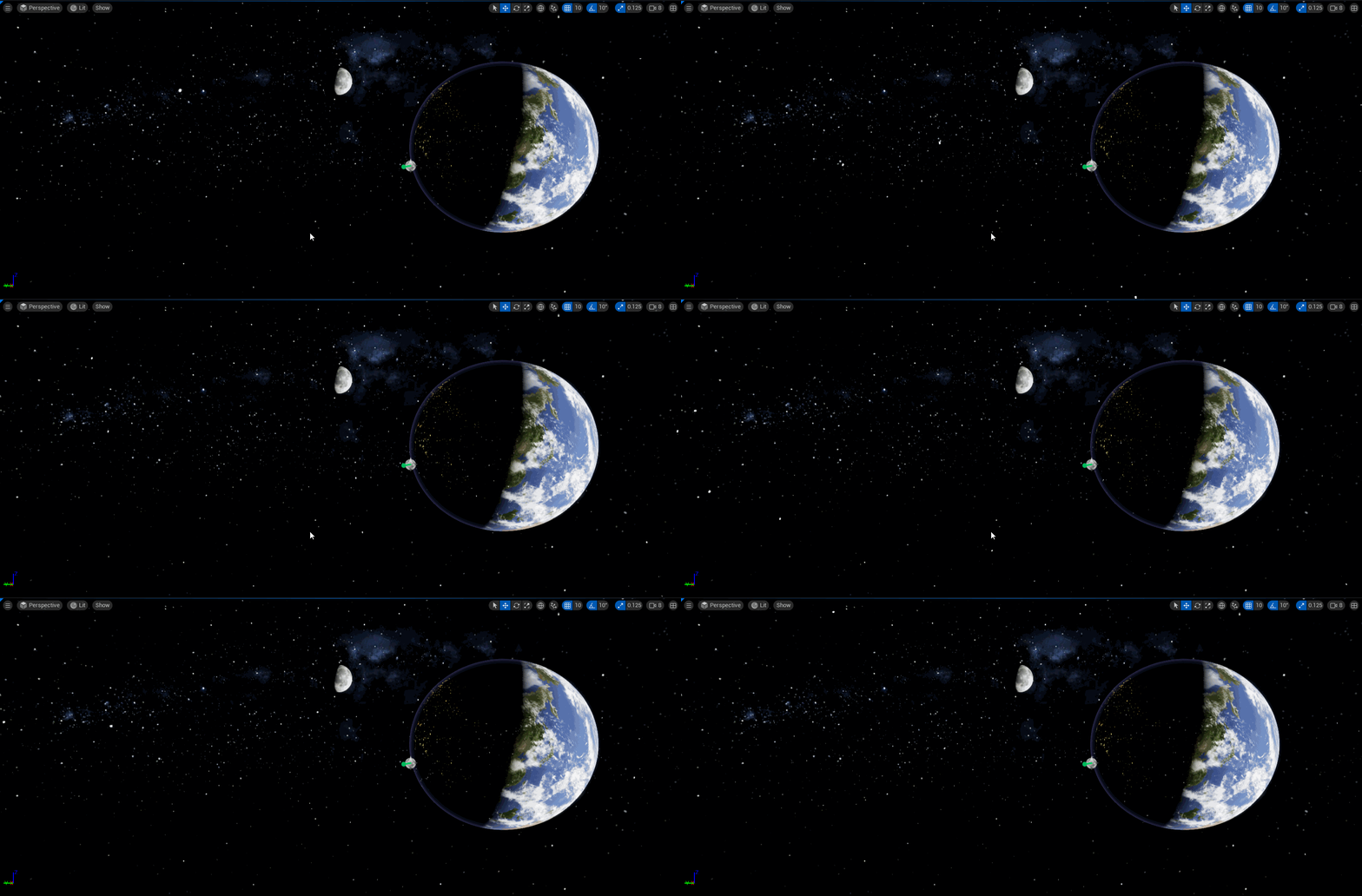
After experimenting with the value of the scale, I ultimately decided on Sprite Size 10 with a Scale of 5 within the Unreal Editor.
Stars
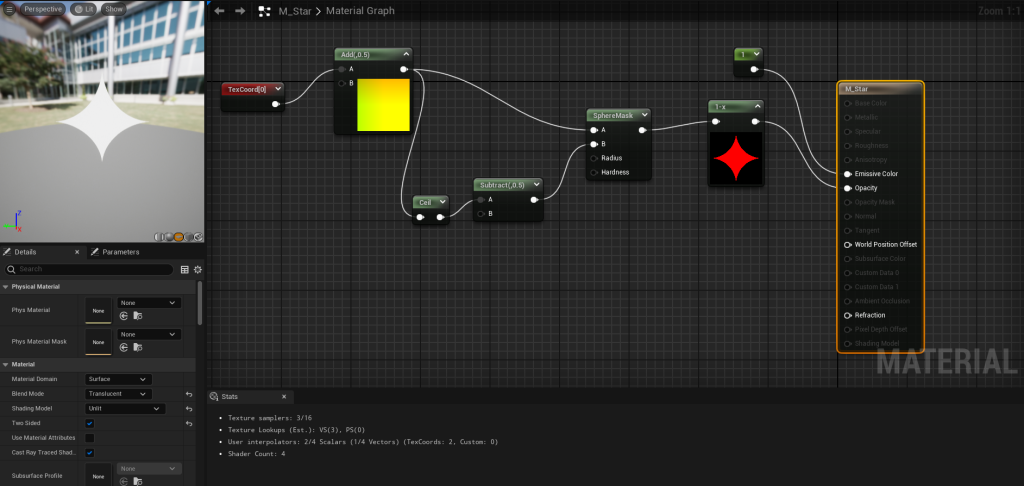
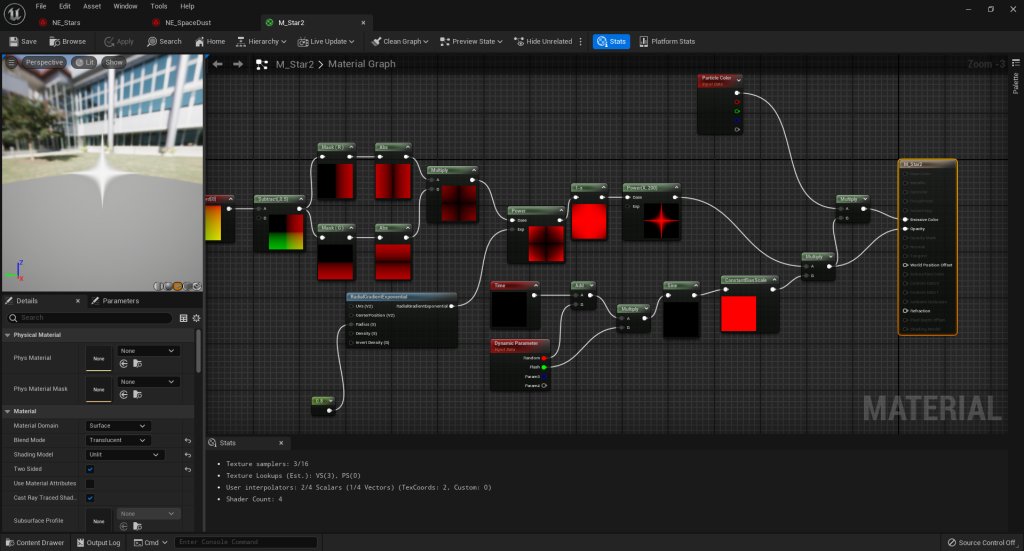
Although this level already has stars within the texture of the ‘Stars’ material, I wanted to include stars as a moving VFX to make the scene look more aesthetically pleasing, rather than a static image. To do this, I followed a YouTube tutorial by Alex Huang, 2023.
The first thing I needed to do is to create the materials for the particle system.
Hit
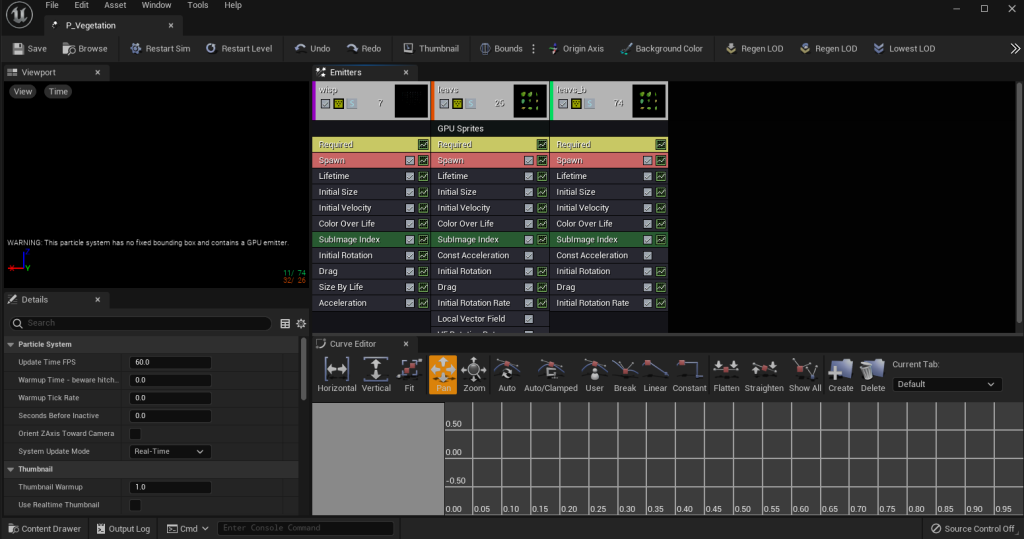
During the falling sequence, I need a VFX that activates when the character hits the ground and leaves fly up when the character collides with the ground.
For this particular VFX, I found a particle system through the Realistic Starter VFX Pack I downloaded from the Unreal Marketplace.
Cherry Blossoms
In order to do the cherry blossoms, I attempted to follow a tutorial but noticed that I didn’t have the preset emitter within UE5. Because of this, I needed an alternate way to create the cherry blossom VFX.
Upon browsing through the Unreal Marketplace, I discovered a free asset pack called ‘Realistic Starter VFX Pack Vol 2’ (FX Cat UA, 2022) and within the contents of the asset pack contains a VFX labelled ‘P_Dandelion’.
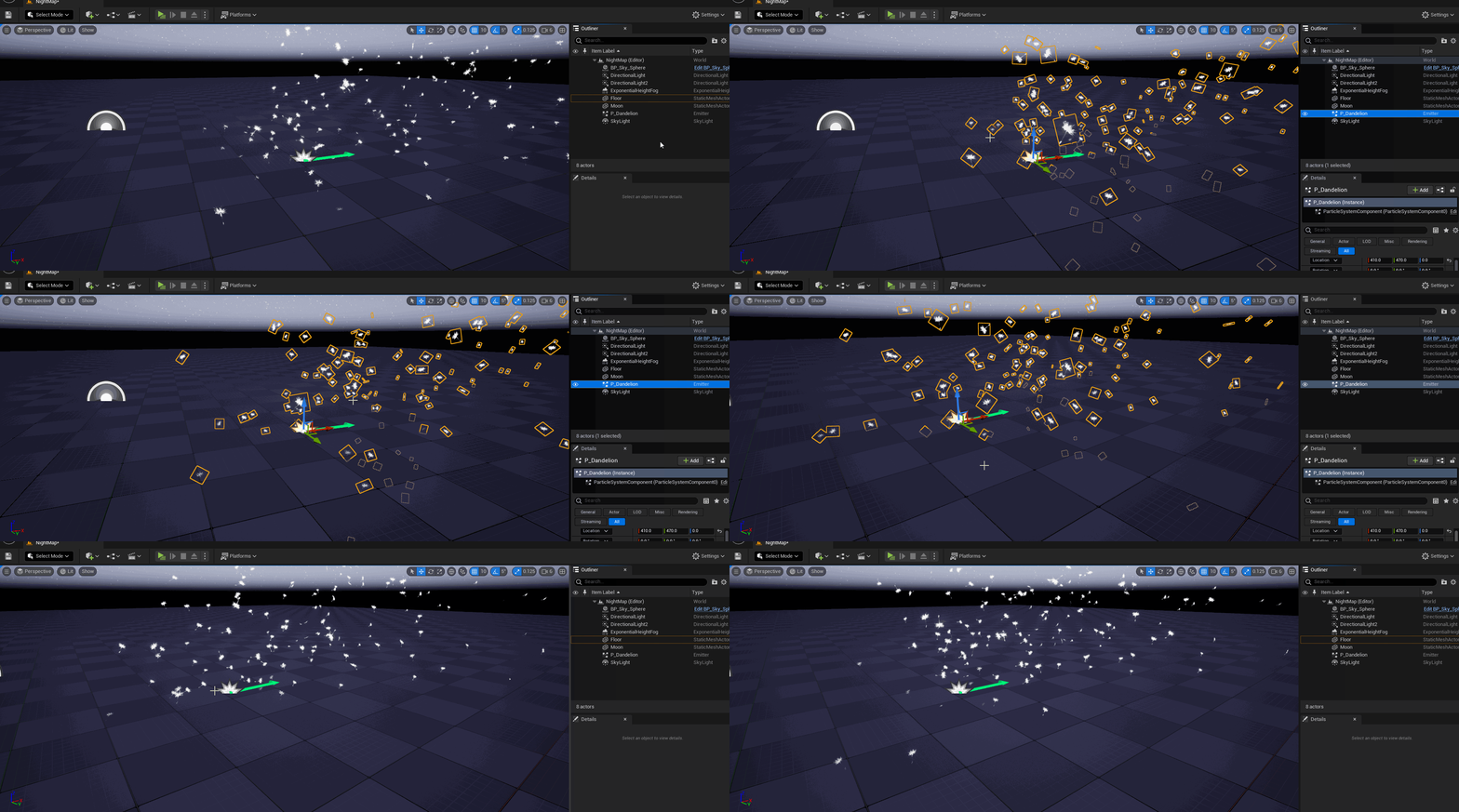
As shown above, the dandelion VFX has a cascade-like particle system that provides an aesthetically pleasing look. I used this particle system and decided to replace the premade dandelion texture with my own texture that I made of a cherry blossom petal.
To create the texture, I opened up Clip Studio Paint and quickly made created a drawing of a cherry blossom petal and once I was satisfied with the outcome I exported the drawing as a PNG.
Next, I imported the PNG into Unreal and located the dandelion material that’s used in the particle system. Once I had located the material, I double-clicked the material to open the pop-up window that allows me to edit the material. I dragged and dropped the PNG of the petal into the material and replaced the dandelion texture.
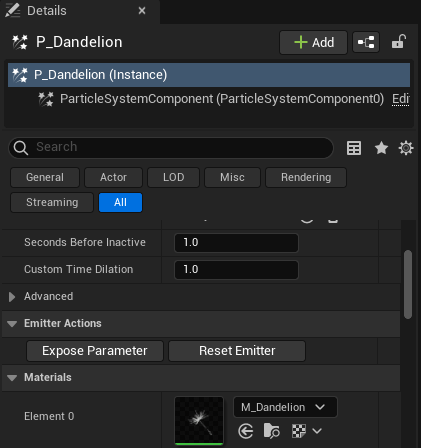
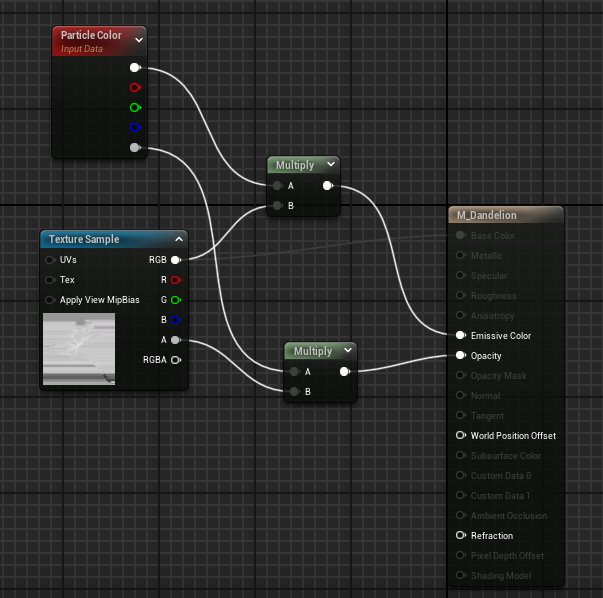
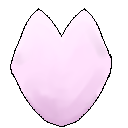
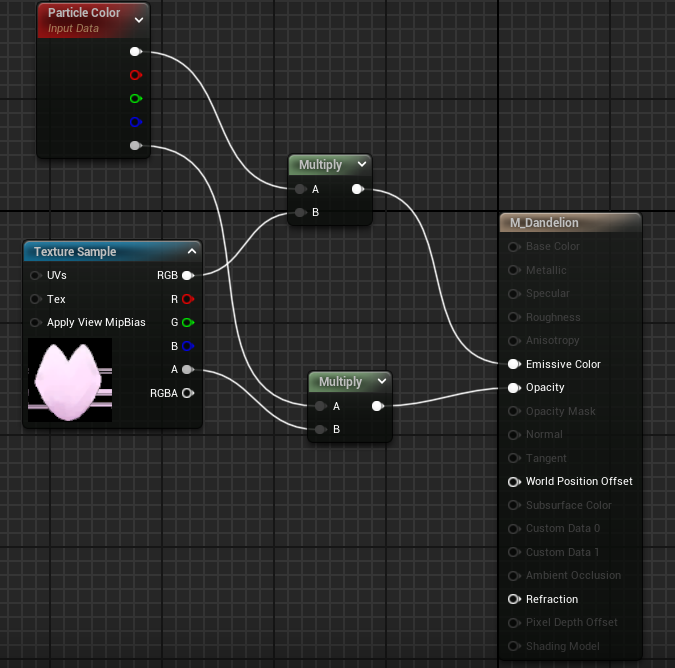
Although the directory of the wind blowing the cherry blossom doesn’t quite match the intended vision I originally had, I believe that the dandelion VFX fit the video best compared to the other particle system within the asset pack which was a leaf vortex.
Meteor Shower
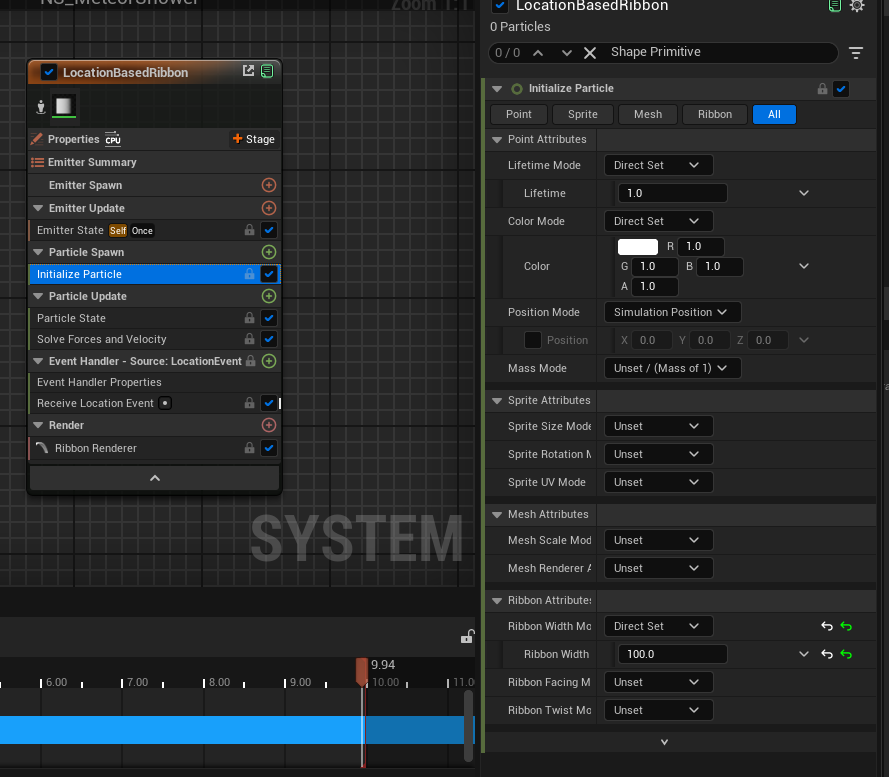
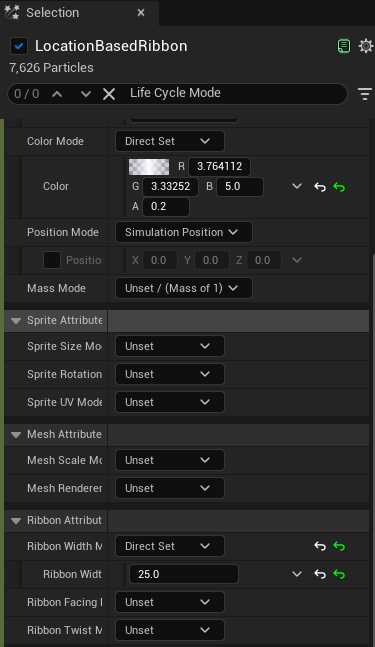
Because the YouTube tutorial for this VFX is created for UE4, I needed to adjust a couple of settings by experimenting with the different options as some of the modules are outdated. For example, when adding the ‘LocationBasedRibbon’ emitter, there are some options that don’t show up within the overview.
Rather than a separate module for ‘Initialize Ribbon’, it’s actually located within ‘Initialize Particle’.
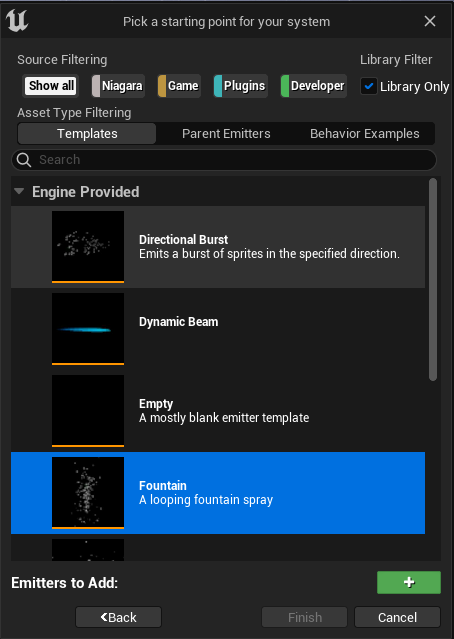
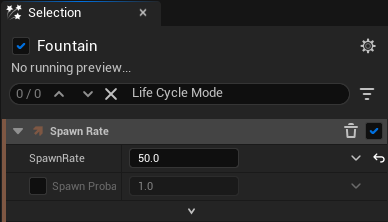
Following on from this, I needed to create a new emitter within the same niagara system and select ‘Fountain’ emitter; this is emitter is used to create the star of the meteor shower.
When editing this emitter, I needed to create a new material and I used an image of a flare I found online to use as one of the textures for the material.
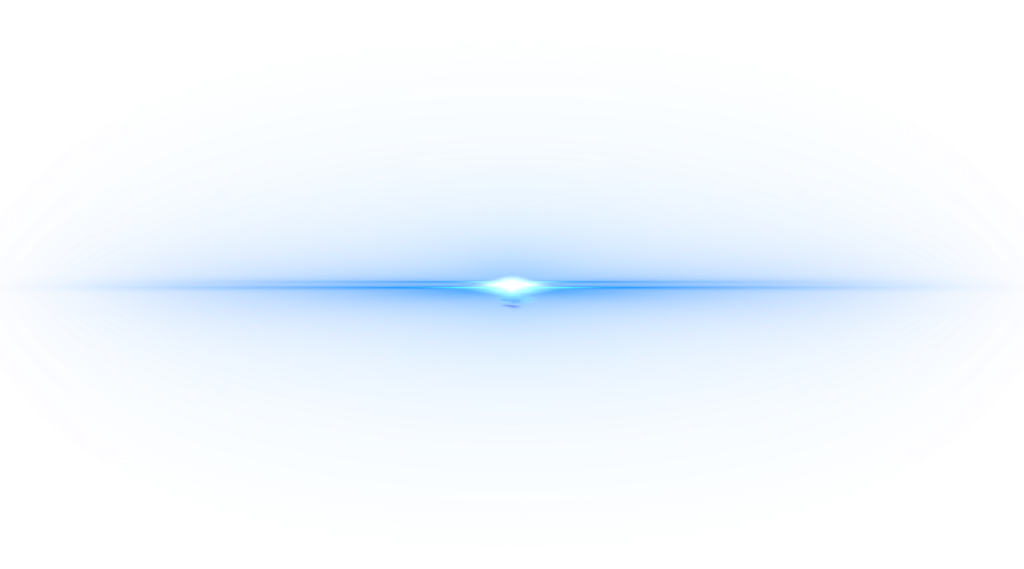
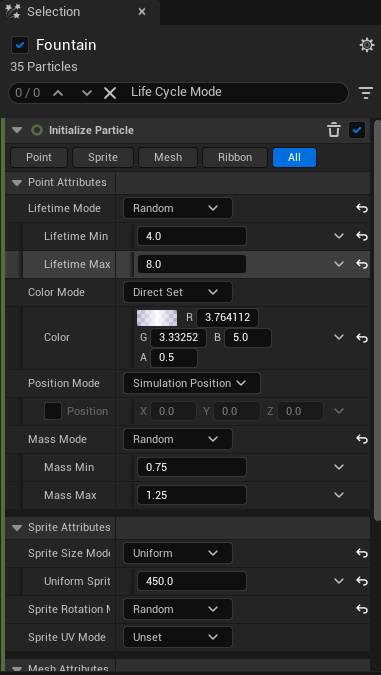
Due to the video being catered for UE4, I needed to adjust some of the settings a little more so it would fit the scene in my music video.
Fireflies
As I already have experience creating a fireflies VFX from a previous module, I followed the same steps I took in order to recreate the particle effect.
Bubbles
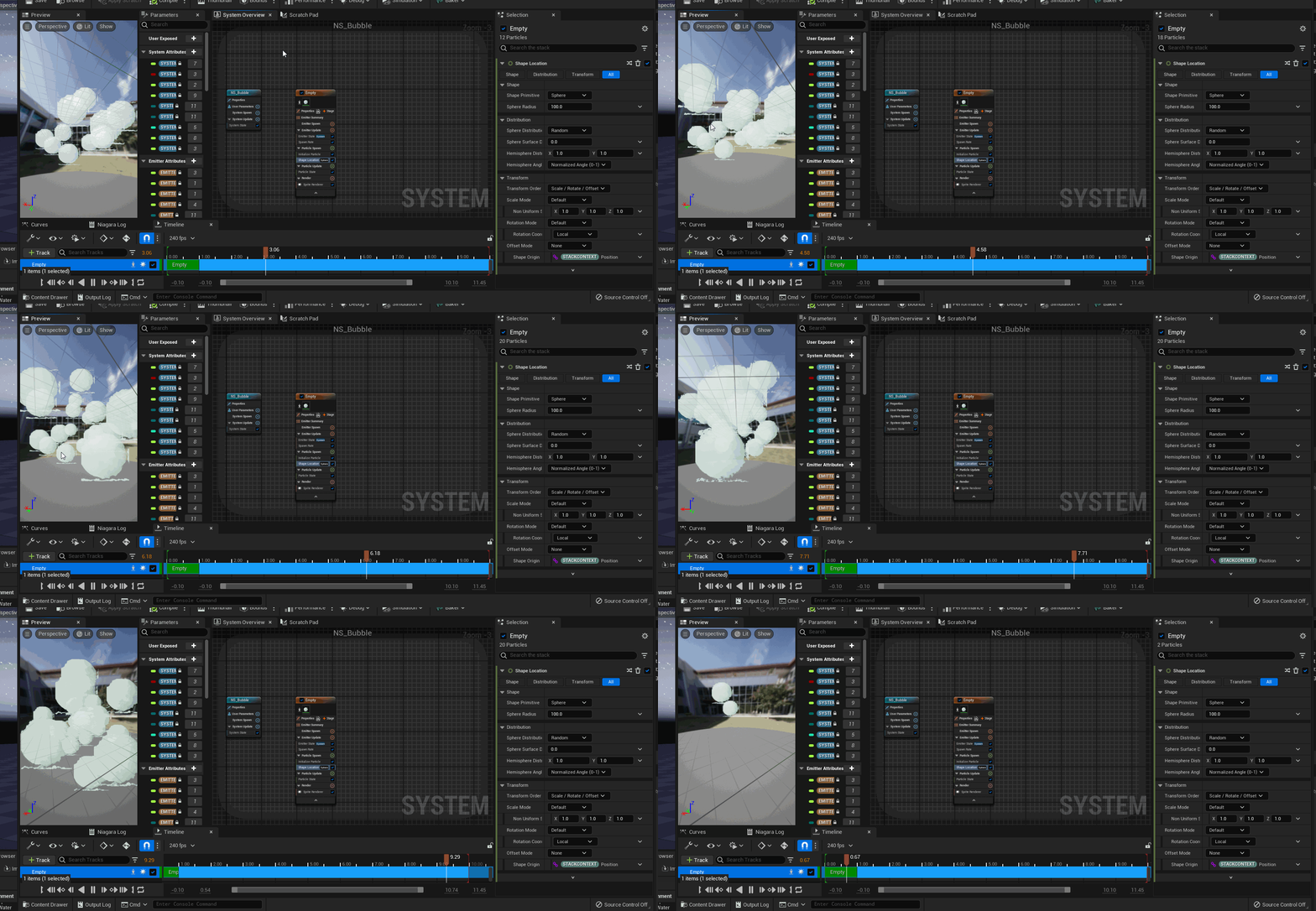
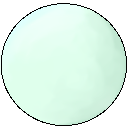
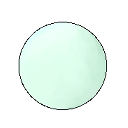
When importing the bubble material into the niagara system, I noticed that the bubble texture created borders around the particles that spawned; to solve this issue, I needed to go back into Clip Studio Paint and redo the image. I simply resized the bubble and exported as PNG and imported the PNG back into Unreal and replaced the old bubble texture.
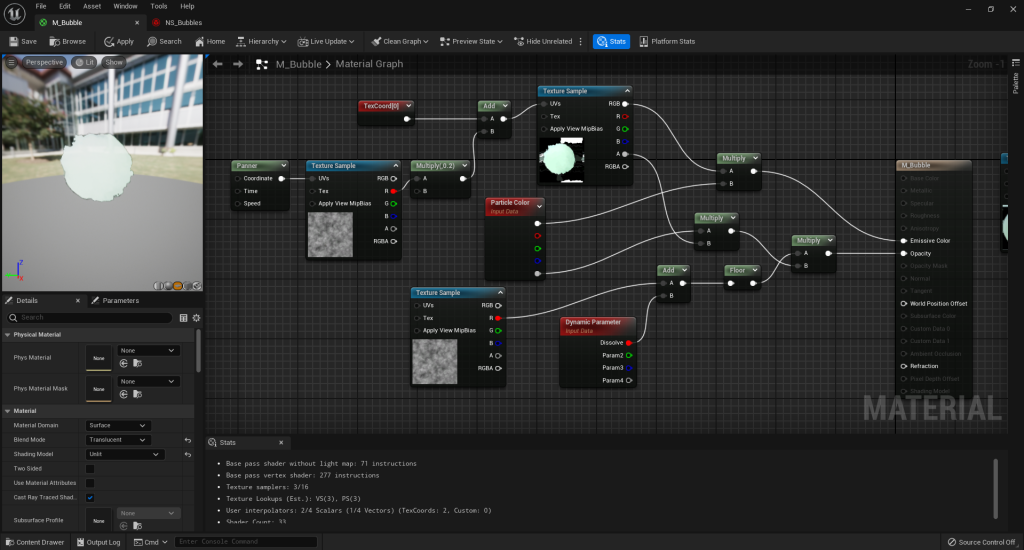
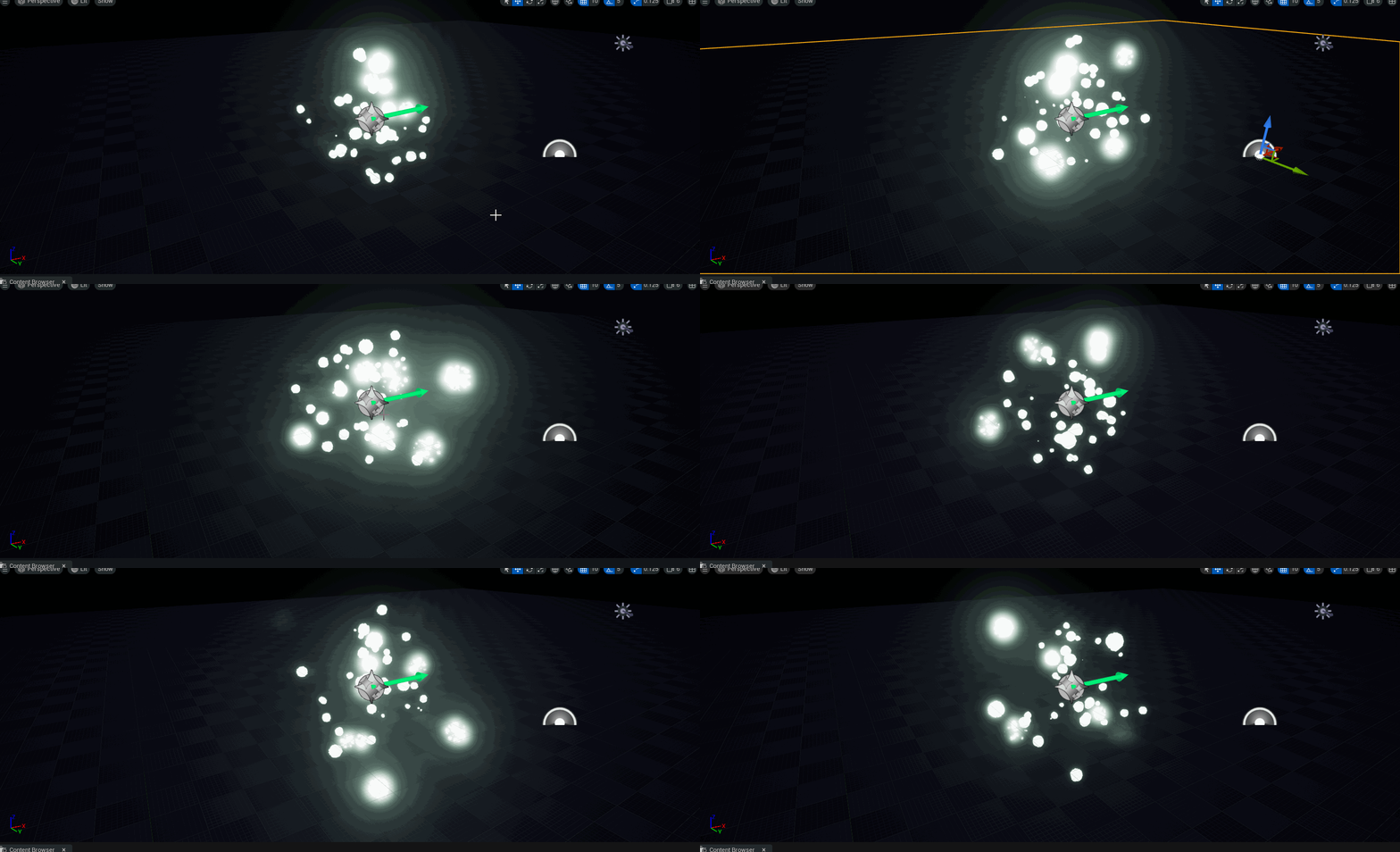
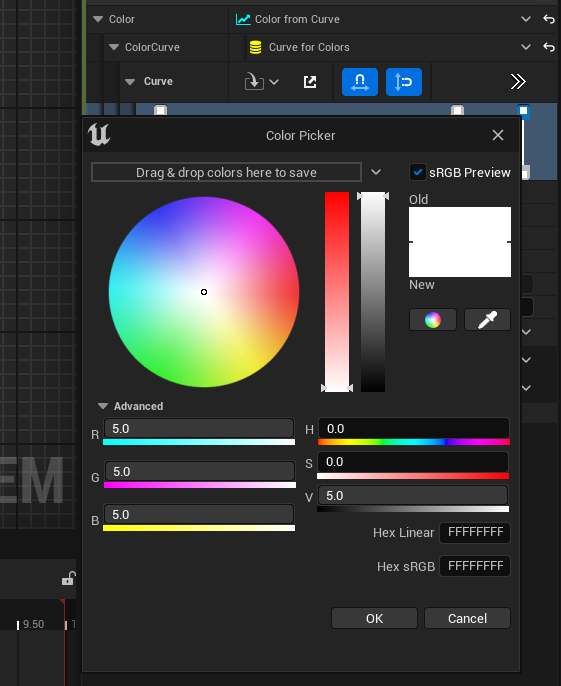
I went back into the Particle System editor and adjusted the brightness from 155 to 5.
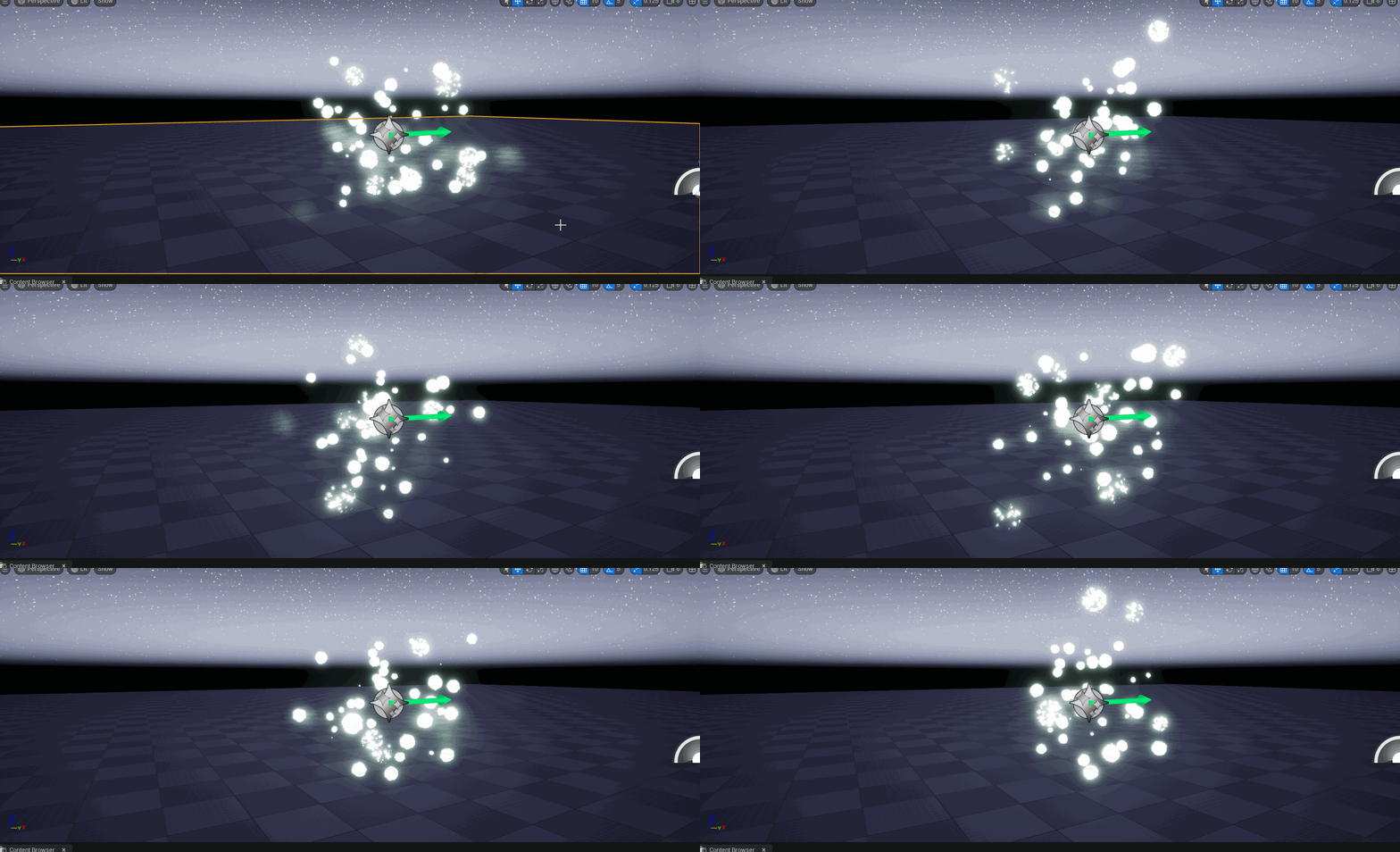
Music Notes
I struggled to find a tutorial to create a music notes VFX, so I attempted the similar method I used to create the cherry blossoms. I opened up Clip Studio Paint and drew a music note. The particle system that I’m choosing to duplicate and readjust to replicate the music notes movements is the bubbles particle system.
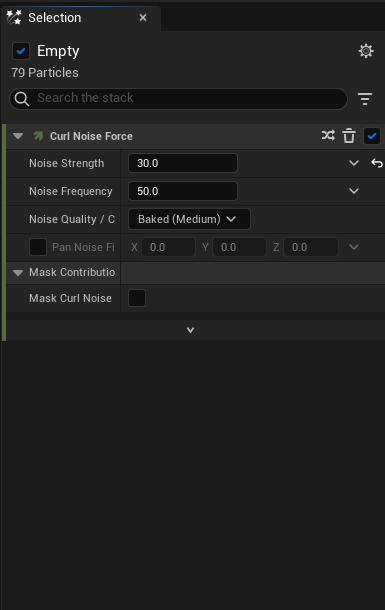
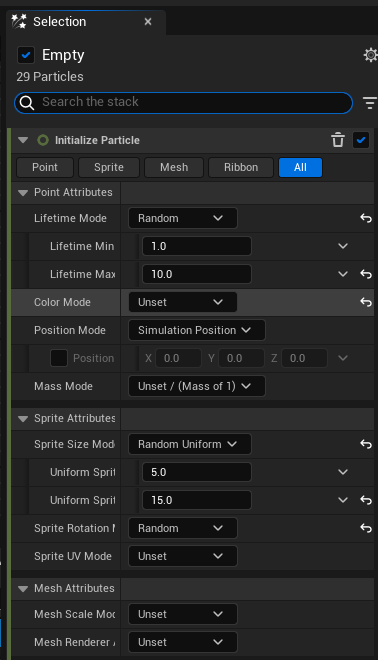
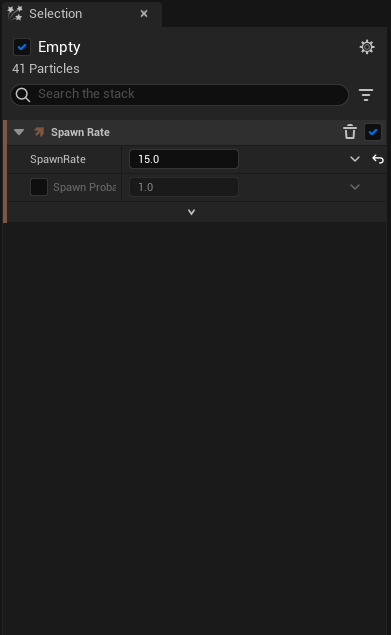
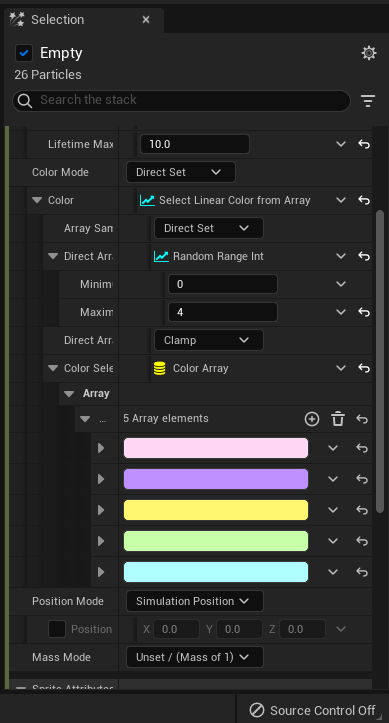
Fireworks
To begin creating the fireworks VFX, I followed a YouTube tutorial (CodeLikeMe, 2022) I found online.
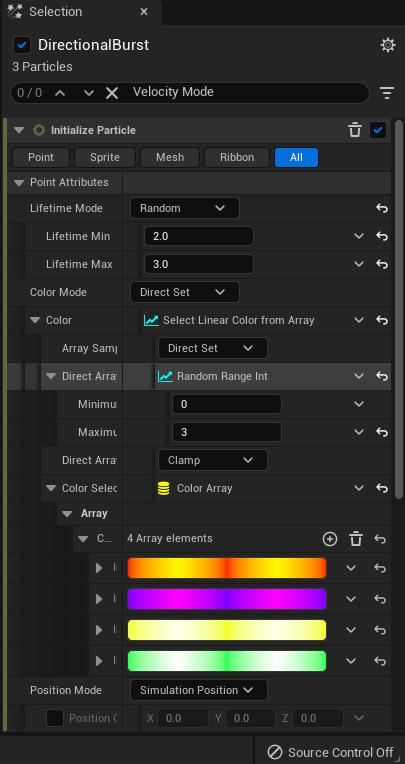
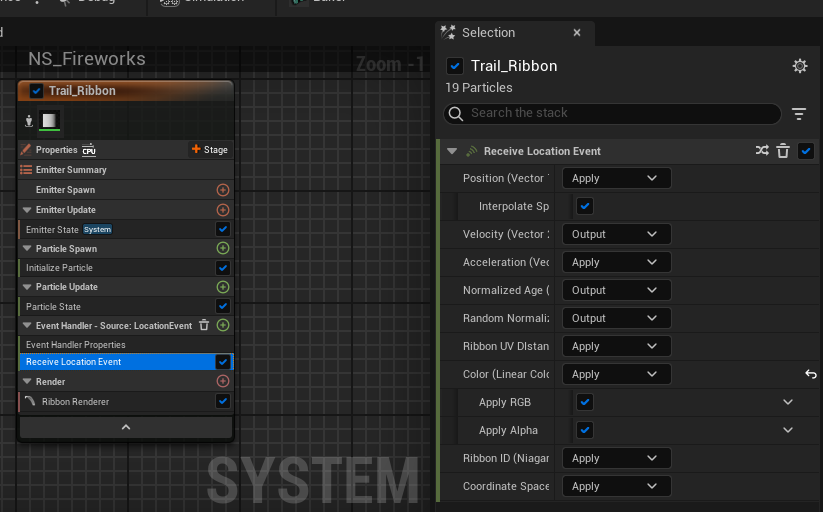
I navigated to the new emitter, and within ‘Event Handler’ and the sub-section of ‘Receieve Location Event’ there is an option to alter the attributes of the particles of the receiving emitter based on the source emitter; this is needed to change the colour of the trail of the firework to match the ‘head’.
Ahkâm (n.d.) High Resolution Lens Flare Clipart PNG Transparent Background. Available online: https://www.freeiconspng.com/img/46225 [Accessed 01/06/2024].
Alex Huang (2023) UE5 Material Star Effect – Tutorial. Available online: https://www.youtube.com/watch?v=C4owJq-u6o0 [Accessed 29/05/2025].
Alex Huang (2023) UE5 Niagara Star Effect – Tutorial. Available online: https://www.youtube.com/watch?v=WeXTjFWEDVw [Accessed 29/05/2025].
CodeLikeMe (2022) Unreal Engine 5 Niagara Fireworks. Available online: https://www.youtube.com/watch?v=T_YtS9TnoHU [Accessed 02/06/2024].
CodeLikeMe (2022) Unreal Engine Meteor Shower Particle Effect with Niagara. Available online: https://www.youtube.com/watch?v=3Rpi-ky2fTI [Accessed 01/06/2024].
FX Cat UA (2022) Realistic Starter VFX Pack Vol 2 [Unreal Engine Marketplace]. Available online: https://www.unrealengine.com/marketplace/en-US/product/realistic-starter-vfx-pack-vol [Accessed 01/06/2024].
Gono (2022) [UE5 Niagara] How to make FOG, MIST and DUST. Available online: https://www.youtube.com/watch?v=-_0s0vaNrL8 [Accessed 29/05/2025].
RainRainFX (2023) unreal Bubble particle niagara tutorial | download files. Available online: https://www.youtube.com/watch?v=6tL0PUsLgYM [Accessed 03/06/2024].