Design Process
Landscape
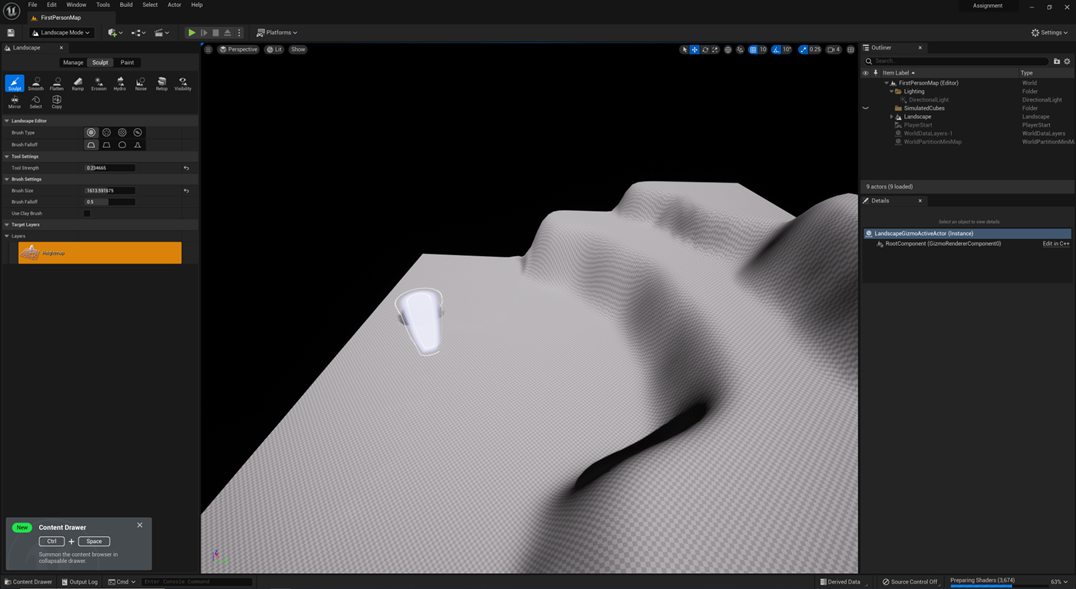
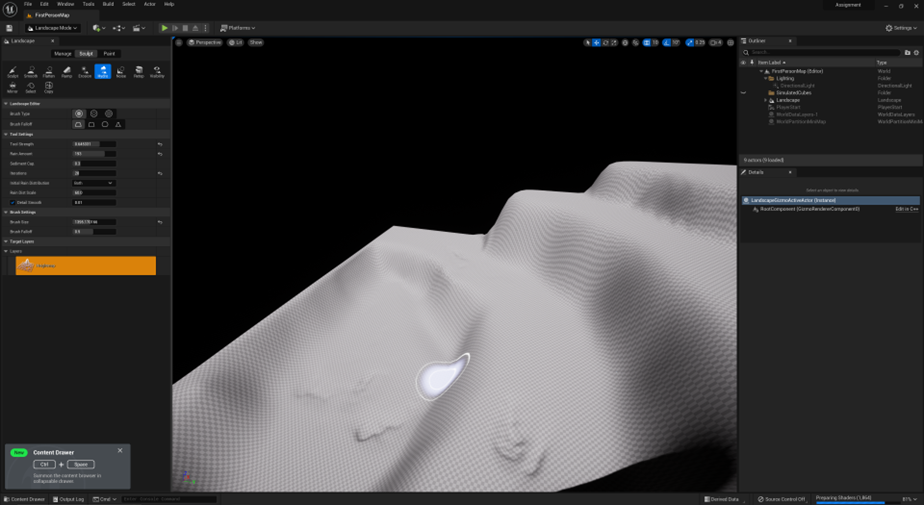
To begin with, I first started to sculpt out my landscape in ‘Landscape Mode’. I experimented with the different tools such as ‘Sculpt’, ‘Flatten’ and ‘Smooth’ to create the overall layout. With these tools, I was able to create a higher surface and flatten to create an even surface and smooth the edges of the landscape. Because my environment is a swamp, I used the ‘Hydro Tool’ to create small pits to mimic the rain effect on the ground.
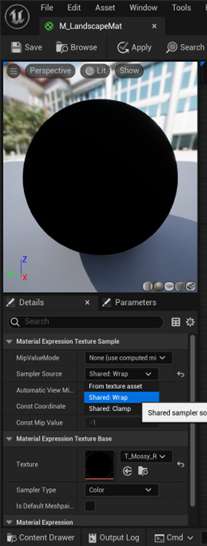
Once I had completed sculpting my landscape, I create a new material and applied it to the landscape. When attempting to paint using the added surfaces, I came across a problem where the textures wouldn’t load; to solve this, I opened the material editor and selected all the texture samples and switched the sampler source to ‘Shared Wrap’.
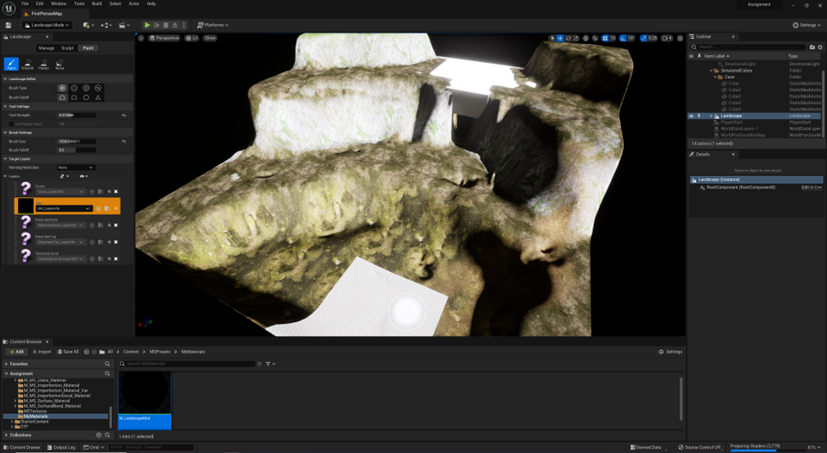
When applying paint to the landscape, it is apparent that the different layers of paint appear out of place. To ensure that the landscape looks natural, I used the smooth tool to blend the layers together.
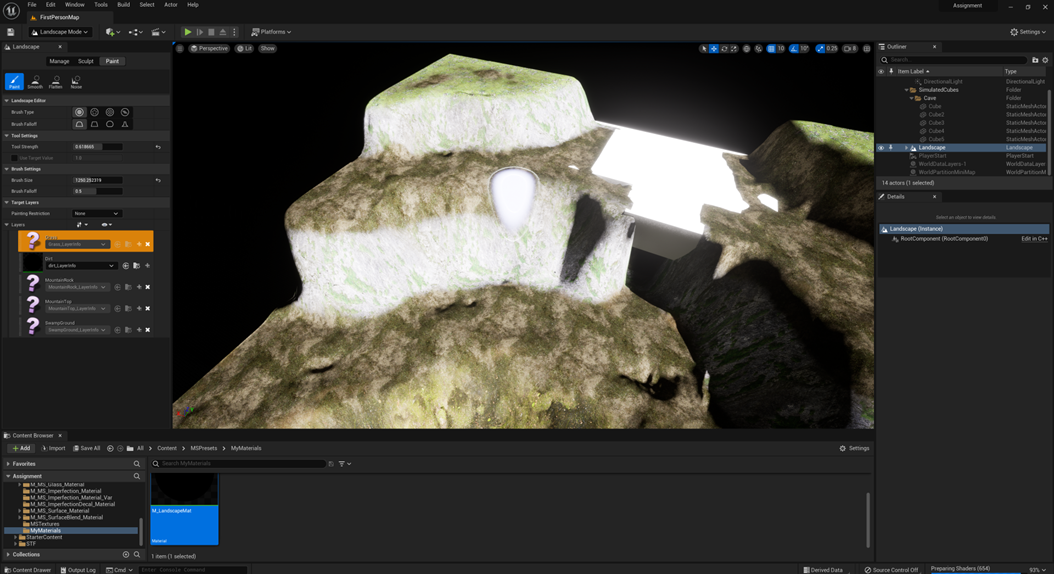
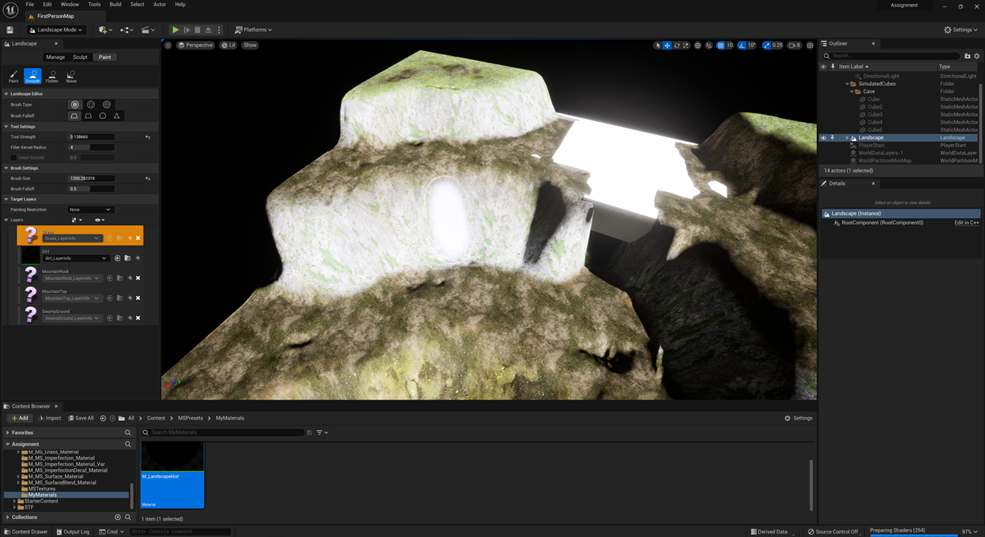
When painting on the layers, I thought that the surfaces that I picked seemed out of place. I decided to remove the dirt, mountain and mountain top layers, and replace them with a different surface. For the grass, the dirt was too light, so I decided to choose a mossy ground surface which I would then blend into the grass. The mountain cliff surface was extremely light and clashed with the swamp environment which is supposed to be dark, so I switched it out for a mossy rock surface. Rather than having a mountain top surface, I decided to stick with the layers I was already using for the ground landscape.
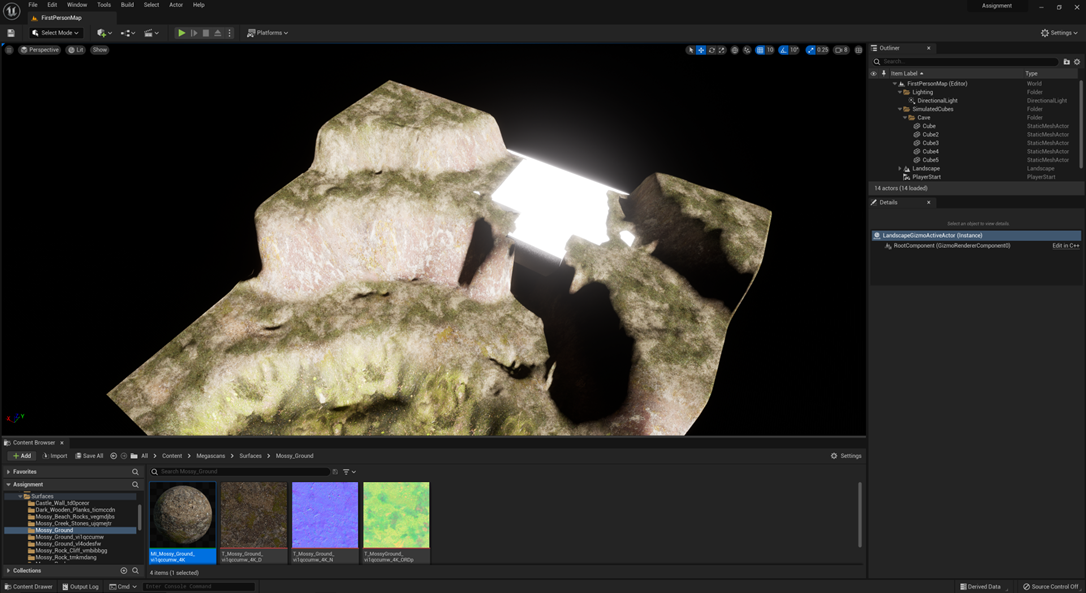
Once the sculpting was completed, I used found assets to decorate the exterior landscape. I added quarry cliffs for the sides and foliage on the ground.
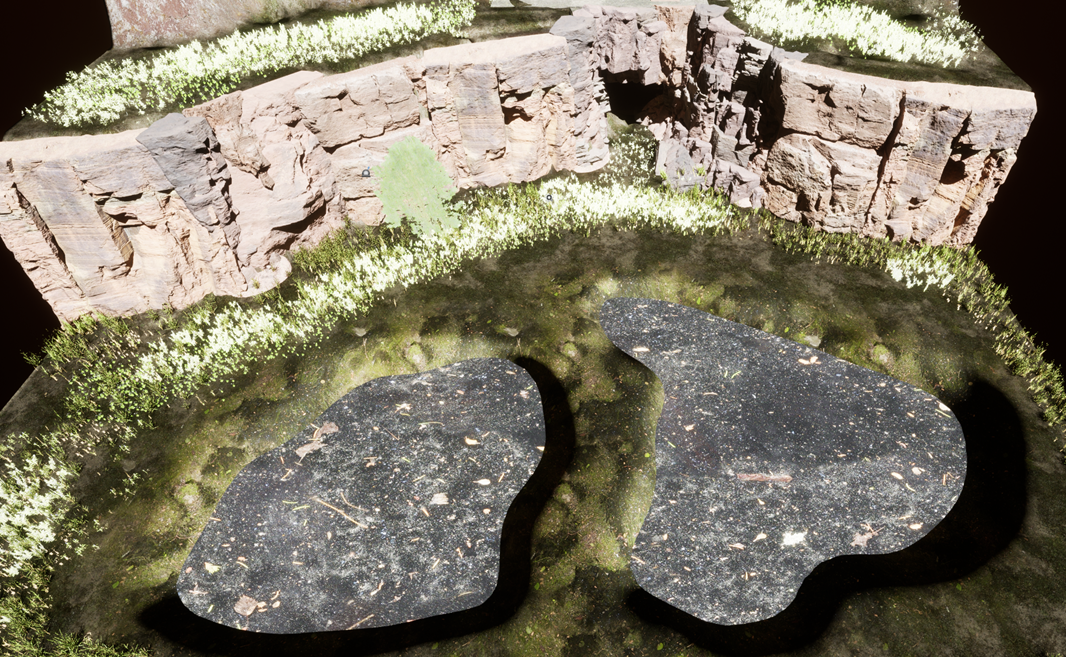
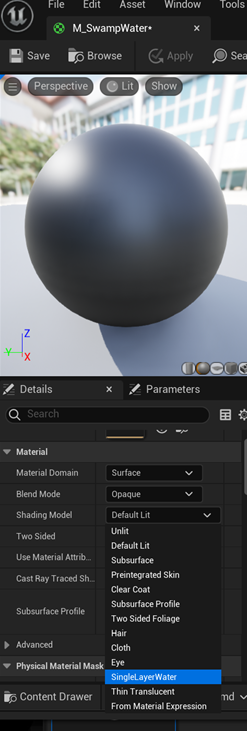
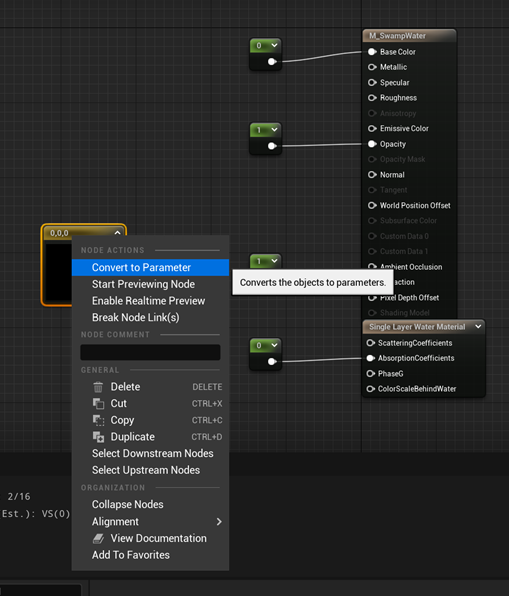
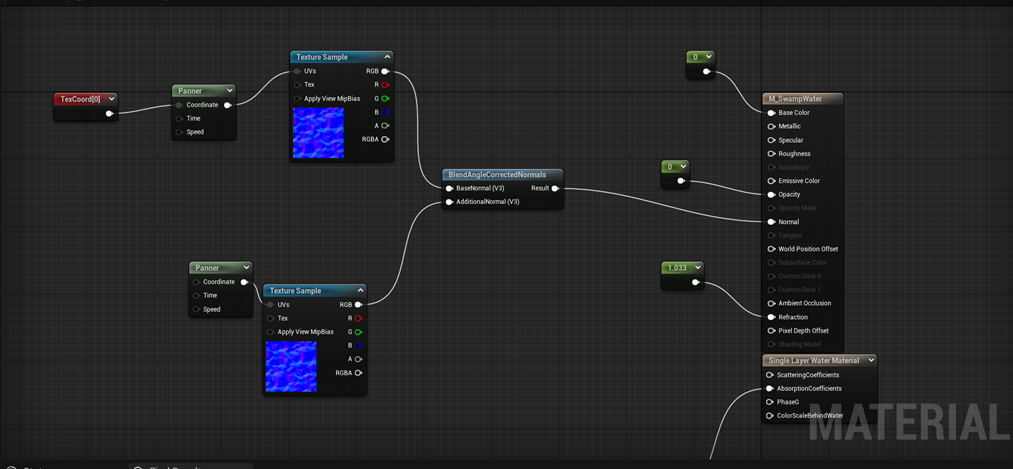
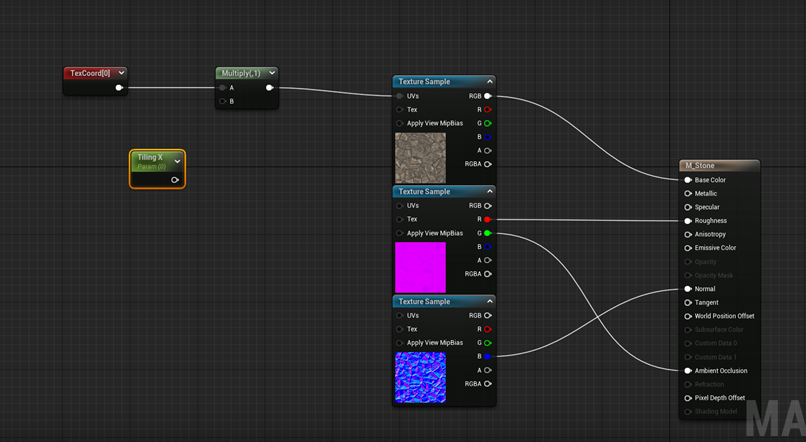
I followed a tutorial to create water(), the first step was to create a material. Once the material editor was opened, I added 4 notes and a parameter. I added the desired texture sample, panner, texcoords and blended them to create the water-like movement.
Cottage
In my environment, I have decided to add a witch cabin to complete the narrative of a witch living in the swamp. I experimented with different assets of wood and stone.
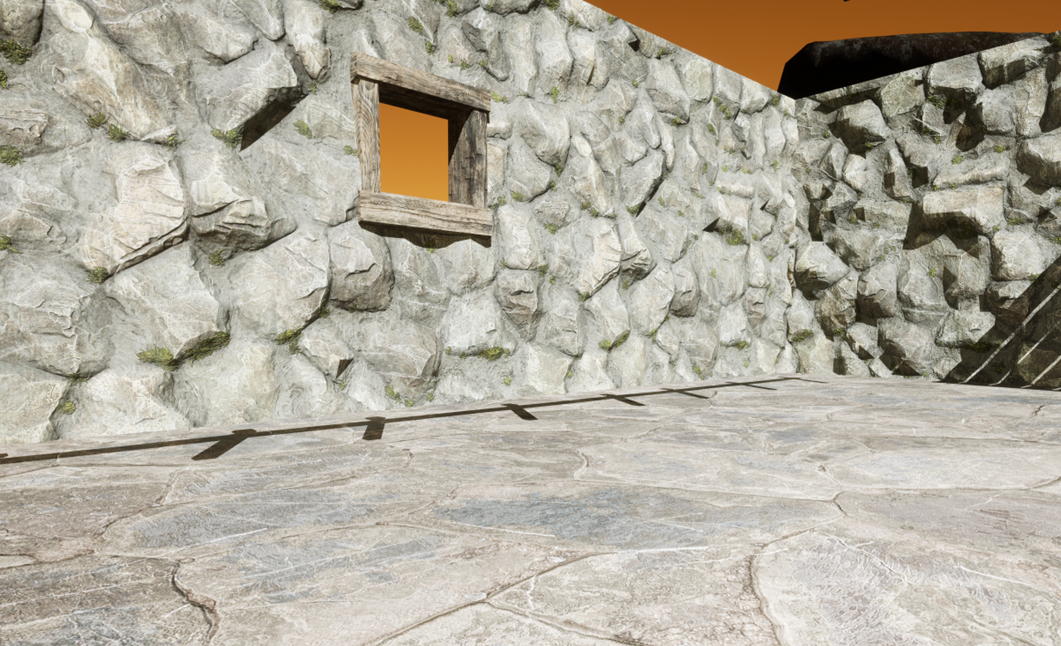
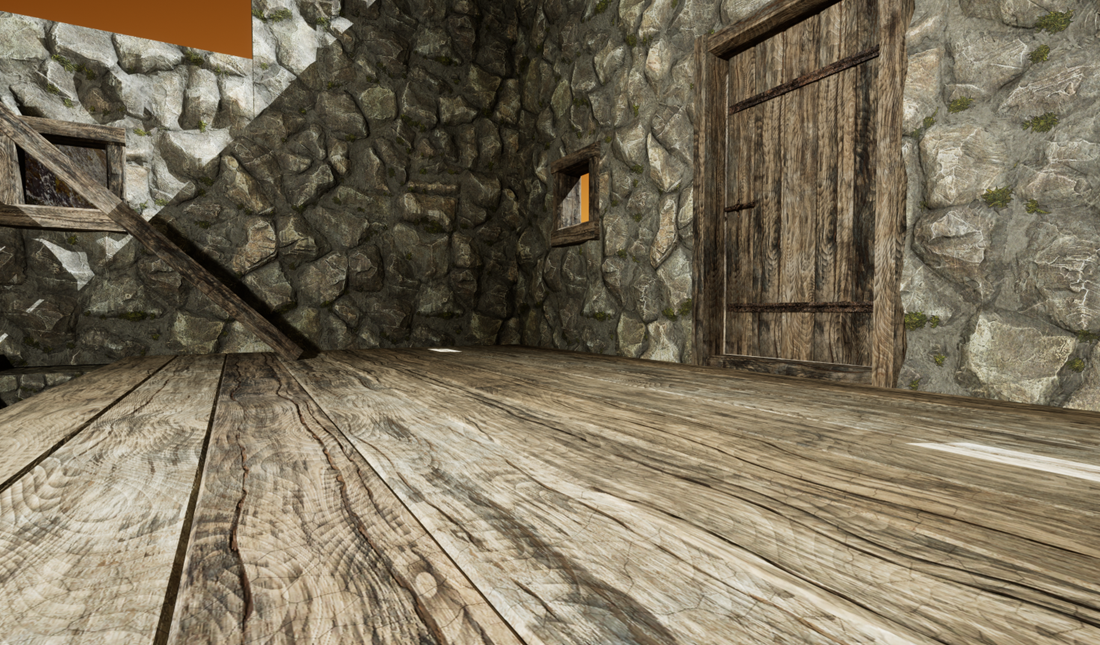
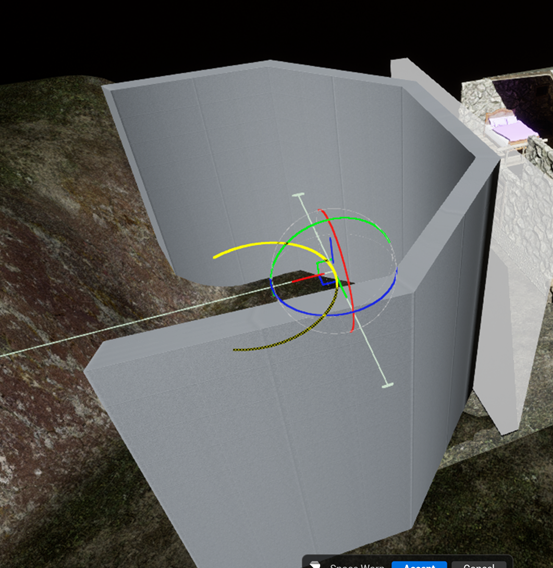
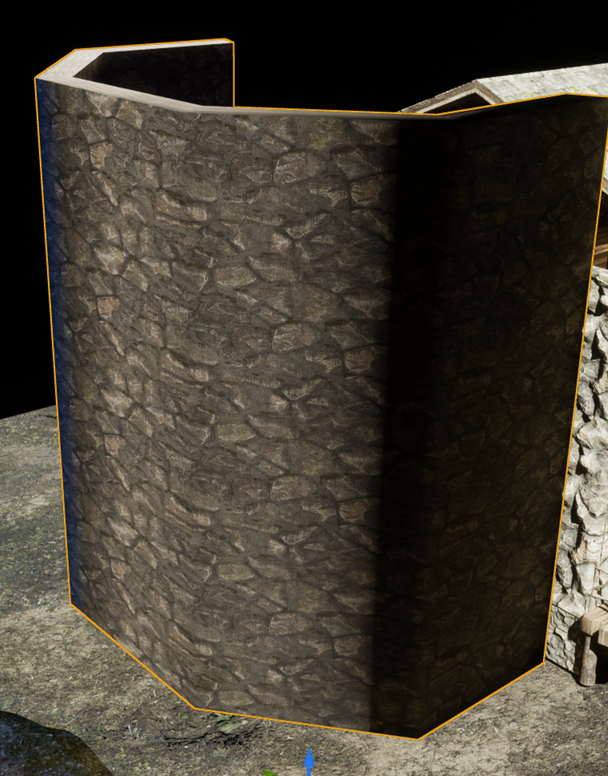
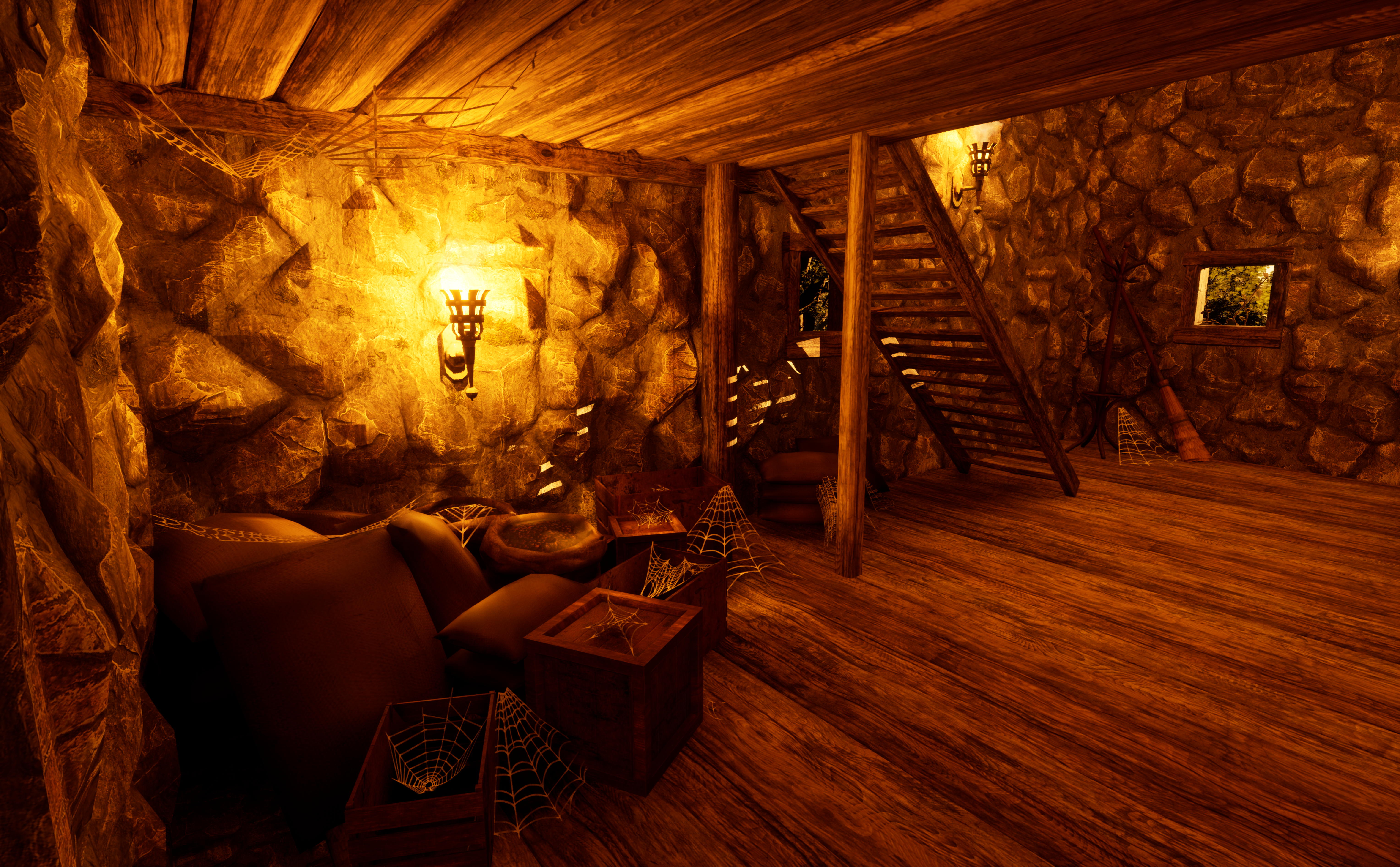
For the potion room, I added a box in modelling mode. I then selected PolyEd then selected the top face and the front face and scaled them to make the box bigger. Using the same tool “PolyEd”, I inserted edge loops into the box. I altered the options to create evenly spread out edge loops on the top face of the box. Changed the number of loops to 4. Then scaled on the red line to enlarge.
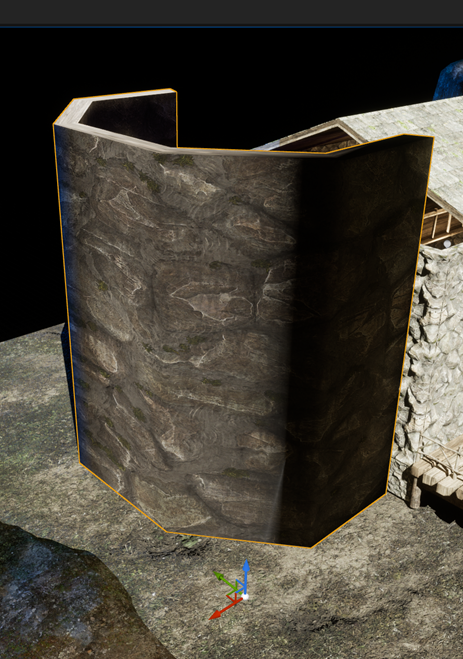
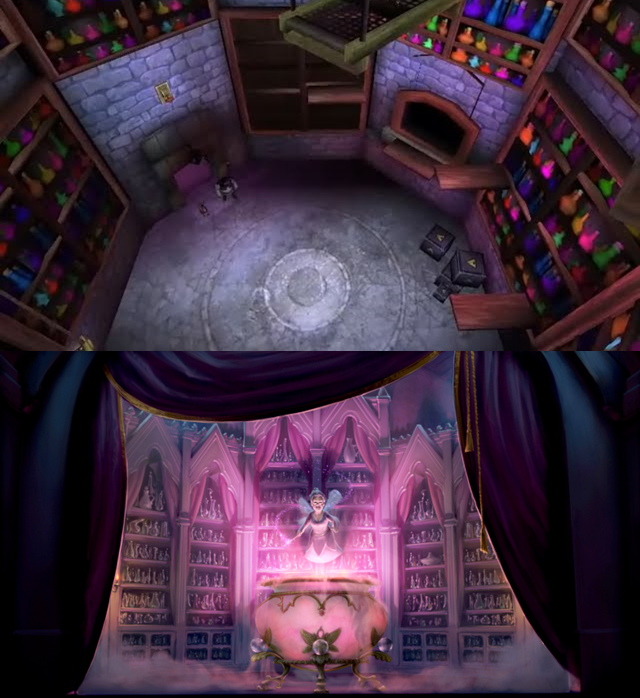
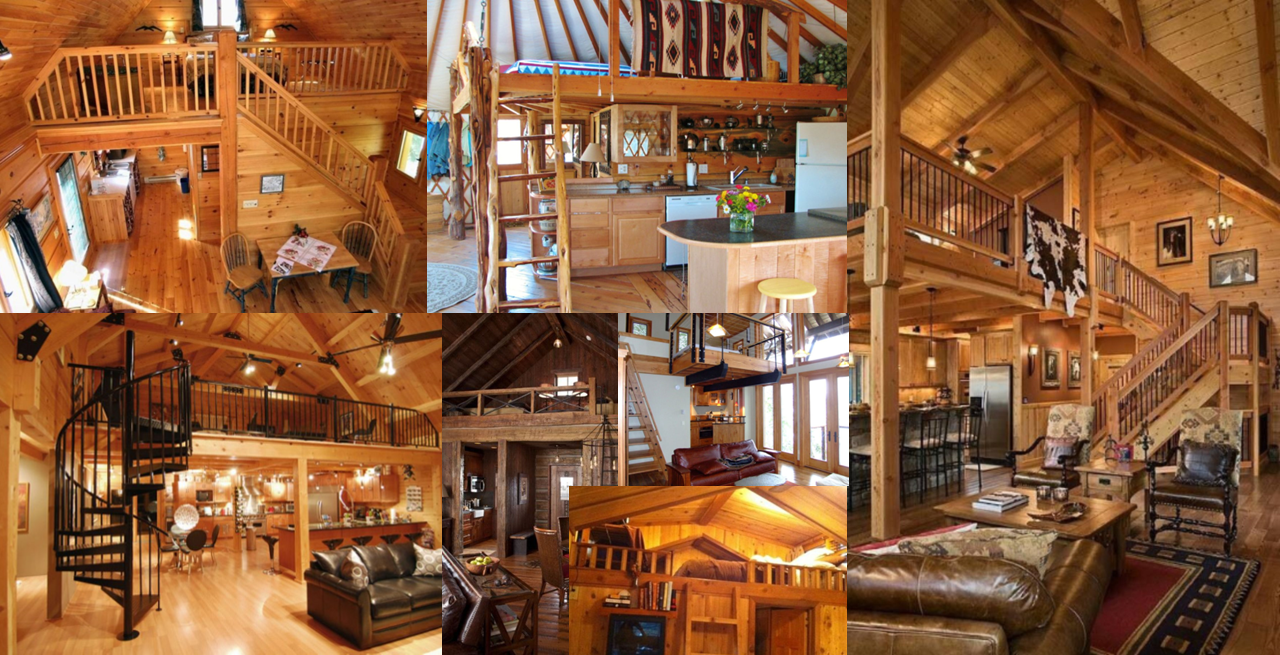
When creating the witch cabin for my environment, I used references from Shrek 2 to design the tower-like building next to the cabin and give inspiration for the layout of the room and used references from a log cabin for the structure of the building.
Particles
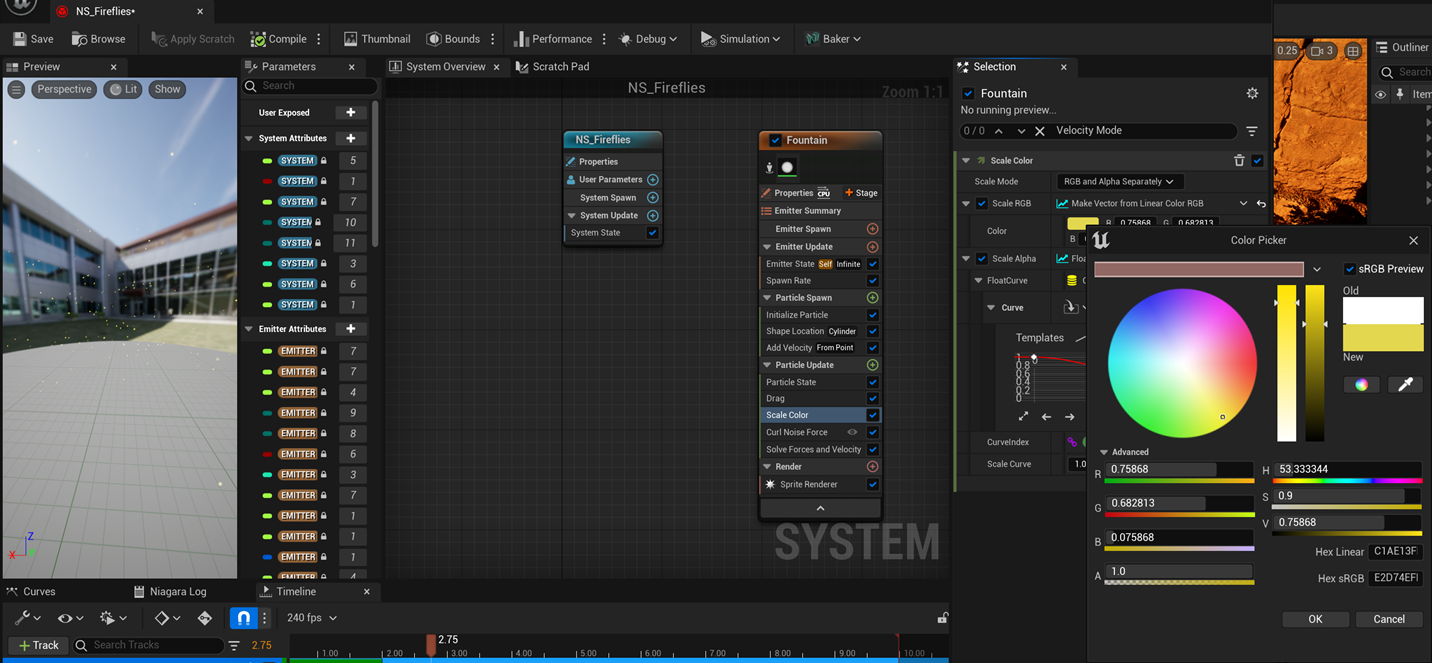
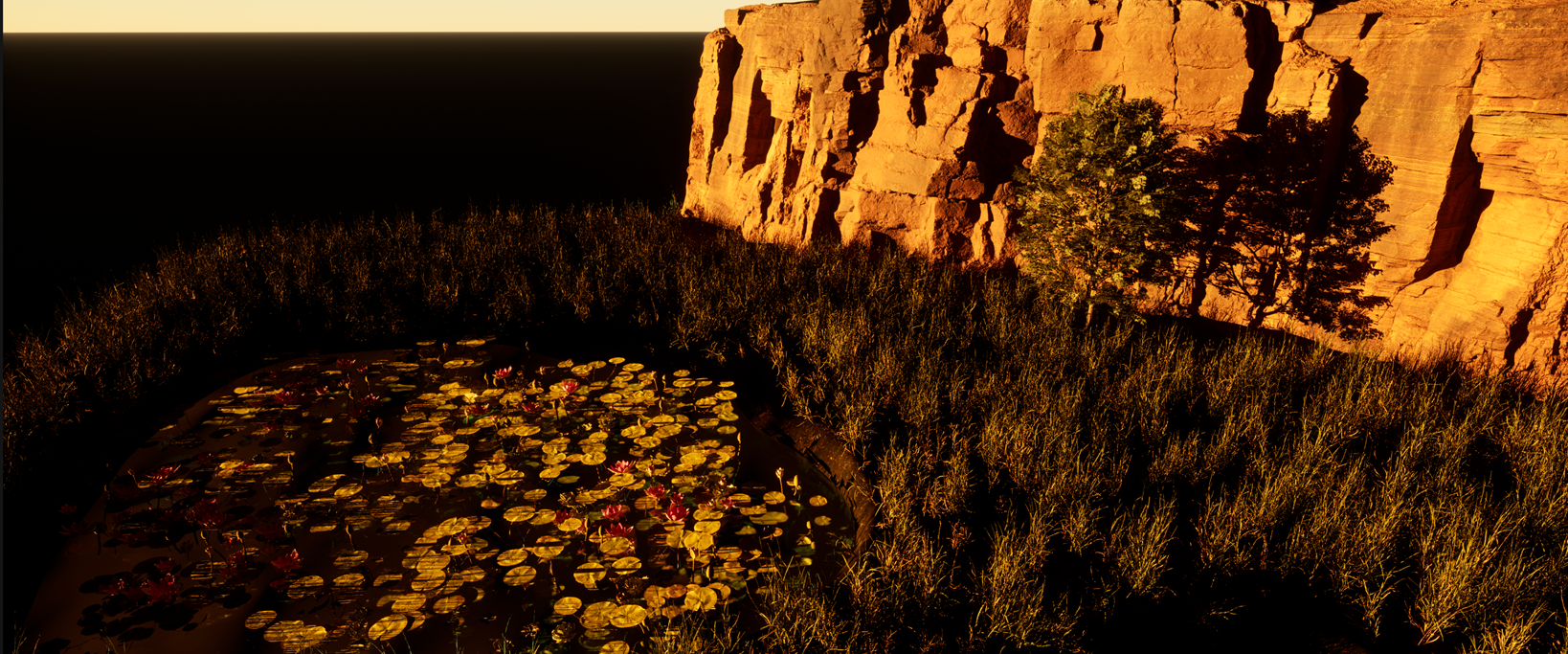
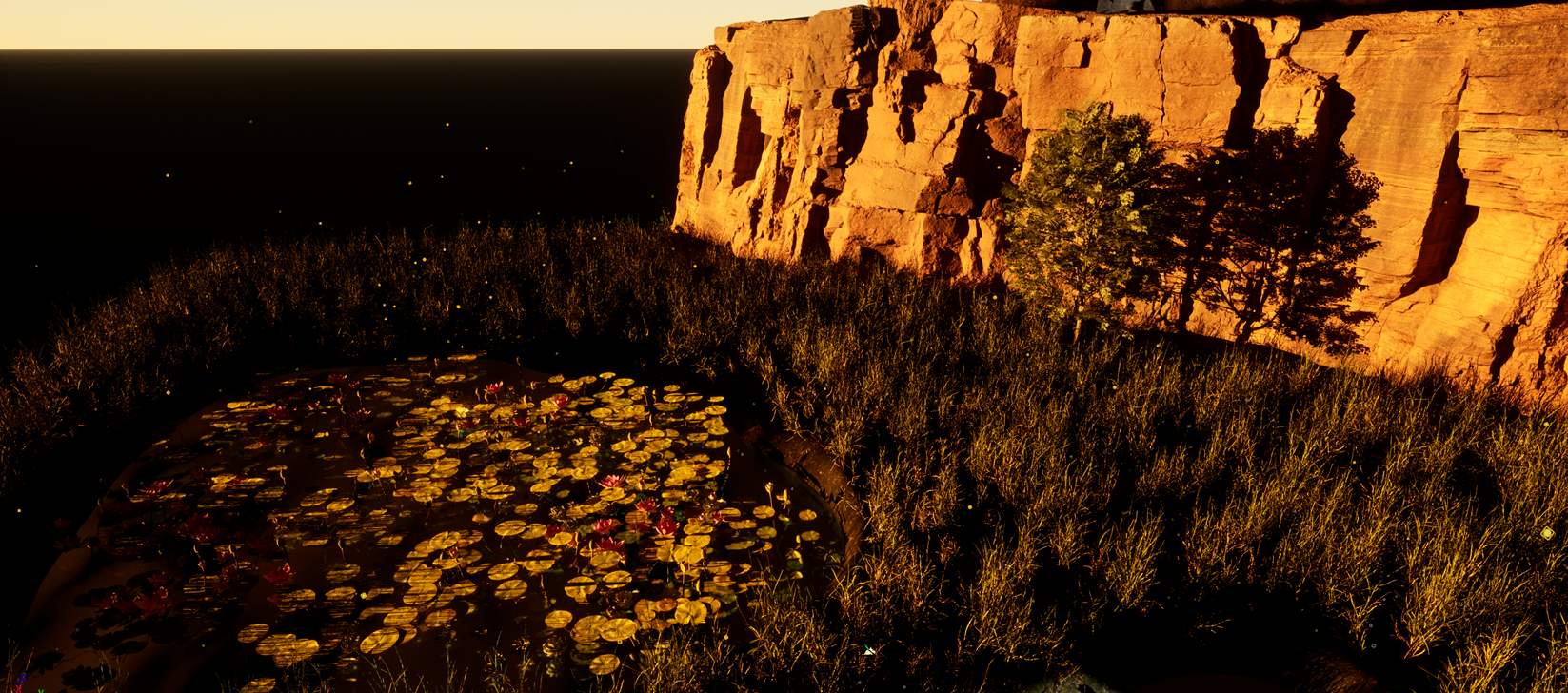
In a swamp environment, I wanted to fireflies to be included to give the environment some personality. To do this, I created a Niagara system and added the fountain emitter. When opening up the editor, I ticked the “Local Space” emitter under properties and experimented with the spawn rate, switching it from 90 to 500. Under the category particle spawn and within shape location, I changed the shape primitive from sphere to cylinder and altered the height and radius. Switching to the add velocity tab, I changed the velocity mode from “in cone” to “from point” and changed the minimum and maximum speed then deleted the gravity. And adjusted the drag value. Added curl noise force and altered the set range to random between 300 and 850.
Furnishing
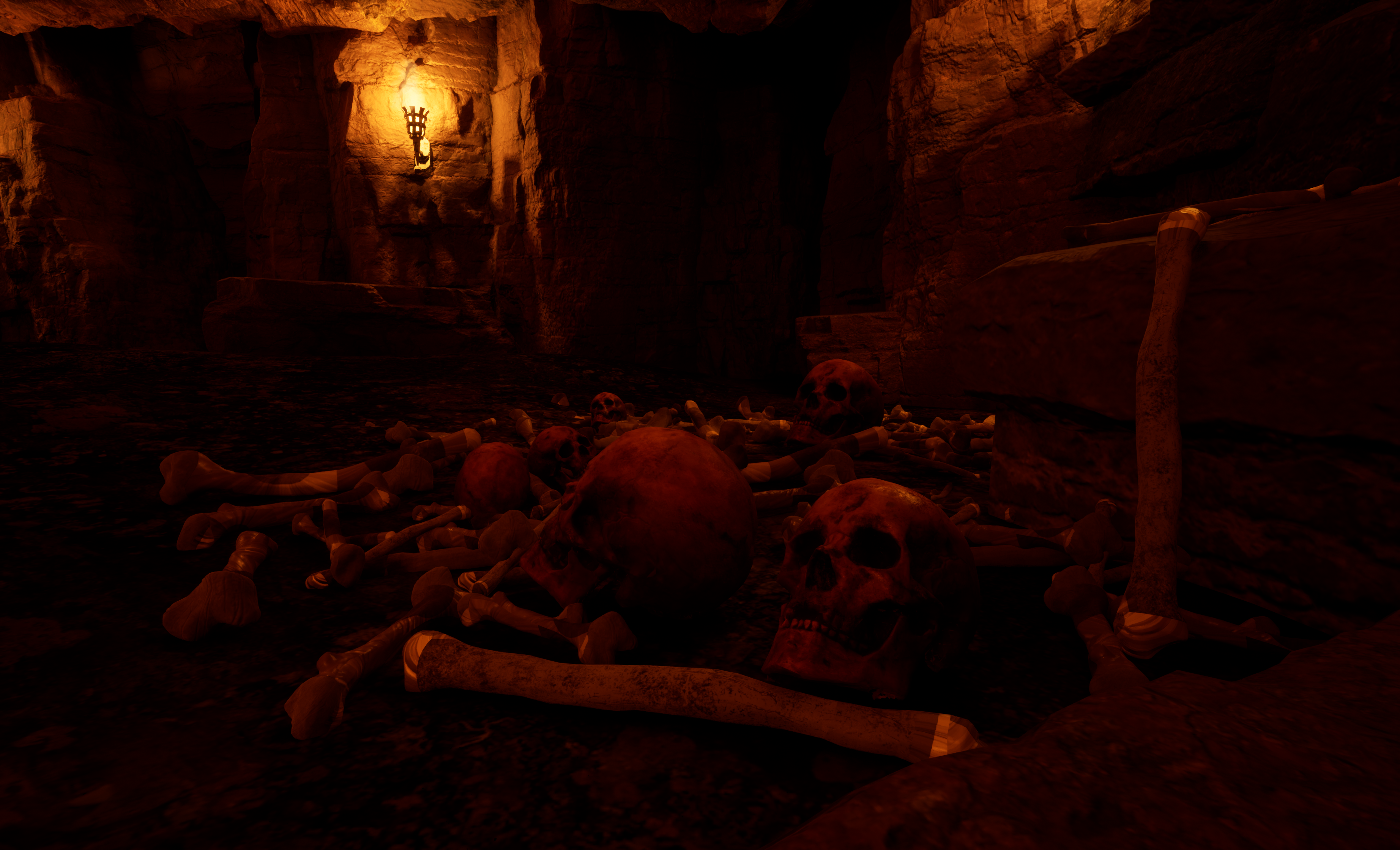
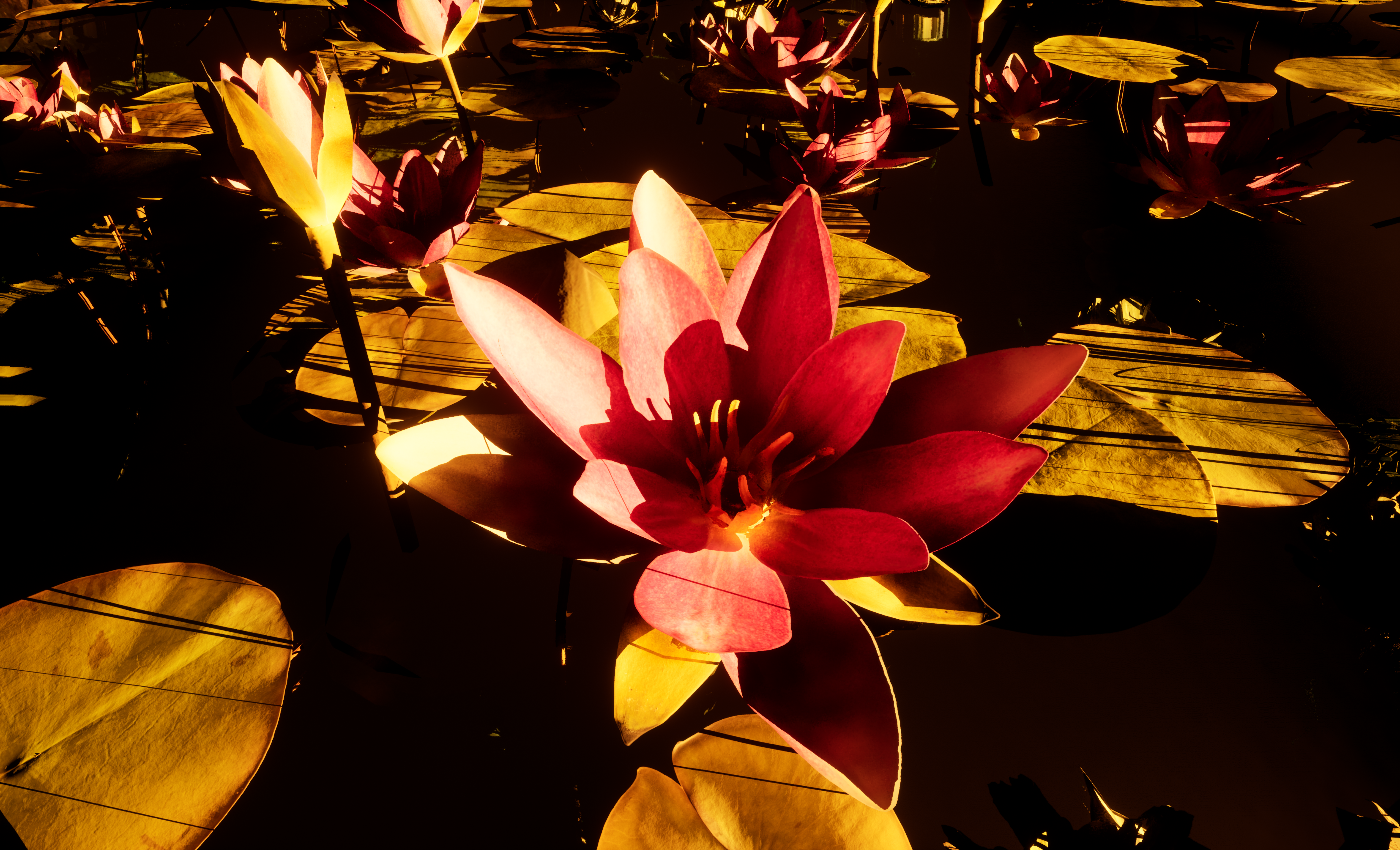
During the design process, it was important to consider the assets that I implement in my environment. The narrative that I wanted to tell is a witch residing in a swamp, who lures children and sacrifices them to use as an ingredient for a potion to keep her young and beautiful; combined with another ingredient, the lotus flowers which is symbolic of rebirth and beauty which I also added into my environment. Below her cabin situates a cave with skulls and bones scaled small to regular size to imitate a child’s skull.
The assets that I have added into my environment all play their own part to help me tell the narrative of the swamp and the witch who resides within. I have carefully selected my assets and added potion bottles, spell books, and jewelry to inform the audience that a witch resides within the cabin; along with regular assets such as kitchen and dining utensils for the daily lifestyle of the witch.
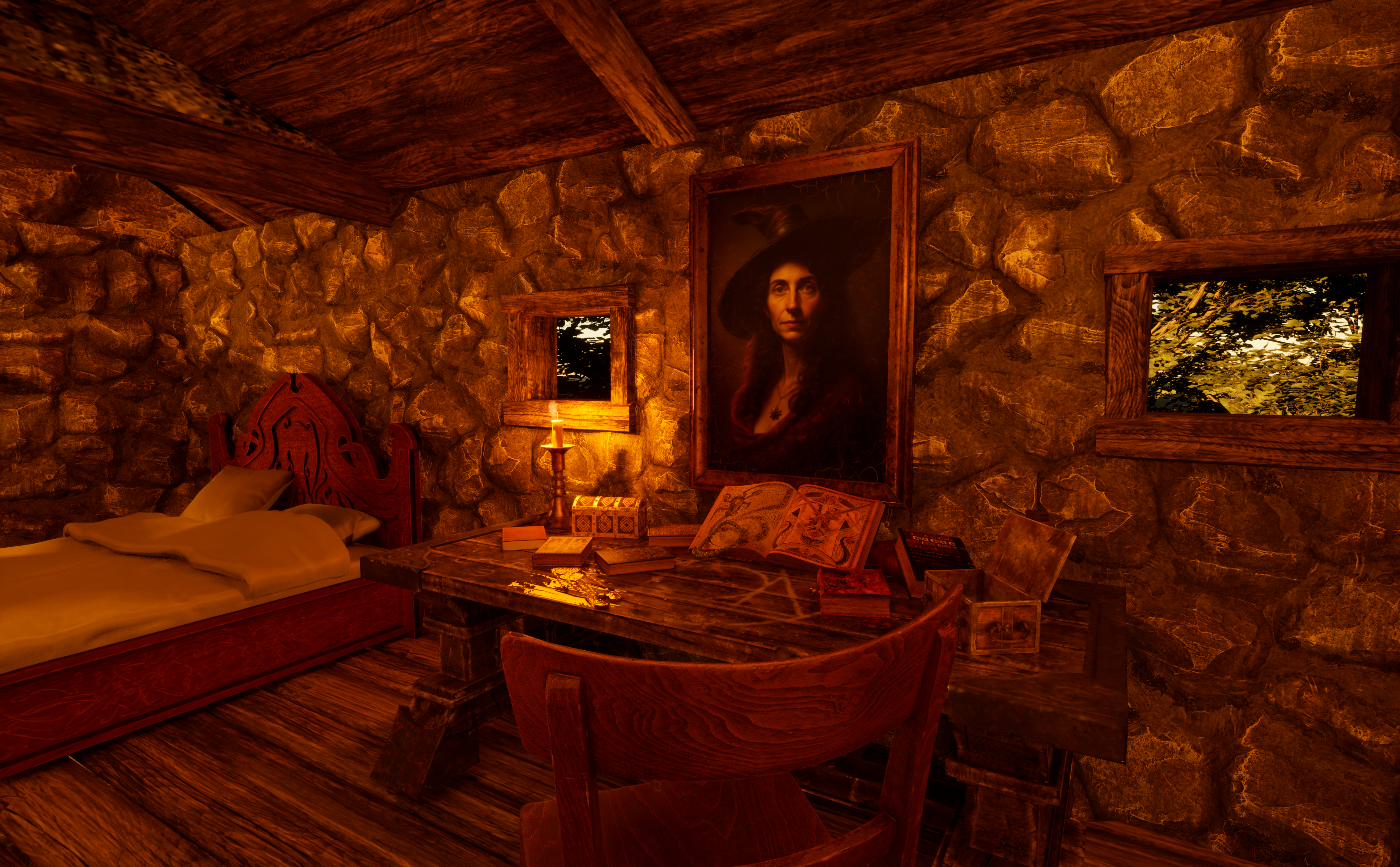
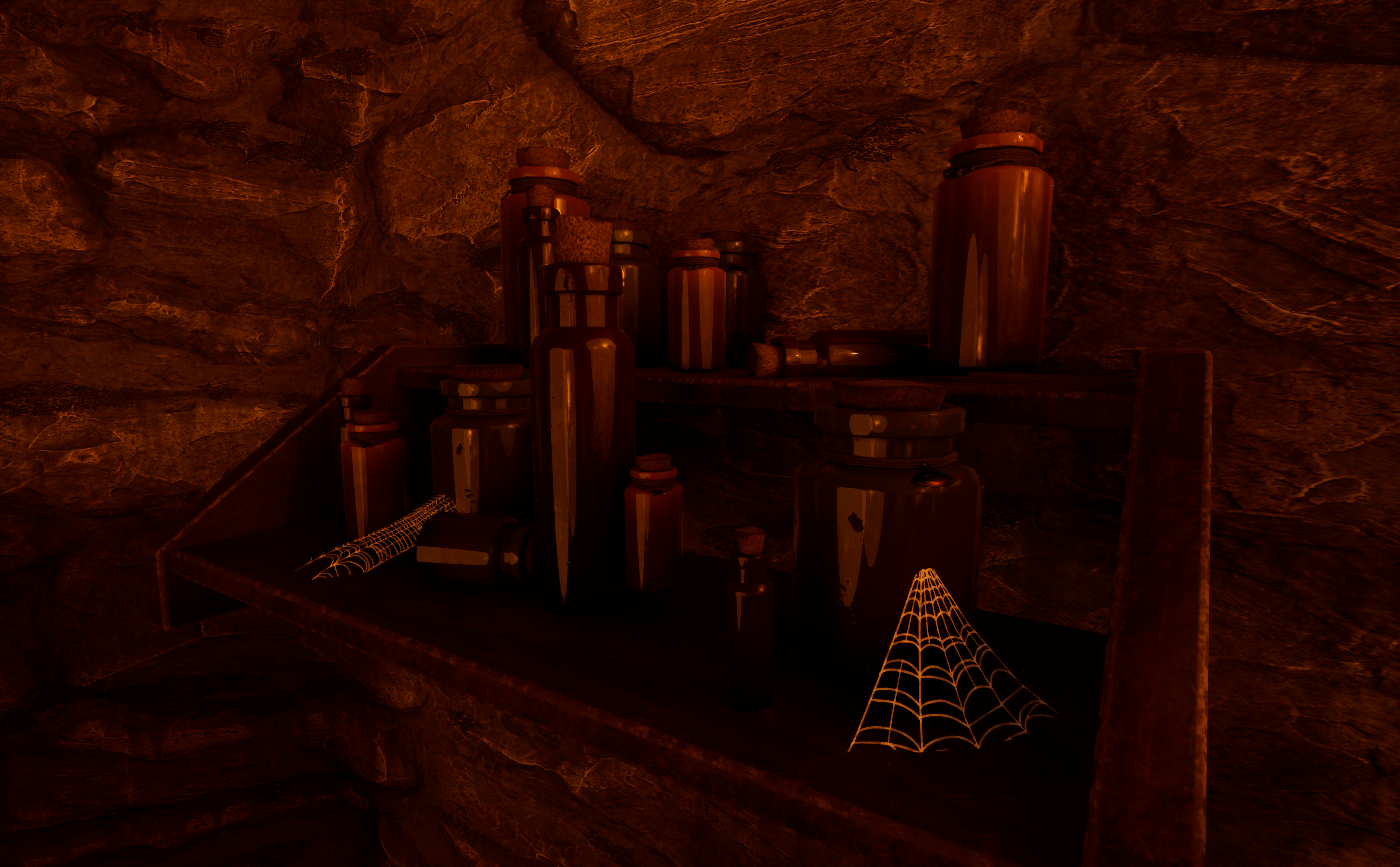
Throughout the interior, I implemented the use of cobwebs to express the witch’s personality.
Sound Effects
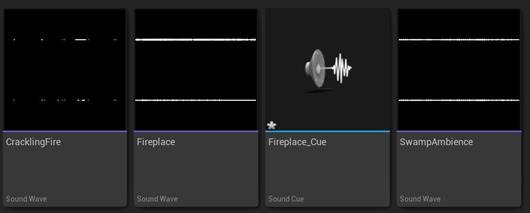
As for the sound effects, I used 3 SFXs:
- Crackling fire (Sauron974, 2022)
- Fireplace (lurpsis, 2021)
- Swamp ambience (mariethompson, 2022)
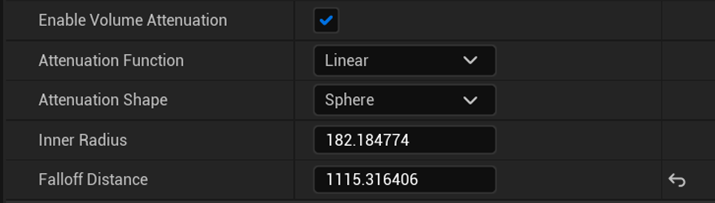
As well as implementing music (SoulProdMusic, 2022) in the video editor. Starting with the fireplace SFX, I right-clicked and press create cue. Then dragged and dropped it into the scene. With the override attenuation ticked to true, it allows me to control how far the sound can travel. Then I lowered the inner radius and falloff distance, and kept experimenting with the falloff distance.

PrismaticaDev (2021) Single Layer Water | 5-Minute Materials [UE4/UE5] [Video]. Available online: https://www.youtube.com/watch?v=KLl3PZeupFM [Accessed 01/05/2023].
D P Gaming Magic (2020) Shrek 2 PC Game Chapter 3 Fairy Godmother’s Factory No Commentary [Video]. Available online: https://www.youtube.com/watch?v=MC9vVWYDsms [Accessed 22/04/2023].
Peter Zaslav (n.d.) Shrek 2. Available online: https://www.peterzaslav.com/#/shrek2/ [Accessed 22/04/2023].
Logcabin (2021) A Cabin Loft Creates a Cozy and Creative Space. Available online: https://log-cabin-connection.com/cabin-loft.html [Accessed 24/04/2023].
Sauron974 (2022) Crackling Fire [SFX]. Available online: https://pixabay.com/sound-effects/crackling-fire-14759/ [Accessed 03/05/2023].
lurpsis (2021) Lit Fireplace [SFX]. Available online: https://pixabay.com/sound-effects/lit-fireplace-6307/ [Accessed 03/05/2023].
mariethompson (2022) swamp at night with crickets and cicadas2 [Ambience]. Available online: https://pixabay.com/sound-effects/swamp-at-night-with-crickets-and-cicadas2-27687/ [Accessed 03/05/2023].
SoulProdMusic (2022) Bewitched [Music]. Available online: https://pixabay.com/music/beats-bewitched-121509/ [Accessed 03/05/2023].