Compiling Sequences
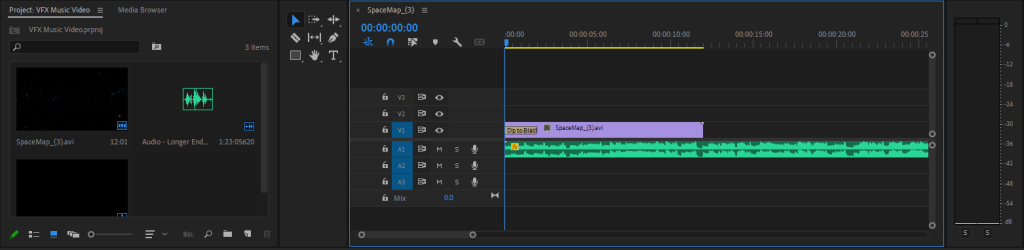
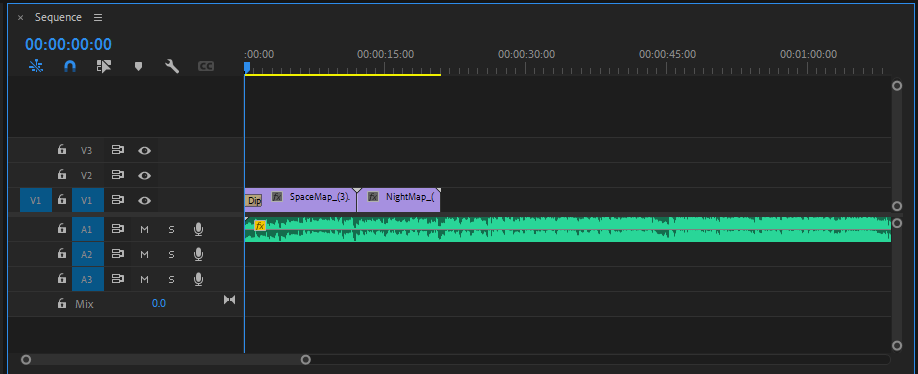
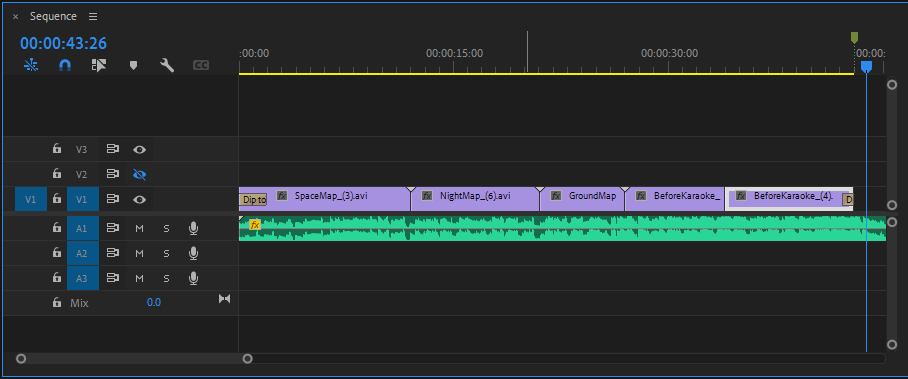
Editing
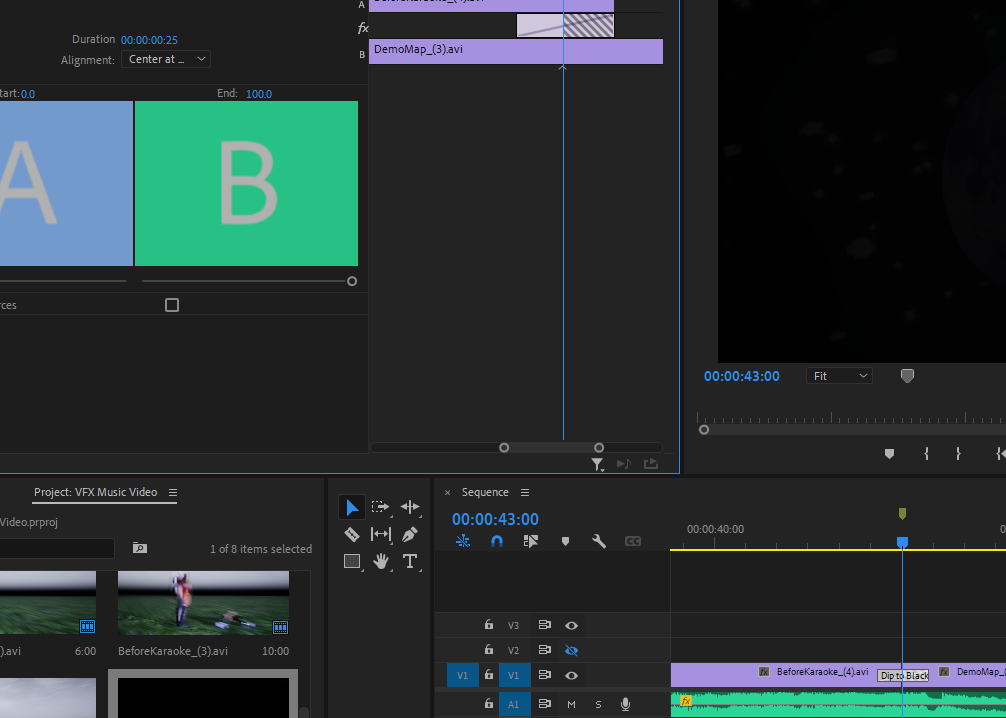
Adding a fade to black between the two clips.
Animations
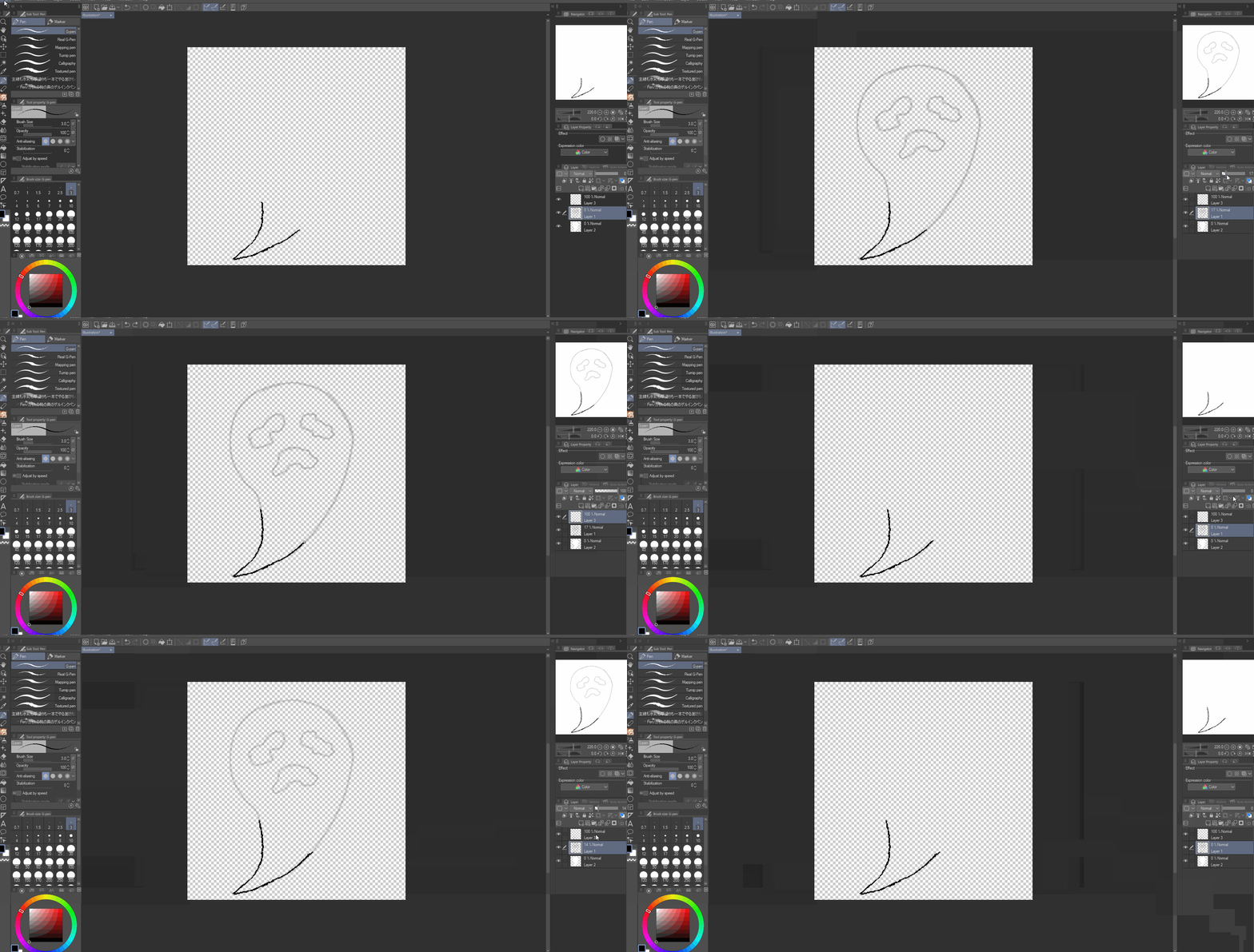
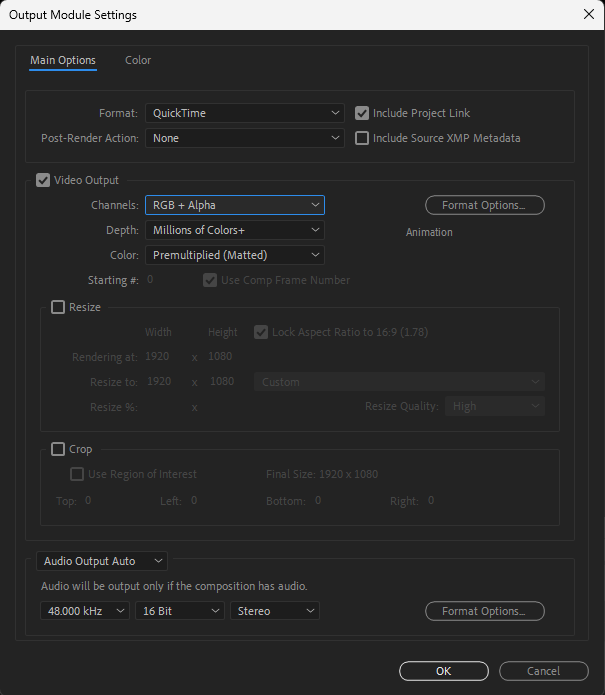
Once I had finished drawing each frame, I imported the PNGs into Adobe After Effects and exported as an animation. When rendering my animation, I noticed that the rendered animation does not export with transparency; to fix this issue, I updated the ‘Output Module Settings’ as shown below and rendered again.
Once I was satisfied with the rendered animation, I imported the video my Premiere Pro project and inserted the video when the animation should play. I also noticed that the video was slightly longer than the shot that it’s in, so I decided to shorten the duration.
Furthermore, I also needed to adjust the position of the animation as well as the scale in order for it to fit the sequence.
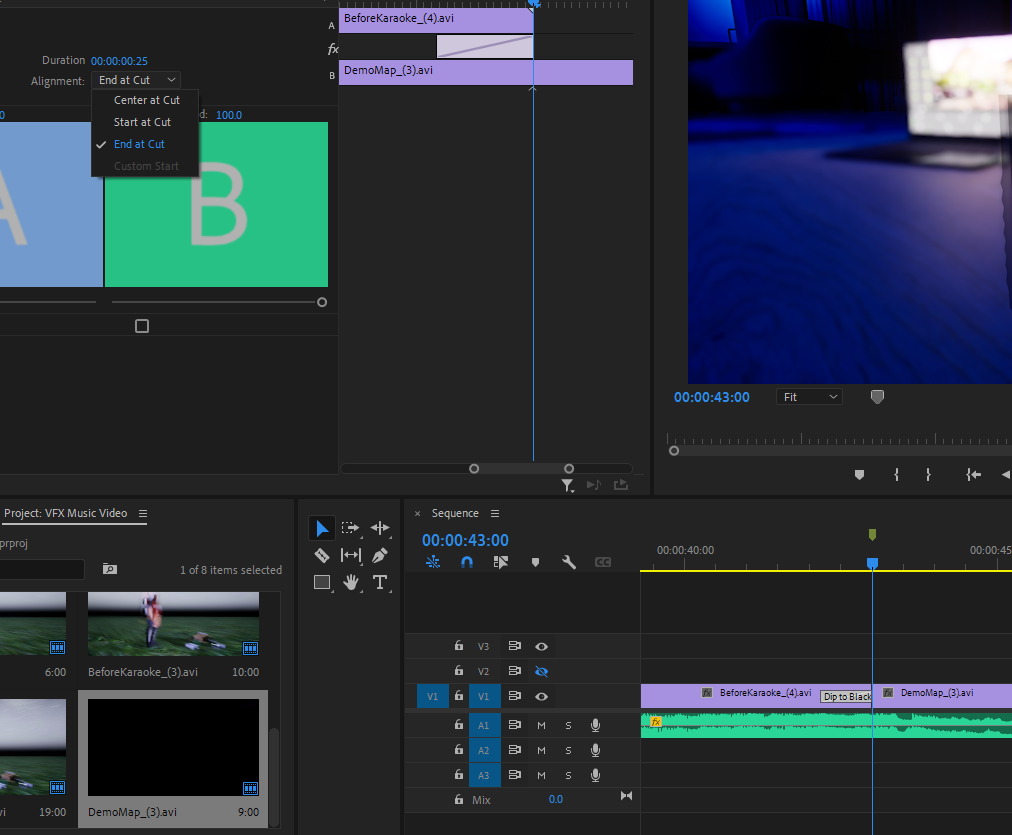
As I had planned for this music video to tell a romance story between the two characters, I wasn’t satisfied with a basic fade-to-black transition for the next sequence; this is because I wanted this specific sequence to be introduced as a flashback scene, so a normal fade-to-black wouldn’t indicate to the viewer that it was a flashback.
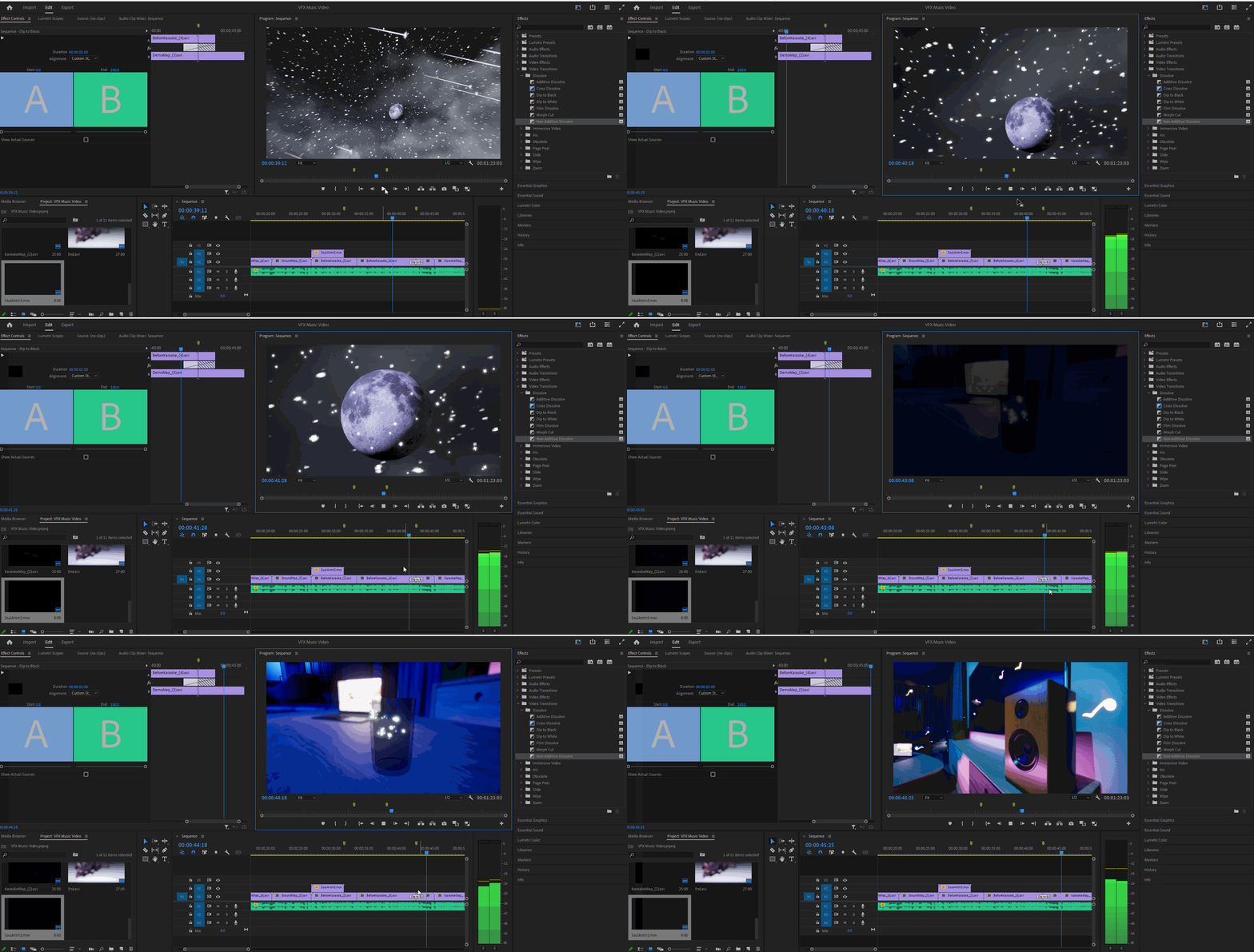
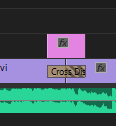
To create a flashback effect, I first deleted the fade-to-black transition effect and replaced it with a ‘Cross Dissolve’ effect instead. As the name suggests, this effect crosses the two sequences and creates an overlay appearance as it fades from one sequence to the other.
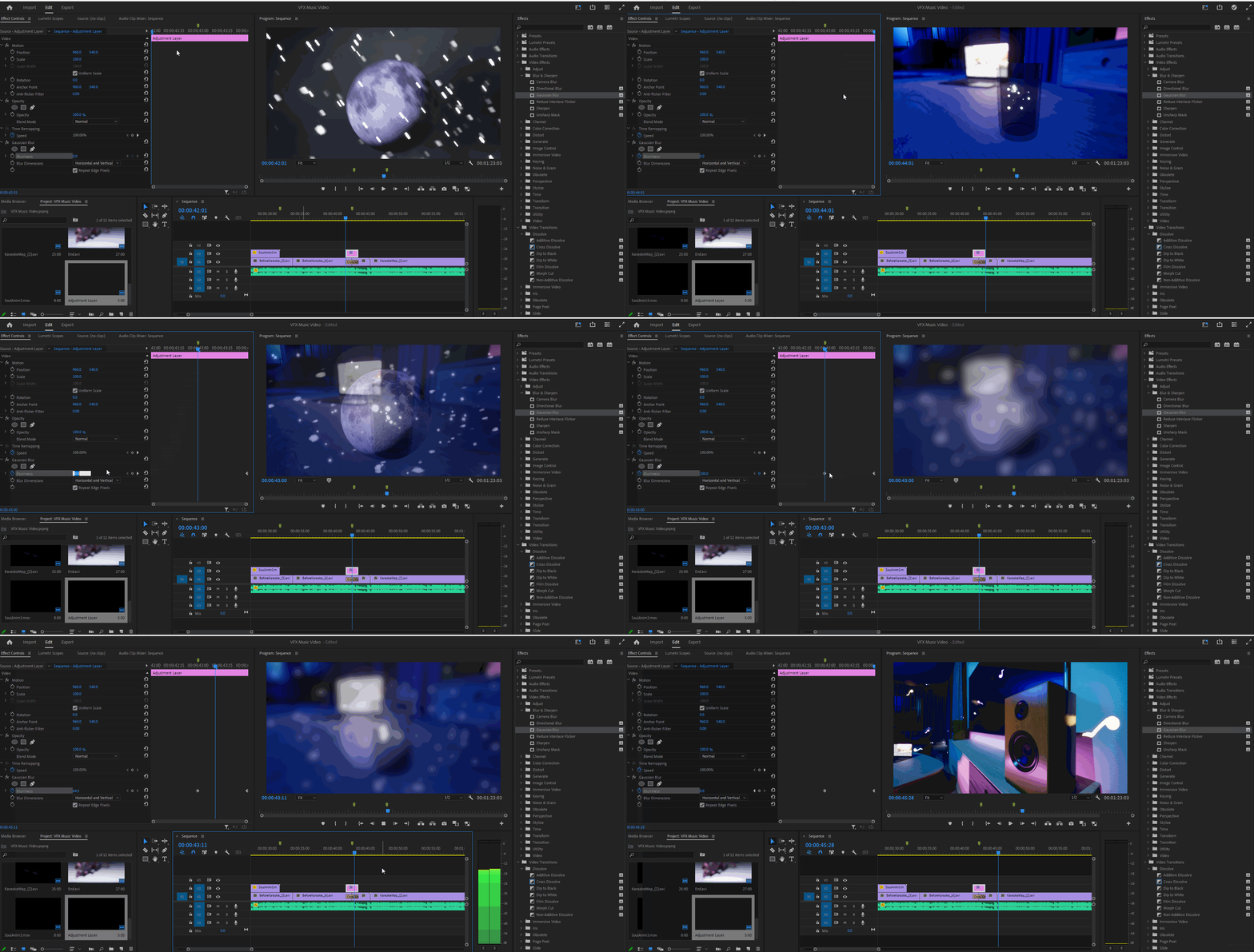
By combining this effect and adding an ‘Adjustment Layer’ and overlaying that on top of the sequence and adjusting the duration to match the ‘Cross Dissolve’ transition effect, I can add a blur effect to the adjustment layer and create the flashback transition that I had hoped for.
Using the same method, I applied it to the two sequences that segues out of the flashback scene.
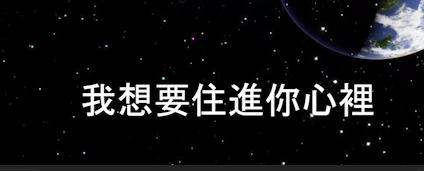
Once I was happy with the transitions between the sequences, I decided to add text into the project for the lyrics. I used the ‘Text’ tool and clicked on the workspace to create a graphic. With the graphic created, I entered the text for the lyrics and added a ‘Film Dissolve’ effect to the graphic to make the text fade in and fade out once the line is finished.
Additionally, I noticed that the font style of the default font was a little too blocky for the style of the music video that I was going for; therefore, I decided to find another font to replace it.

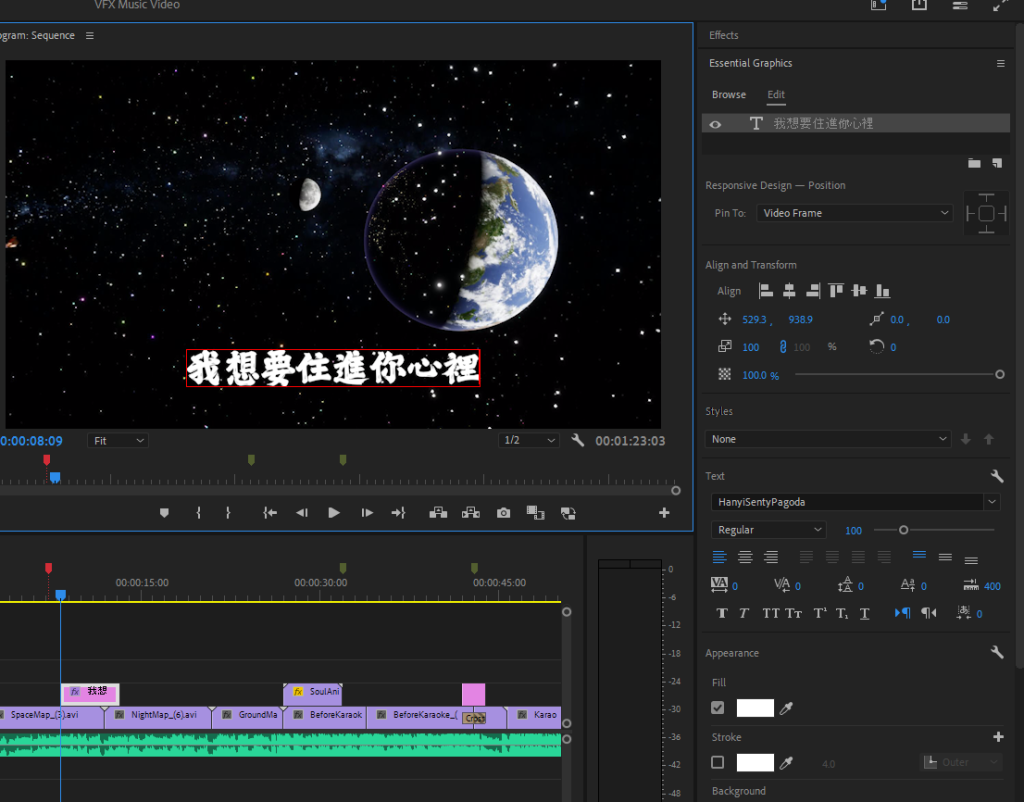
Once I added all the lyrics into the project, I used the ‘Align and Transform’ tool to align the text at the centre of the video.
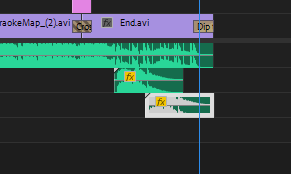
After I finished adding the lyrics, the final thing that I needed to do is to import the fireworks SFXs (AudioCoffee, 2023) that I downloaded into Premiere Pro. Once I did this, I navigated to the end sequence where the fireworks begin and added the SFX into the sequence.
AudioCoffee (2023) New Year Fireworks (Sound3). Available online: https://pixabay.com/sound-effects/new-year-fireworks-sound3-180204/ [Accessed 23/05/2024].
Chinese Fonts (2024) HanyiSentyPagoda Regular. Available online: https://chinesefonts.org/fonts/hanyisentypagoda-regular [Accessed 05/06/2024].